


10 Business Processes You Should Automate For Digital Workflow with eSignature Software
July 15, 2026 | Posted By Admin
Electronic Signature For Business
Summary
Digitally automate your workflows and unchain your
staff from mundane manual processes. Speed up your approvals and operational
efficiencies by implementing workflow automation for employee onboarding,
customer contracts, financial approvals, or legal documents, among others.
Implement modern e-signatures, and you can enhance compliance and security and
provide the best experience for your customers, employees, and partners. With a
reliable and capable tool like EzSignly, you can safely and securely scale your
fully digital document workflow.
Introduction
In the USA today, every business, regardless of its
sector or size, is focused on cutting down on paperwork, quickening up the
process of getting approvals, and enhancing the overall experience for its
clients and customers. The manual processes are time-consuming; they're likely
to cause delays, errors, or compliance issues, whereas digitizing the workflows
in business improves efficiencies, enhances security, and adds
transparency. Esignature software for business in USA in
general and specifically for businesses in Chicago is gaining traction as it
makes the business processes easy and hassle-free.
Why Digital Workflow Automation Is No Longer Optional
Now with digital transformation, the way businesses do everything from approvals and document management to customer communication is all changing. Before digital transformation, the business documents you were dealing with were often subject to a tedious merry-go-round of printing, scanning, posting, and chasing, which created many boring bottlenecks. Electronic signature workflows are designed to eliminate boring administrative chores and accelerate and simplify your document lifecycle. Instead of employees having to chase signatures, they are able to devote their valuable time to high-value activities.
Organizations that automate document workflows also benefit from:
- Faster turnaround times
- Improved customer experience
- Better compliance management
- Enhanced document security
- Lower operational costs
- Increased employee productivity
Digital workflow automation is not just a competitive
differentiator anymore. It's becoming a business imperative.
10 Business Processes You Should Automate Today
1. Paperless Employee Onboarding
Onboarding new employees comes with stacks of forms, contracts, acknowledgements, and policy documents. Handling these things manually means HR gets buried in a manual onboarding process. Automating your HR onboarding bundles employment contracts, tax forms, NDA paperwork, policy agreements, and more into one digital workflow. This means your new hires will be able to sign all of their employment forms regardless of their location – even before they've started.
2. Digital Contract Management
Sales teams waste precious hours waiting for unsigned proposals, service agreements, and contracts to come back. Automated workflows automatically email customers documents once the negotiation has concluded. Customers receive secure signing links, sign them, and we store the completed copy for them. Now the sales cycle is faster and customers are happy.
3. Vendor Documentation Workflows
Many teams of buyers manage a number of contracts and agreements with vendors and other suppliers.
Workflow automation enables businesses to:
1. Route contracts for internal approvals
2. Send agreements electronically
3. Track document status in real time
4. Receive instant notifications after completion
This keeps procurement moving without constant manual follow-ups.
4. Modernize HR Document Processing
Each and every stage of an employee's life - from onboarding to their exit involves hundreds of documents that need to be filled and signed, from the initial offer letter to performance reviews, benefits forms, promotion letters, policy acknowledgment, and much more. HR software with eSignature capabilities will streamline this complex workflow, taking the administrative burden out of document management, speeding up approvals, and enabling employees to sign and review these crucial documents securely and from anywhere.
Using digital workflows makes it easier to distribute documents while helping organizations maintain accurate audit records. Organizations searching for eSignature software for HR in USA can significantly reduce administrative workloads while improving compliance with secure digital document management.
5. Sales Approval Workflow
For bigger businesses, many of the proposals you create for clients need to go through several approvals before you can send them off. Rather than dealing with emails flying back and forth, workflows push the proposal document to the manager, finance, and legal in the correct order.
Notifications are triggered for each stakeholder; they are electronically approved, and the proposal advances itself - with no hands-on work involved. They can also clearly see where it is and know no deadline will be missed.
6. Purchase Order Workflow Automation
Many finance teams still rely on a paper approval system for purchase requests. Digital approval workflows automatically pass purchase orders between your department heads, procurement team, and finance department.
Automation helps organizations:
- Reduce approval delays
- Prevent lost documents
- Maintain approval history
- Improve spending visibility
Internal purchasing becomes faster and easier to monitor.
7. Legal Document Execution
Most legal teams work with a variety of contracts - such as NDAs, partner contracts, compliance documents, intellectual property agreements, and client contracts. Workflows can automate routing documents to stakeholders, create an audit trail, and help turn them around much faster, all without compromising security. Lawyers have more time for strategic legal advice and less time for manual work.
8. Client Intake Forms
Gathering client information is key for consulting firms, financial advisors, agencies, healthcare services, and professional services firms before work commences.
Digital workflows automatically:
- Send intake forms
- Collect signatures
- Store completed documents
- Notify staff after completion
Clients appreciate the convenience of completing documentation online from any device.
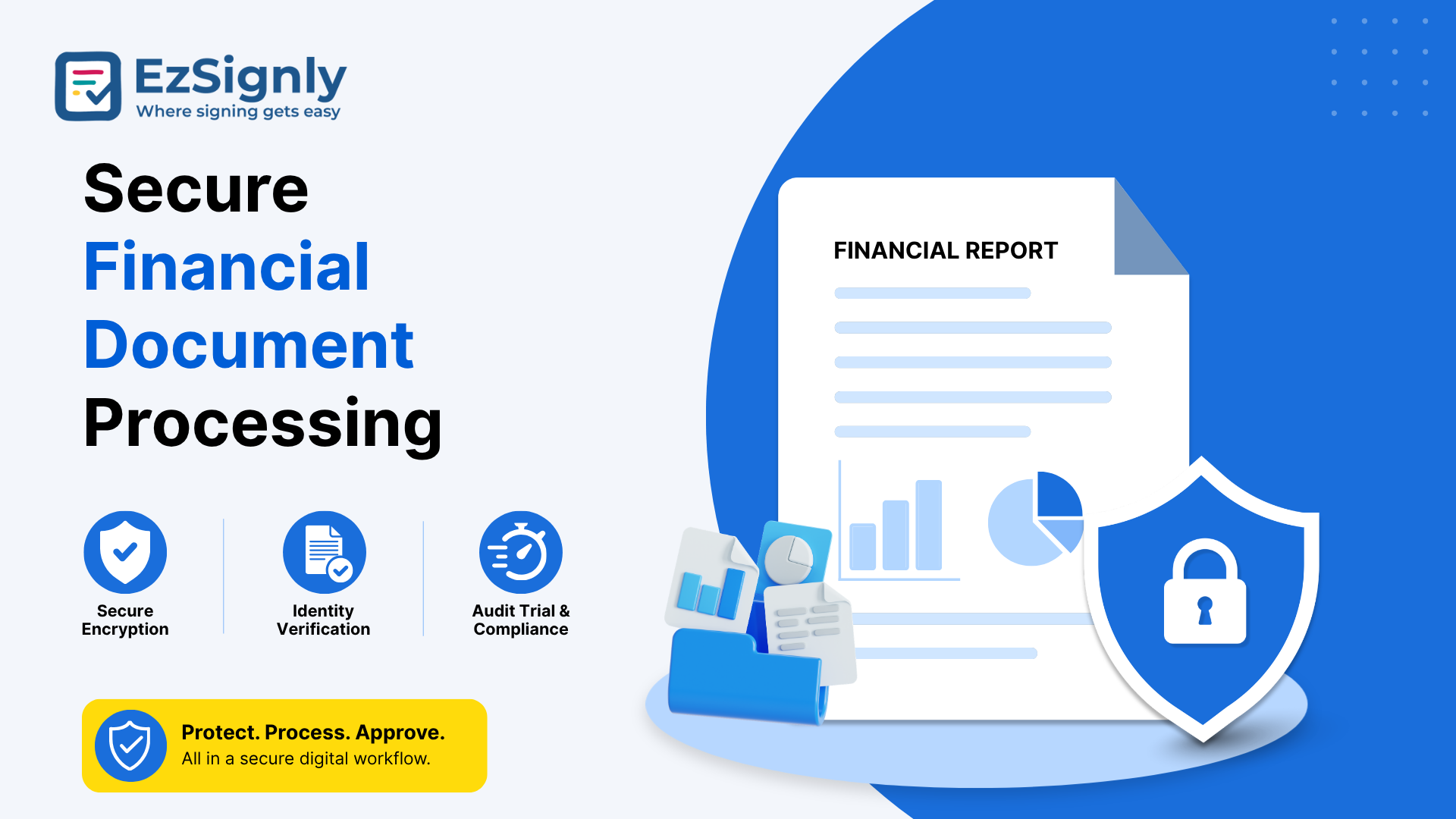
9. Secure Financial Document Processing
Financial institutions, lenders, and banks receive thousands of signed documents in the course of each transaction. Document collection and management become more efficient through automation, yet still keep compliance intact. Loan agreements, disclosures, applications, and verification forms circulate to the consumer. This will allow financial advisors and approvers to work at a faster pace, eliminating excessive paperwork and improving overall time-to-approval and client satisfaction.
Secure Document Signing
10. Automated Project Workflows
Things come up with all projects that need approval,
like new contracts, scope changes, budgets, and documentation updates.
Approvals done manually lead to slow-downs that delay your project delivery.
Workflows push out change requests, track approvals from appropriate
stakeholders, and then update your project data. Your project managers can get
the visibility they need while taking care of admin work.
Streamline Operations with Workflow Automation
No matter which department, almost all document-related work happens manually. Your employees spend hours on printing, getting approvals, sending reminders, storing, and retrieving contracts after completion. Instead, with automated workflows, your document will take approval turns as configured automatically. All reminders, notifications, and storage will also be handled automatically.
Besides time saving, automation also helps remove the
likelihood of human mistakes during document processing, and business document
flow gets easier; errors and contradictions disappear, and business document
progress can be monitored. By utilizing eSignature software in the
US, businesses will acquire an online signing tool that scales for remote
and distributed teams and growing businesses.
Advantages of eSignature Software for Digital Workflows
Automation of the workflow goes far beyond substituting manually drawn signatures on papers. The entire process results in building an intelligent document environment.
Major advantages include:
| Key Benefit | How It Helps Your Business |
| Business Process Automation | Sends documents to the correct person or team at the right time so no one's waiting around and everything stays on track. |
| Collaborative Workflow Management | Makes it simple for multiple departments to view, approve, and sign off on documents within the same online workflow |
| Greater Process Accuracy | No more tedious manual data entry and paper-pushing errors. More accurate document processing. |
| Cloud-Based Document Management | Now your store documents can all be securely signed and saved in one place. This makes it easy to retrieve, track, and manage your records |
| Simplified Customer Signing Experience | It also allows customers to electronically sign contracts via computers or smart devices, enabling speed and seamless transactions. |
| Future-Ready Business Operations | With your business growth and expanding documents, we offer you the support you need without complicating your workflow. |
These features improve agility while furthering
digital transformation at an organizational level.
Factors to Consider When Selecting eSignature Software
However, not all electronic signature solutions provide the same amount of automation. The best bet is to invest in one that can accommodate current and future business needs.
Important capabilities include:
- Automated workflow routing
- Multi-user collaboration
- Secure authentication
- Custom approval sequences
- Audit trails
- Cloud document storage
- HR platform integration
- API connectivity
- Mobile-friendly signing experience
It is important for the businesses to also compare eSignature pricing and plans diligently so that the chosen solution fulfills all their business needs, estimated document numbers, and growth plans for the coming time.
This is why platforms like EzSignly exist - they allow
businesses to streamline their document processes and make them more secure,
compliant, and user-friendly. Regardless of what kind of human resource, sales,
financial, legal, or operations needs your company has, it delivers quicker
approvals and a streamlined, uncomplicated signing experience.
Have any other questions? EzSignly's team is here to help!
Conclusion
As speed, precision, and efficiency become more important for business growth, using an eSignature solution to automate document-heavy tasks can greatly reduce operational burden and create a collaborative workflow between departments. Businesses are now enjoying an uncomplicated method to fasten approvals, bolster productivity, and curate secure digital workflows that lead to exponential business growth through EzSignly. Businesses today not only streamline operations with digital workflow automation; they gain a distinct competitive advantage during the era of digital transformation.
👉Sign
Up today and transform paperwork into seamless digital workflows with EzSignly.
FAQs
1. What are the departments that can most benefit from workflow automation through eSignature software?
A: The departments that come to mind most readily for this kind of automation are sales, HR, finance, legal, operations, executive management, procurement, and customer support. But the fact is, any department that deals with forms, approvals, or contracts will see efficiency improvements by implementing eSignature.
2. Can the eSignature solution be integrated with other business applications?
A: Yes. eSignature solutions today are compatible with HR software, and cloud storage/productivity applications. E-signature integration into business processes automates documents in workflows.
3. What is workflow automation doing for the client experience?
A: Clients no longer have to scan and print a physical paper to upload the file. They can sign it electronically, with access from any computer or mobile device, speeding up transaction turn-around and customer replies.
Take a look at the latest blog
DocuSign Alternatives 2025: Top 5 Best e-Signature Software Compared
Looking for an affordable DocuSign alternative in 2025? We evaluated top eSignature tools including EzSignly, Adobe Sign, PandaDoc to find which offer...
October 30, 2025
AI-Powered eSignatures in 2026: The Smart Choice for Modern Businesses
AI-powered eSignatures in 2026 make document signing faster, smarter, and more secure for modern businesses.
April 10, 2026
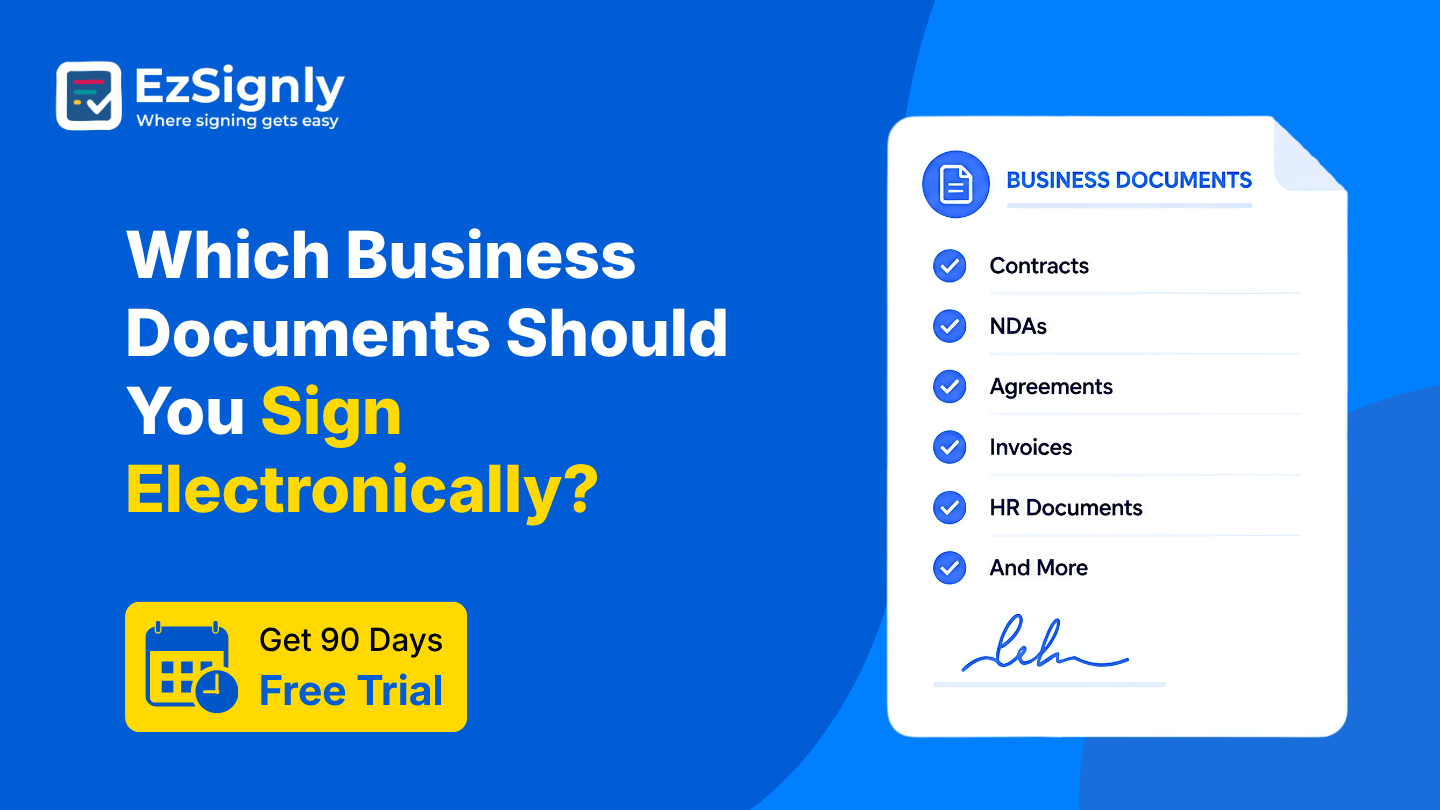
Which Business Documents Should You Sign Electronically?: Get 90 Days Free Trial
Discover which business documents can be signed electronically to save time, reduce paperwork, and streamline workflows. Start your 90-day free trial ...
October 14, 2026
How to Empower HR Operations with Document eSignatures Using EzSignly
An eSignature is not just a digital scribble on a screen. In HR, it’s a legal, secure way for signing any employment document online, anywhere, anytim...
January 13, 2026
Have any other questions? EzSignly's team is here to help!
© 2026 Copyright EzSignly. All Rights Reserved