


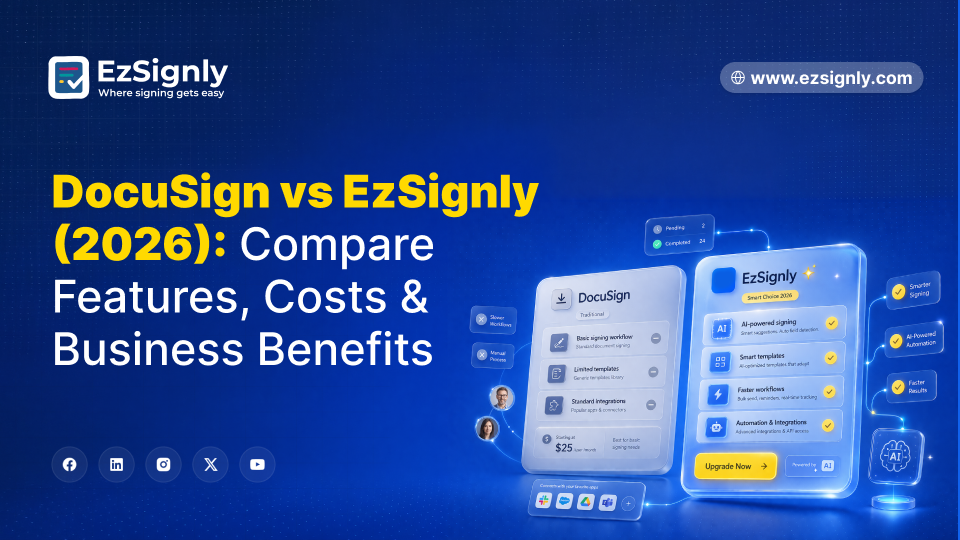
DocuSign vs EzSignly (2026): Compare Features, Costs & Business Benefits
April 8, 2026 | Posted By Admin
eSignature for Business
Summary
US SMBs spend $25 to $50 per user monthly on eSignature platforms, where 70% of users only send and sign. DocuSign's 2026 pricing bundles CLM and AI tools that most teams never configure, pushing Business Pro to $60 to $65 per user monthly with envelope overage fees past 100 documents. The alternative delivers AI field detection, unlimited documents, multi-account login, sequential signing, 256-bit encryption, ESIGN Act and UETA compliance, and a 90-day complimentary trial at $15 to $20 per user monthly.
A marketing agency in Austin renewed its eSignature Pro subscription in January without auditing the invoice. Fourteen seats at $60 per user monthly. Total: $10,080 per year. Monthly documents signed: 180. The team was paying for contract lifecycle management it never opened, Salesforce integration nobody connected to, and AI contract summarization the admin did not know existed.
That is 2026's subscription fatigue at scale. Legacy eSignature vendors have spent two years bundling features into pricing tiers designed for enterprise procurement, not for the 15-person company that needs to send, sign, and store. The average US SMB pays $25 to $50 per user monthly, but 70 percent perform basic send-and-sign tasks. Enterprises searching for alternatives to DocuSign are not looking for a downgrade. They want the same enforceability, the same security stack, and the same audit trails without the enterprise tax.
The Complete Cost Breakdown of DocuSign VS EzSignly
DocuSign's 2026 pricing presents a different narrative on the website compared to the invoice. The personal plan starts at $12 per user monthly, but caps at five documents with no templates and no bulk send. The Standard plan runs $34 and adds templates, but still caps envelopes. Business Pro sits at $54 and includes what most enterprises actually need: bulk send, sequential signing, and advanced fields. Pass 100 envelopes, and overage charges appear.
Here are the costs for two platforms used by a 10-person US team that processes 300 documents monthly.
| Feature | Our Alternative | DocuSign Pro |
| Price per user/month | $30 | $54 |
| Annual cost (10 users) | $3600 | $6480 |
| Document limits | Unlimited | Envelope caps + overage fees |
| AI Field detection | Included at base tier | Premium tier or IAM add-on |
| Templates and bulk send | Included | Business Pro and above |
| Multi-account login | Included | Enterprise custom-quote only |
| Free trial | 90 days (Full Capacity) | 30 days (Feature-limited) |
The annual gap runs $4,800 to $5,400 for the same team and volume. That is a quarter of a junior hire's salary going to envelope fees and unused CLM. US enterprises trying to compare prices & top tools features across platforms discover the gap grows wider once volume scales past 100.
Feature Showdown: AI and Workflow Automation
Legacy platforms build their reputation on integrations. Salesforce, Microsoft 365, SAP, Workday. Those connections work. They also require a technical admin to configure workflows, map fields, and maintain API connections. A 15-person company without dedicated IT pays for integration depth it cannot operationalize.
The 2026 feature gap is not about integrations. It is about what happens before the signature. Platforms delivering the best eSignature features at the base tier let AI handle document preparation entirely. Upload a vendor agreement, and the AI reads the structure, identifies signature blocks and date fields, and places every field automatically.
DocuSign launched its Iris AI engine in 2026 with automated document prep and contract analysis. Those capabilities sit inside the Intelligent Agreement Management platform at $40-plus per user on top of the base subscription. An SMB paying $60 for Business Pro plus $40 for IAM hits $100 per user. The alternative that matters in 2026 delivers AI automation at the base price, not as an enterprise add-on, making it a more cost-effective solution for small businesses compared to competitors that charge additional fees for similar features.
The 90-day trial changes the evaluation window. Most platforms offer seven to 30 days. That tests the interface, not the workflow. Ninety days covers a full quarter of real documents: HR onboarding packets, procurement renewals, and sales proposals through a pipeline. Free DocuSign alternatives, offering seven-day trials and limiting you to five documents, really don't give you a true sense of what you're getting.
Legal Compliance of eSignatures in Illinois
Illinois companies face a unique set of rules, ones that off-the-shelf platforms might not fully accommodate. The Illinois Electronic Commerce Security Act is the key player here, determining the legality of electronic signatures within the state. This law sits alongside the federal ESIGN Act and UETA.
Every signed onboarding document and every policy acceptance must carry timestamps, IP addresses, signer authentication records, and a completion certificate that holds up during a Department of Labor audit. eSignature software for HR in Illinois needs to deliver tamper-evident audit logs. These logs must meet both federal employment verification requirements and the specific regulations that govern Illinois workplaces.
Real estate deals in Illinois have gone digital, though the rules around chain of custody are still very much in play. Closing documents now follow a set path, moving from the buyer to the seller, then to their brokers, and finally to the attorneys, with each step tracked by IP address.
Illinois closing attorneys reviewing DocuSign alternatives of enterprise pricing need sequential workflows and tamper-evident certificates at the base tier.
The Switching Objection: Is It Hard to Leave DocuSign?
The migration fear is bigger than the migration itself. Templates transfer through bulk upload. The AI assistant automatically recreates field placements by analyzing imported template structures, often working faster than the original setup.
Signed archives export as PDFs with embedded completion certificates valid regardless of platform. Staff training takes 20 to 30 minutes.
Modern e-signature software for enterprises supports bulk template imports because platform switching has become a normal executive decision. People searching for free electronic signature software should calculate whether a complimentary tier's document caps and missing audit trails cost more than a paid plan at $15 per user. Enterprises evaluating an alternative to industry leaders should look past sticker price to what ships at the base tier: unlimited documents, AI field detection, templates, bulk send, sequential signing, and multi-account login.
Benefits of Switching for US SMBs
Companies moving off legacy platforms see the budget impact within the first billing cycle.
- Annual eSignature costs plummet by 65 to 75 per cent when compared to DocuSign Business Pro, assuming similar user numbers.
- The 90-day trial allows for the processing of actual documents at full capacity, with no feature limitations and no upfront credit card requirement.
- AI field detection streamlines document setup, saving teams that handle over 300 documents a month between 25 and 35 hours of manual work.
- Multi-account login provides centralized management of multiple entities or departments from a single dashboard, keeping audit trails separate.
- Every signing event is compliant with the ESIGN Act and UETA, meeting federal and state standards.
- The security measures, including 256-bit AES encryption, TLS 1.3, and multi-factor authentication, are on par with those of any enterprise-level platform.
- Unlimited documents, templates, bulk send capabilities, and sequential signing are included at no extra cost, eliminating envelope overages.
What is the cost of renewing an enterprise subscription for another year when a 90-day trial demonstrates the alternative achieves the same results?
Have any other questions? EzSignly's team is here to help!
The Final Verdict
Opt for a legacy platform if your company is a Fortune 500 firm with over 500 seats, a dedicated IT team handling Salesforce and SAP integrations, and procurement that secures custom enterprise pricing.
Select the alternative if you run a rapidly growing U.S. enterprise and need clarity on the key differentiators: legal enforceability, AI efficiency, unlimited volume, and cost.
Our eSignature solution for business in Illinois delivers AI-powered field detection, multi-account login, unlimited documents, a 90-day full-capacity trial, sequential signing, 256-bit encryption, and ESIGN Act compliance at $15 to $20 per user monthly. The trial alone saves more than most competitors charge for a full quarter.
FAQs
1. Is the platform as secure as legacy platforms?
Yes. Both use 256-bit AES encryption at rest, TLS 1.3 in transit, and multi-factor authentication. Both produce tamper-evident audit trails with timestamps, IP addresses, and signer verification. The security stack is equivalent. The difference is cost and AI automation at the base tier.
2. Does it satisfy Illinois compliance requirements?
Yes. The platform satisfies the Illinois Electronic Commerce Security Act, the federal ESIGN Act, and UETA standards. Every signed document carries an audit trail with tamper-evident certificates meeting both state and federal evidentiary requirements.
3. What is the main difference between DocuSign and the alternative in 2026?
Price and AI automation at the base tier. DocuSign locks AI document preparation behind its IAM add-on at $40-plus per user monthly. The alternative includes AI field detection, unlimited documents, and multi-account login at $15 to $20 per user with no premium gates.
4. Can I migrate my DocuSign templates?
Yes. Bulk template import reads existing template structures and recreates field placements using AI, often faster than the original setup. Signed archives export as PDFs with embedded completion certificates valid regardless of platform.
5. Are alternatives worth evaluating?
Free e-signature software tiers cap at three to five documents monthly with no audit trails, no templates, and no bulk send. For real volume, a full-capacity 90-day trial at $15 to $20 per user delivers more evaluation value than any crippled tier.
Take a look at the latest blog
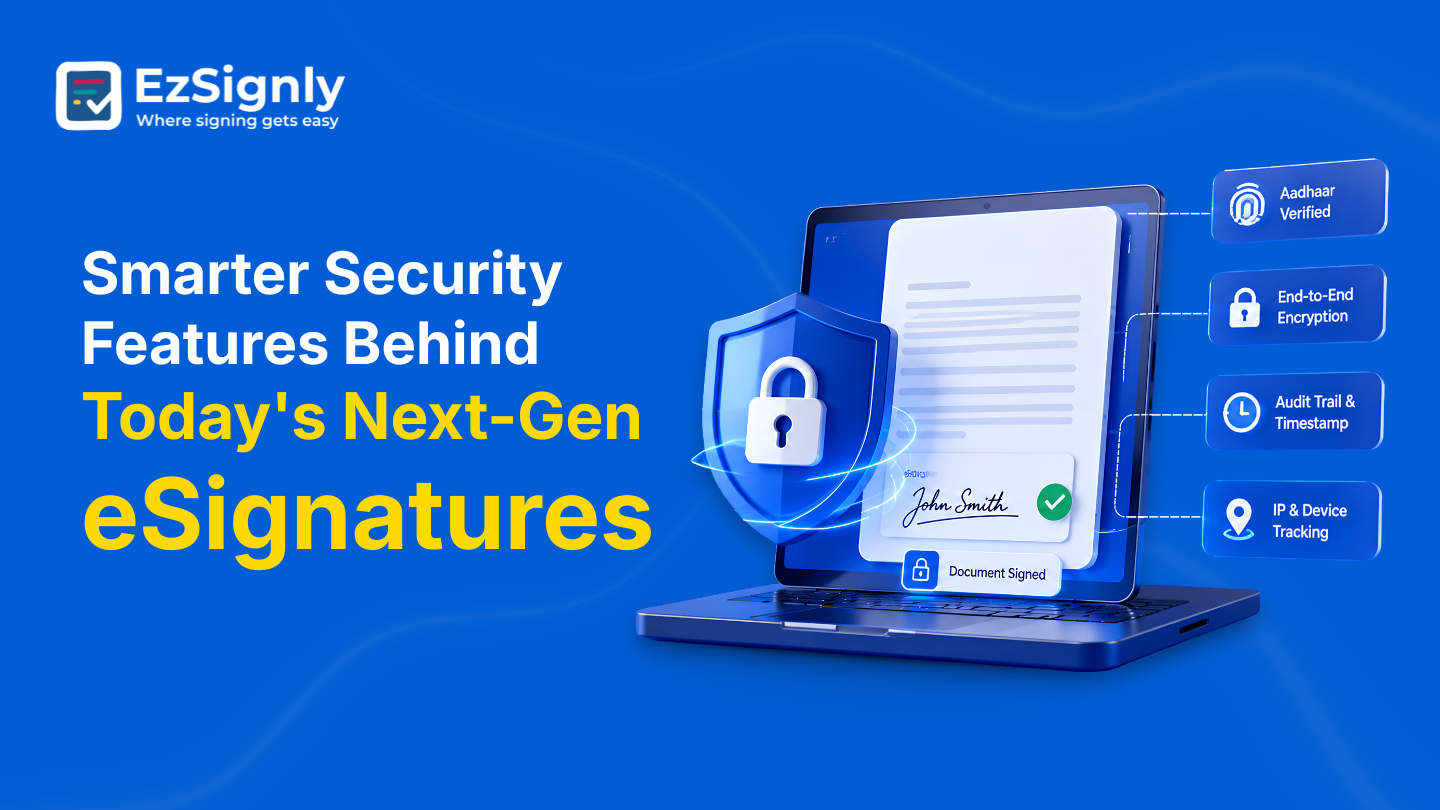
Smarter Security Features Behind Today's Next-Gen eSignatures | EzSignly
To maintain the security and legal dependability of digital agreements, EzSignly's next-generation eSignatures integrate identity verification, encryp...
August 18, 2026
eSignatures for Law Firms: Swifter Case Approval Without Delays: Start Free Trail Today
Accelerate case approvals with secure eSignatures for law firms. Sign documents faster, reduce delays, and start your free trial today.
June 8, 2026
Know How eSignature Tools Really Cut Legal Department Costs by 80% : Book a Demo
Legal departments across the USA face high costs from paperwork, printing, and slow approval cycles. This blog breaks down exactly how digital signing...
August 14, 2026
Streamline Real Estate Transactions with Advanced Features – Try Free for 90 Days
Simplify real estate transactions with powerful features designed for faster, smoother, and more secure workflows. Start your free 90-day trial today.
May 7, 2026
Have any other questions? EzSignly's team is here to help!
© 2026 Copyright EzSignly. All Rights Reserved