


How Businesses Can Reduce Document Processing Time with eSignature Software in USA
August 13, 2026 | Posted By Admin
Sign Documents Online for Free
Summary
This blog shows small and medium-sized businesses in the U.S. how to process documents faster using electronic signature software. You'll learn how features like reusable templates, automatic reminders, tracking, audit trails, and digital workflows help speed up everyday paperwork — including sales, HR, and real estate documents.
Introduction
In many U.S.-based small and medium-sized businesses, documenting can be a time sink - requiring approvals, following up, fixing typos, and even manually filing documents. Using eSignatures for small businesses, your teams can go digital to make this entire workflow faster by sending, filling, signing, tracking, and archiving documents online. Instead of scrolling through emails or filing away paper documents one at a time, you can do everything digitally on one platform, reducing your manual workload and turning that stack around quickly. Software like EzSignly offers this solution, providing templates, reminders, tracking, filing, and workflow solutions.
1. Replace Manual Document Handling with a Digital Workflow
The biggest source of document delays is often not the signature itself. It is everything surrounding the signature.
In the old way of working, employees had to do everything by hand. They would download a document, make edits, and upload it back to Dropbox. Then they'd search through contacts or email lists to find the right people to send it to. After that, they had to wait for signatures, keep checking who had reviewed the document and who hadn't, and send reminder emails to people who were slow to respond. If there were multiple people who needed to sign, they had to repeat this entire process for each one.
These actions now become part of a structured workflow when using electronic signature software. Your organization uploads or creates the necessary document, adds all of the fields to be signed, decides who needs to sign (and in what order), and then emails the document electronically. This means your path from document creation to final signing is a lot shorter. For small-scale businesses, it means more of your workers are in customer support, sales, customer success, finance, etc. They are busy documenting all the things.
2. Use Reusable Templates to Eliminate Repetitive Work
Another subtle way that processing time leaks out is if you're rewriting the exact same document. Consider an HR team preparing offer letters. A property manager handling recurring agreements. A consulting company sending service contracts. Or a growing business onboarding vendors every month. When your employees create a new document, they repeat the same work over and over, filling out a new document with the same formatting and fields. Templates take this burden off your employees.
Businesses can create standard templates for documents they use often and use those templates whenever needed. Common ones are as follows:
- Employee offer letters and onboarding forms
- Non-disclosure agreements
- Service contracts
- Vendor agreements
- Client approval forms
- Renewal documents
- Partnership agreements
- Internal authorization forms
When a template is created, your team no longer needs to retype everything and instead can concentrate on inputting the correct information. It also minimizes variation - instead of five of your employees creating contracts from five slightly different versions, they'll be able to collaborate from verified templates. Templates are a core feature at EzSignly, alongside workflow and collaboration features for ongoing small industry documentation.
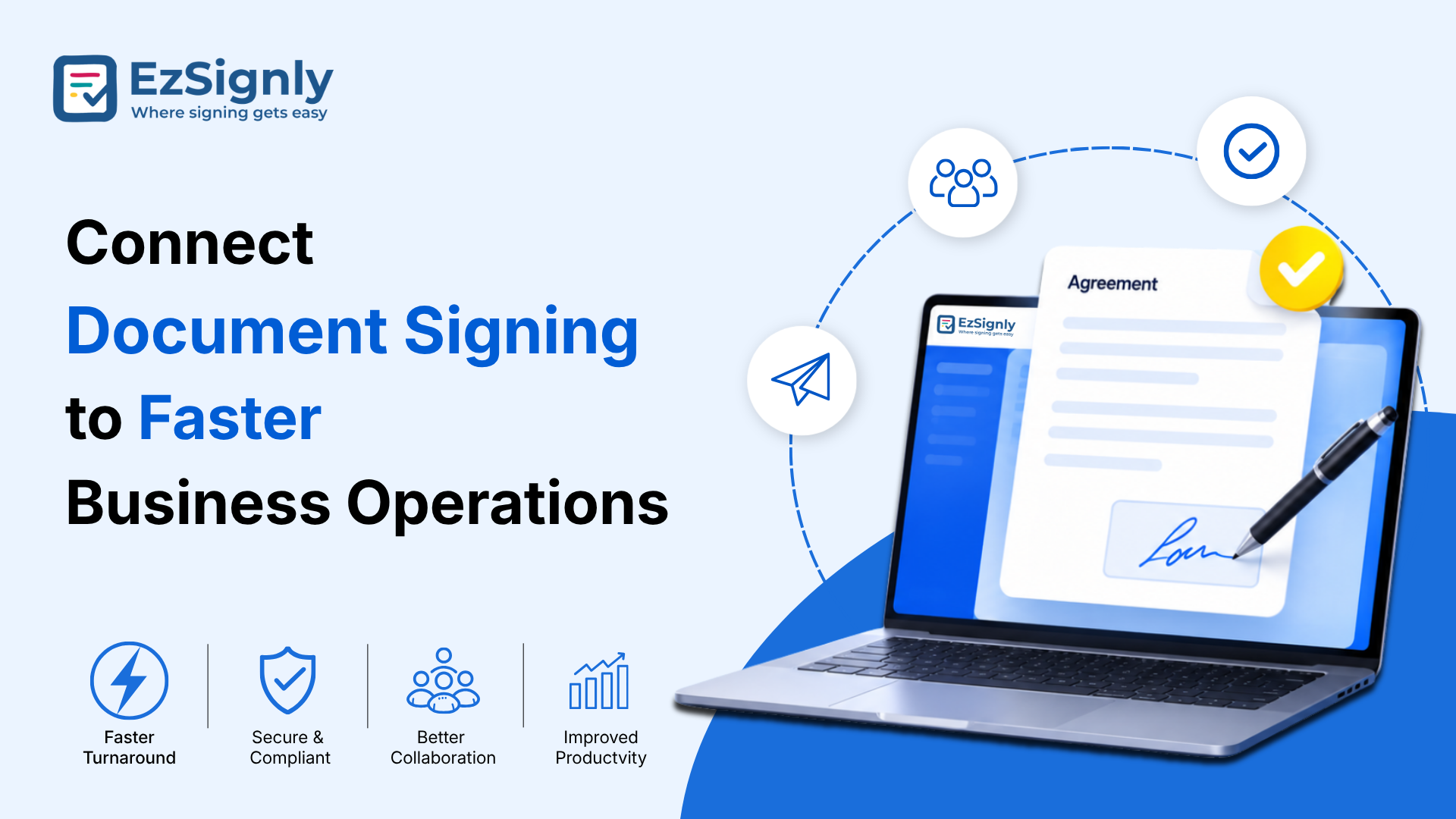
3. Connect Document Signing to Faster Business Operations
So digital signatures are even more powerful once companies realize it's more than just signing a piece of paper by hand. Typically, a document is part of an entire business process.
An employment offer is connected to onboarding. A customer agreement is connected to sales. A lease is connected to a property transaction. A vendor contract is connected to procurement. An approval form may be connected to finance or operations. This is why small-scale businesses should evaluate document software based on workflow capabilities rather than signing alone.
Digital Signature for Small Business
Businesses could use features like sequential signing, team permissions, document tracking, bulk sending, automatic reminders, and a centralized repository. These capabilities reduce the number of separate steps employees need to perform manually. Businesses operating in major markets can also explore solutions such as eSignature software for business in Chicago, Illinois, when looking for tools that support distributed teams and location-independent workflows. The broader goal is simple: make the document move through the business instead of making employees manually move the document.
4. Automate Signature Follow-Ups Instead of Chasing People
One thing we all struggle with when handling documents is the waiting. You might send something for a client to sign, but someone on their end forgets. Then you have to check on it, follow up with the client, wait again, and maybe follow up a second time.
It results in a huge administrative load. Software with automatic reminders automates the entire flow. Instead of a business employee trying to keep tabs on all the open documents, the system sends reminders when it requires further action. There are platforms where the status of the document is displayed in real time, allowing the team to see whether the document has been viewed, read, signed, or is awaiting action.
The aspect of visibility is particularly useful for SMBs, which may not have an operations team keeping a watch on the document flow. Let's say a sales executive is waiting for a service agreement to be signed. Rather than following up via email on the same, the executive can simply watch the status of the document and continue serving other customers. Similarly, an HR professional can observe employee onboarding documents instead of keeping separate Excel sheets. The more the document follow-up is reduced, the faster documents reach the endpoint.
5. Speed Up HR, Sales, and Real Estate Workflows
The specific document roadblocks emerging businesses encounter will vary, but the core cause is usually one and the same: an overabundance of manual coordination.
HR: Faster Employee Onboarding
As you can imagine, HR departments have to process many documents: offer letters, policy attestations, employment agreements, and other forms that need to be generated routinely. However, slowness can make the whole onboarding process feel chaotic and generate unnecessary busywork for an HR team.HR departments can speed up paperwork for new hires with templates, auto reminders, sequential signatures, and centralized document history.When evaluating the eSignature software price for HR in US, businesses should therefore consider more than the monthly subscription. The real question is how much administrative time the software can save.
Sales: Shorter Contract Turnaround
For sales teams, every delay between agreement and signature can slow down revenue realization. Digital signing allows customers to review and sign documents remotely without coordinating physical paperwork. Real-time tracking also gives sales representatives visibility into where an agreement stands.
Real Estate: Less Administrative Friction
Signing of contracts, disclosures, applications, approvals, and time-sensitive paperwork is an integral part of the real estate industry. With electronic signatures, agents, brokers, and property managers no longer have to schedule physical meetings with clients, tenants, owners, and vendors. Solutions such as eSignature software for real estate in US can be particularly useful when multiple parties need to complete documents from different locations.
6. Use Bulk Sending When Document Volume Increases
If a company deals with one to a few agreements a week, we wouldn't really bother processing individual documents at a time, but if your company is booming and there are multiple transactions at any point in time. You can also bulk send documents to recipients with a copy of the document.
This can be useful for:
- Employee offer letters
- Customer agreements
- Vendor documentation
- Renewal notices
- Compliance acknowledgements
- Recurring business forms
Forget sending over and over again through dozens of docs; instead, an employee could deal with multiple docs from one hub. This is even more useful for SMEs who may face peak hire, a period of rapid growth, long-term contracts, and much more. EzSignly lists bulk sending among its business capabilities, alongside templates, reminders, audit trails, and tracking.
7. Track Every Document from One Central Dashboard
Similarly, there's often a problem where people don't know where documents are at any one time. Has a document been saved in a common folder? Is it with the boss? Or has the work been finished, but the document is not immediately findable? This translates to time spent chasing updates for a status that is not readily apparent.
A centralized dashboard gives teams a clearer picture. Businesses can monitor pending documents, completed agreements, signer activity, and other workflow information from one place. This creates accountability without requiring employees to maintain separate spreadsheets or manually check multiple email threads.
A strong audit trail also provides a record of document activity. Depending on the platform, this may include actions such as document views, signing events, timestamps, and completion history. For SMBs, this combination of visibility and traceability can be particularly helpful when documents need to be reviewed later.
eSignature Software vs. Traditional Document Processing
| Document Processing Area | Traditional Approach | Digital Signing Approach |
| Document Preparation | Repeated Manual Editing | Reusable templates |
| Sending | Individual emails and attachments | Centralized digital sending |
| Multiple signers | Manual Coordination | Signing order and workflow controls |
| Follow-ups | Employee sends reminders | Automated notifications |
| Status tracking | Email searches or spreadsheets | Real-time dashboard |
| Document Storage | Local folders or shared drives | Centralized digital storage |
| Audit records | Manual filing | Digital Activity history |
| High-volume documents | Processed individually | Bulk sending capabilities |
Traditional Approach
The important difference is not simply that one approach uses paper and the other uses a screen. The real advantage comes from reducing the number of manual decisions and repetitive actions required between document creation and completion.
Conclusion
For U.S. SMBs, document processing should not become a productivity bottleneck as the company grows. That seemingly endless loop of manual prep, manual follow-ups, ambiguous status reports, and lost files often drains your valuable employee hours, slowly but surely. Electronic signatures fill in that gap by delivering templates, automated reminders, digital workflows, tracking capabilities, bulk sending, and document management in one neat place. However, a real chance exists in moving past just a signature with workflow automation. If document workflows are built with the premise of speed and automation, your employees' time is freed up to get back to the business at hand
Ready to reduce document delays? Sign up now and work smarter.
Have any other questions? EzSignly's team is here to help!
FAQs
1. How does electronic signature software reduce document processing time?
It reduces the manual steps involved in preparing, sending, tracking, and completing documents. Features such as reusable templates, automated reminders, signing workflows, real-time tracking, and bulk sending can help documents move through the process faster.
2. Is digital signing useful for small and mid-sized businesses?
Yes. SMBs often operate with smaller administrative teams, making repetitive document work particularly costly in terms of employee time. A centralized signing platform can help teams automate routine tasks without requiring a large operations department.
3. What features should SMBs look for in electronic signing software?
Businesses should consider reusable templates, automated reminders, real-time tracking, audit trails, secure document storage, bulk sending, team permissions, and multi-party signing. Pricing should also be evaluated against document volume, users, and the amount of administrative work the platform can eliminate. Current EzSignly plans, for example, include options ranging from a free tier to paid business plans with additional workflow features.
Take a look at the latest blog
The Best eSignature Solution in Illinois for Turning AI-Drafted Contracts Into Verified Ones with EzSignly
EzSignly turns AI-drafted contracts into secure, verified agreements with fast, reliable eSignatures for Illinois businesses.
August 26, 2026
Affordable vs Enterprise eSignature Plans: Choose the Right Solution
Affordable eSignature plans offer basic, low-cost signing tools for small businesses, while enterprise plans provide advanced features for large organ...
March 9, 2026
Faster HR Onboarding Starts Here – Automate eSignatures with a Free 90-Day Trial
Speed up HR onboarding with automated eSignatures. Start your free 90-day trial today.
April 24, 2026
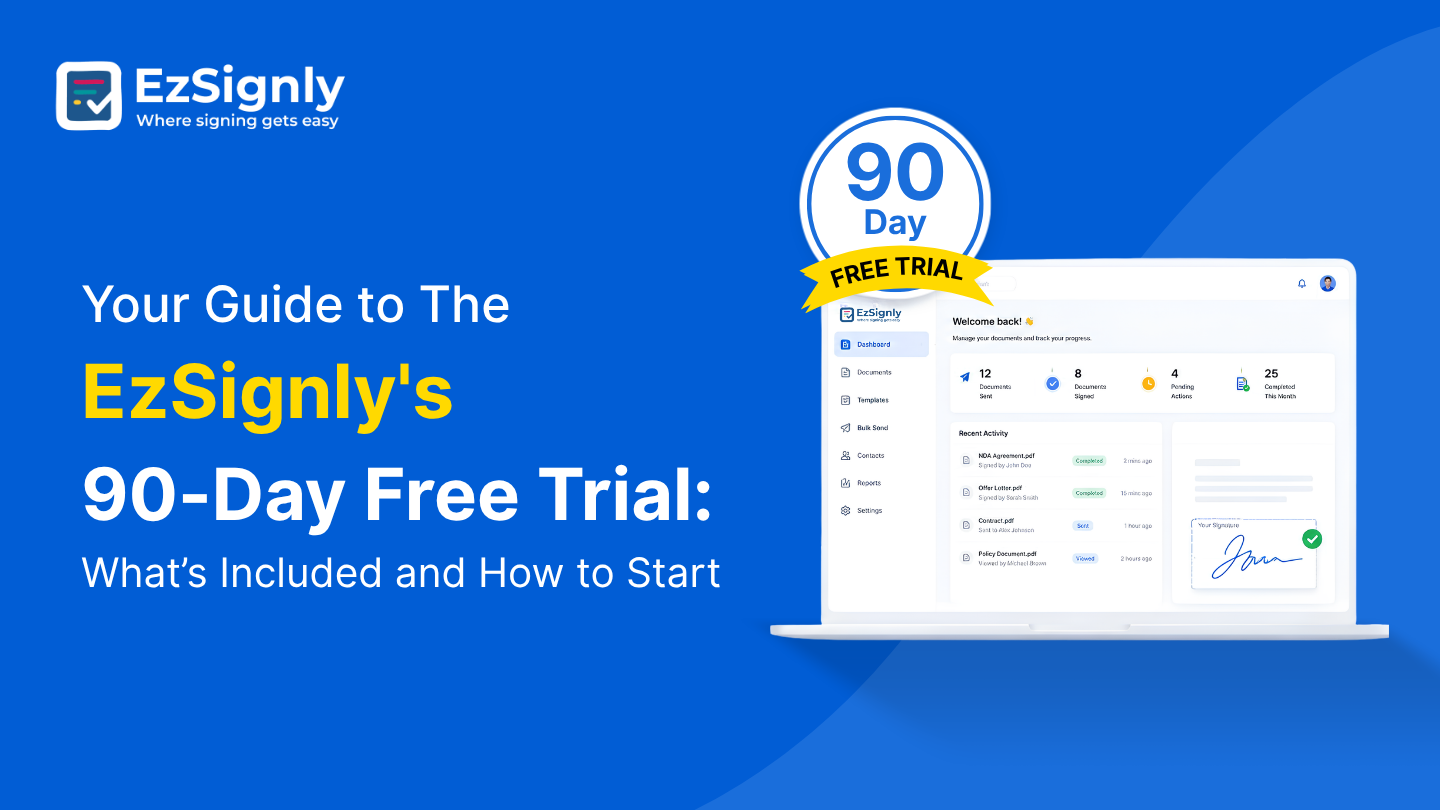
Your Guide to The EzSignly's 90-Day Free Trial: What’s Included and How to Start
Check out EzSignly's 90-day free trial to learn about its main features, advantages, and how to begin using safe, simple eSignatures.
August 5, 2026
Have any other questions? EzSignly's team is here to help!
© 2026 Copyright EzSignly. All Rights Reserved