


How EzSignly AI Helps Prepare Documents Before Sending for eSignature: Get Free Trail
November 16, 2026 | Posted By Admin
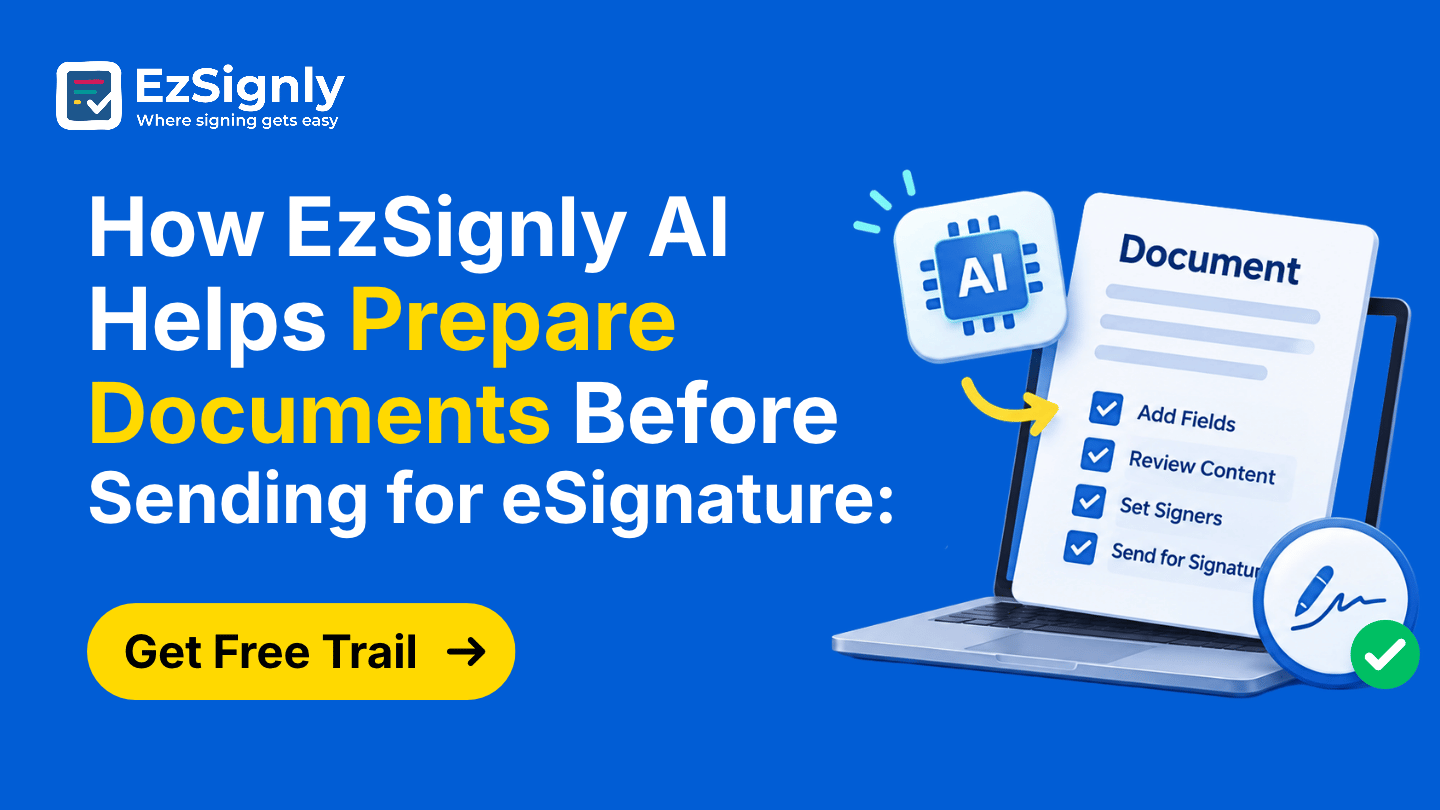
Best Electronic Document Signing
Summary
The minutes spent before a contract is sent, labelling
it, writing a subject line, and drafting the email, rarely get counted, yet
they take up a surprising amount of time. This blog explains what EzSignly’s AI
does at that stage, where you still need to step in, and what’s coming next. It
also shows how HR, real estate, and small business teams can use it, and how
the free trial lets you test it on real documents.
Introduction
Ask a busy team how long it takes to send a contract, and they’ll quote the time between clicking send and getting a signature. Nobody counts the twenty minutes before that. For anyone who regularly needs to digital eSign documents in Illinois, those unseen minutes of labelling, naming, and writing emails are where the day quietly leaks away.
EzSignly’s AI is built for exactly that stage. In this
blog, we’ll walk through what it does before a document leaves your hands,
where you stay in charge, what’s still on the way, and how teams in HR,
property, and small business can put it to work. Everything here comes from
EzSignly’s own AI guide.
A Monday Morning, Before and After
Picture a coordinator with eight agreements waiting. The old routine is opening 8 emails. Coming up with a subject line and message for each. The wording starts drifting by the third message, and by the sixth message the tone sounds unmotivated even if the coordinator feels motivated.
Now picture having AI help you. It takes just one
click to upload a file and have the type, subject line and initial message
drafted for you. The message gets tweaked a bit and off it goes. The focus of
the job moves from writing to reviewing. Reviewing takes less energy and allows
for more meaningful conversations.
The Three Jobs the AI Takes Over
It Names What You Uploaded
First, the AI looks at the content and assigns the matching document type. That sounds minor, but a consistent label from the very start keeps your files organised later. You aren’t relying on whoever uploaded the file to remember how your team likes to categorise things.
It Writes the Subject Line
Second, it creates a relevant email subject. That clear, opening line is often what draws a signer’s eye to the message. When your team employs similar logic in email subject lines, email recipients can quickly gather what your emails look like and begin to trust them.
It Drafts the Message
A polite email drafted for you, and all you have to do is sign it. This matters most where volume is highest. When teams comparing eSignature software for HR in USA send offer letters and onboarding documents, a polite and consistent tone across all messages reflects well on your company even before the new hire reports for duty.
Just remember, the AI can only do so much. It is your
responsibility to fill in the remaining blanks with specifics only you would
know, like the name of the candidate, the document’s due date, or a
personalised note to the candidate. The AI does an excellent job saving you
time, but you must provide that time and effort toward supplying the missing
elements, and recipients can usually tell the difference.
Where Setup Picks Up After the AI
After the AI does its work, it’s your turn to make the human decisions. The platform offers a ton of features that automatically set the document’s logic for you. You just add your recipients and set the signing order and the platform takes care of the rest. The drag-and-drop editor allows you to place signature and date fields where they need to be.
When there are several signers, you have the option to make the signature and date fields distinct. This encourages signers not to make a wild guess and sign in the wrong field. This enhances the clarity of the document for the signers who see it for the first time.
EzSignly’s guide outlines the benefits, including faster document prep time, fewer manual errors, consistent communication, and shorter turnaround times. Most times, teams first notice the number of errors. A wrong name in a subject line or a missing fact in an email is much less common when the first draft contains all of the needed information.
A Thirty-Second Review Habit
Take a quick second to double-check. Do the document
types match up? Are subjects correct? Are the deadlines and fields in the right
place? The four quick checks take almost no time and catch 99% of the errors.
This keeps control in your court over what leaves your account.
Property Deals and Prep Time
Real estate keeps prep windows tight. Agents doing research for online real estate contract signing in Chicago often have to jump from listing agreement to disclosures to addenda throughout the day. Quick labelling, along with a message, helps send each document as the client is on the phone, before they lose interest.
Tone matters here too. Buyers and sellers are often
anxious, so a friendly sentence added to the AI’s draft goes a long way. One
caution: some closing steps need a notary or special filing, so check with your
title company or attorney about which papers can go fully online.
What’s Still on the Horizon
EzSignly’s guide says AI template generation is on the
way. Mainly, the idea is that you’ll provide the purpose of the document you
are uploading.
The Quiet Prize Is Consistency
Faster prep gets the attention, but steadiness may be the better reward. When your team’s emails look and sound alike, recipients recognise them, and fewer people reply with “is this legitimate?” before signing. That small bit of trust shortens the wait without anyone chasing anything.
The time adds up, too. If the AI saves five minutes on
each of twenty documents a week, that’s nearly an hour and a half you get back
every week, for work that needs a thinking person. Nobody wishes they had spent
that time retyping emails.
Small Teams Feel It Most
Small teams benefit the most. The person sending contracts is normally doing three other roles at the same time. Any eSignature tool for small businesses should be interested in eliminating a to-do list item, particularly if it reduces the learning curve and only requires a click to do the work. EzSignly also keeps a dedicated small business solutions page.
There is no training required for the AI, which is
excellent for companies without an admin team. You upload a document, press a
button and carry on. It will even tell you if the document isn't AI-ready. The
free plan includes 3 envelopes and two templates, which means you can test the
system for your company.
Conclusion
New signups can claim three free months through EzSignly’s welcome offer. That’s plenty of time to upload a few real documents, click the AI icon, and compare the draft with what you’d have written yourself. If it saves you time and reads naturally after a quick edit, you’ve found your answer.
If it's not for you, you'll know that too, without paying a cent. Either way, the free plan lets you test the software for your company with your contracts and your standards.
Picture the next contract you send arriving with the
type, subject and message already filled in. Claim your three free months and
watch the prep work shrink. Start your free EzSignly trial.
FAQs
1. What does EzSignly’s AI do before I send a document?
A: With one click, it detects the document type, generates an email subject line, and drafts a professional message. You review and edit before sending.
2. Is AI template generation available yet?
A: No. EzSignly lists AI template generation as an upcoming feature.
3. How can I try it without paying?
A: New signups can claim three free months, and the free plan includes three envelopes a month and two templates.
Take a look at the latest blog
From Hours to Minutes: How eSign Transforms Law Firm Client Signing Workflows
eSignatures cut signing time from hours to minutes, enabling faster, seamless client approvals.
March 27, 2026
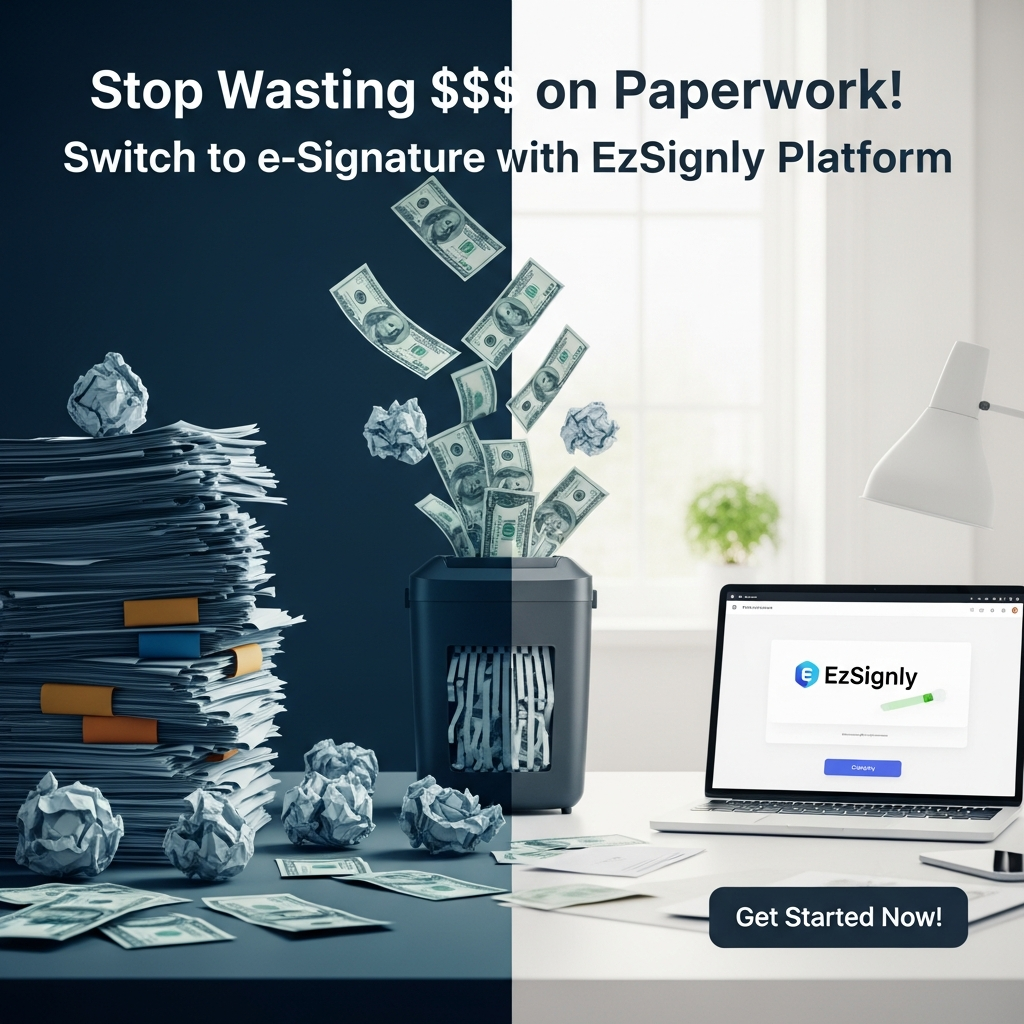
Stop Wasting $$$ on Paperwork! Switch to e-Signature with EzSignly Platform
Cut paperwork costs—switch to EzSignly for fast, secure e-signatures anytime, anywhere.
April 3, 2026

The Benefits of Digital eSignatures for Modernist Law Firms in Chicago, Illinois
Digital eSignatures help Chicago law firms sign documents faster, improve security, and streamline paperless workflows.
May 11, 2026
Navigating the Future of Electronic Signatures: Market Growth and Business Impact in 2026
The use of electronic signatures is growing beyond the scope of signature authorization of a document. In the year 2026, electronic signatures symboli...
January 30, 2026
Have any other questions? EzSignly's team is here to help!
© 2026 Copyright EzSignly. All Rights Reserved