


How to Switch eSignature Software Without Disrupting Business Operations: Book a Demo
October 26, 2026 | Posted By Admin
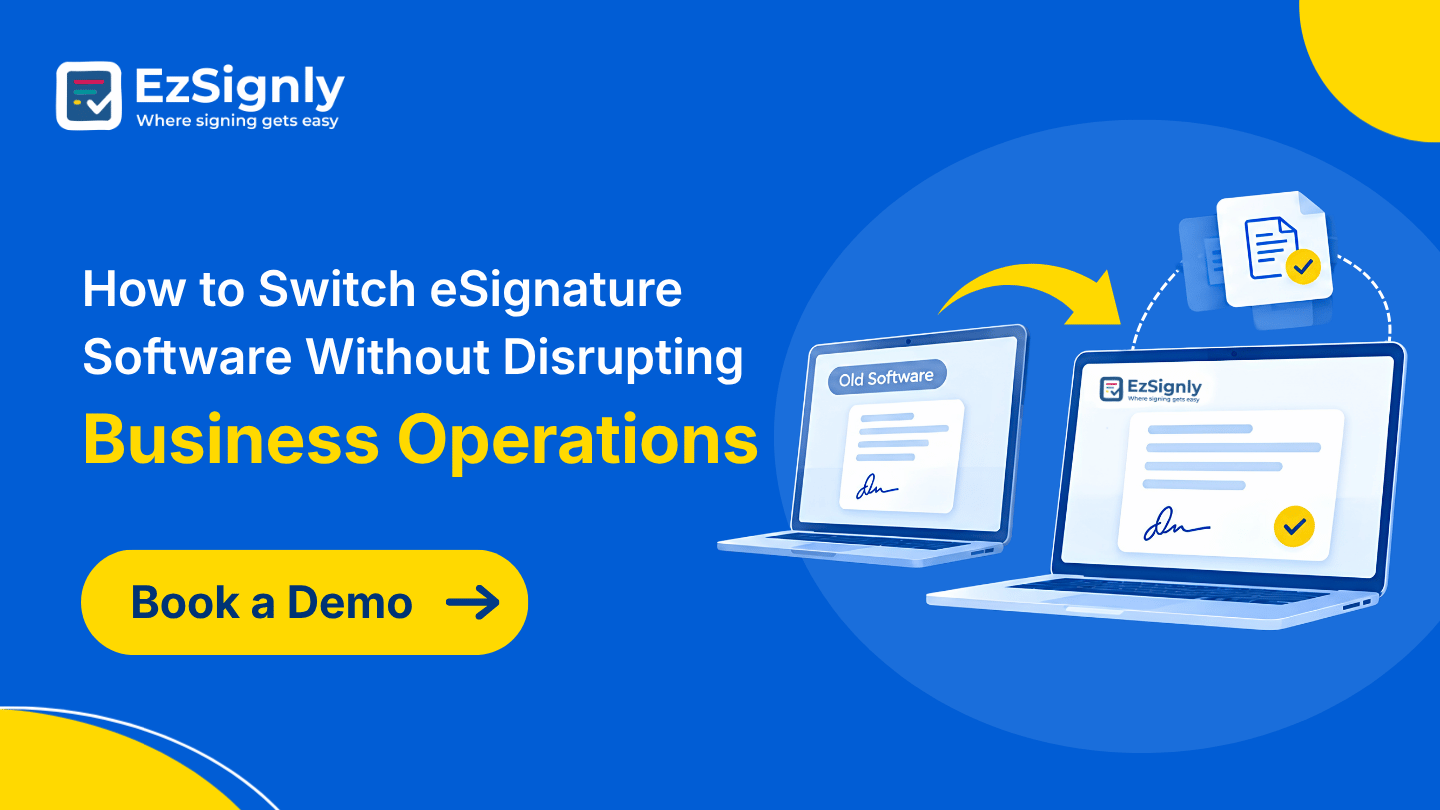
eSignature for Business
Summary
In today’s world of digital workflow, you don’t need
to rely on constant human interruptions. When switching eSignature platforms,
dodging your contracts or annoying your team isn’t the right thing to do. There
are options through which you can easily change your platform, and no one will
even notice. The only thing they will notice is how smooth and easy their work
has become. This blog walks you through rebuilding your current setup, running
parallel systems, and controlling budgets without disturbing any team member or
department. EzSignly’s dashboard helps with this in a hassle-free manner.
Introduction
Making a switch is much like moving to another apartment. People realise that things will improve, but no one wants to get boxes packed. Once the group starts to take into account security, price, and issues regarding the workflow of the new software in comparison with the old one, their fears about unsuccessful transactions and frustrated clients become so great that they should not.
If the switching process is carefully planned, the
users may experience no significant trouble, and with the use of electronic
signature security features such as EzSignly’s, offers, leases and vendor
agreements can keep coming in even as changes are being made to the program
itself.
Start with a Good Look at What You Have Now
In regard to using the rest of the programs, it is best if you start by figuring out what it does. You should have a good knowledge of the templates you own, who they are for, and any connections or hanging envelopes.
The procedure seems to be tedious, but just an hour of
preparation can save many days later. Then ask about what really bothers your
employees with the current software. Slow notifications, hard-to-use mobile
interface, unexpected invoice renewals and whatever. These become criteria to
choose other software.
Select a Tool Your Team Members Will Enjoy Using
Adoption is where migrations quietly fail. EzSignly maintains the familiar process of uploading a PDF, adding recipients, and sending without installations and printing. Signatories access the document via a link on any device, while you monitor every document as it moves from being opened to viewed and signed in real time.
Silent Security
Your compliance lead will ask about safety first, and rightly so. EzSignly protects all the documents with encryption, tamper-proof audit logs, and identity verification. These security measures for your electronic signatures do not disrupt the process for your signatories.
Recruitment Documents Without the Fuss
People operations is always the department that
experiences the effects of the changes introduced in software, as recruitment
documents such as job offers and onboarding forms never stop flowing. Everyone
who will be seeking HR online signature software in Illinois will
be glad to receive all the necessary templates, automatic reminders, and the
ability to send out dozens of agreements in a matter of minutes.
Rebuild Your Templates Ahead of Time
Do not try to redesign everything in one go. Just pick the top ten documents you send out and redesign them as templates by testing out each new template with one of your co-workers. Unlimited templates are available under the paid accounts, and an AI assistant may create one just based on a prompt.
The next step will be configuring Members and Roles in
the dashboard. Granting access at the beginning will prevent any employee from
borrowing another employee's account and setting up the foundation for
sequential signatures, where all the approvers sign in the right sequence.
Setting things up prior to implementation will save you from cleaning up after
that.
Run Both Systems Side by Side for a While
A hard cutover can lead to problems. Let your old system complete what it has started, but all new requests should be sent via EzSignly. The free plan allows three envelopes per month, and there is an offer providing three free months of the service upon registration.
In the overlapping period, be in the dashboard. Four cards display the totals for all, signed, pending, and expired documents, and the activity feed records every send, open, signature, and decline with the timestamp. If something gets stuck, you will know about it in a few hours rather than weeks.
Training should be kept light. The tutorial video and
guides on the website normally do the job. Match a confident co-worker with an
anxious one, and see how the anxiety vanishes once he sends his first document
successfully.
Make the Switch Pay for Itself
Money is often the real reason behind a move. If you want to scale back, the prices will be a welcome surprise because it will be simple: Free plan, Standard plan for $7, and Business plan at $10.50. No extra costs or confusing tiers.
Make sure you consider the number of paid seats
against the number of people signing agreements. If you run out of envelopes
during a period of increased activity, it is still possible to add envelopes on
the dashboard without paying for an upgrade in your plan. Little things like
this help to reduce eSignature cost in Illinois, making a difference
after a year.
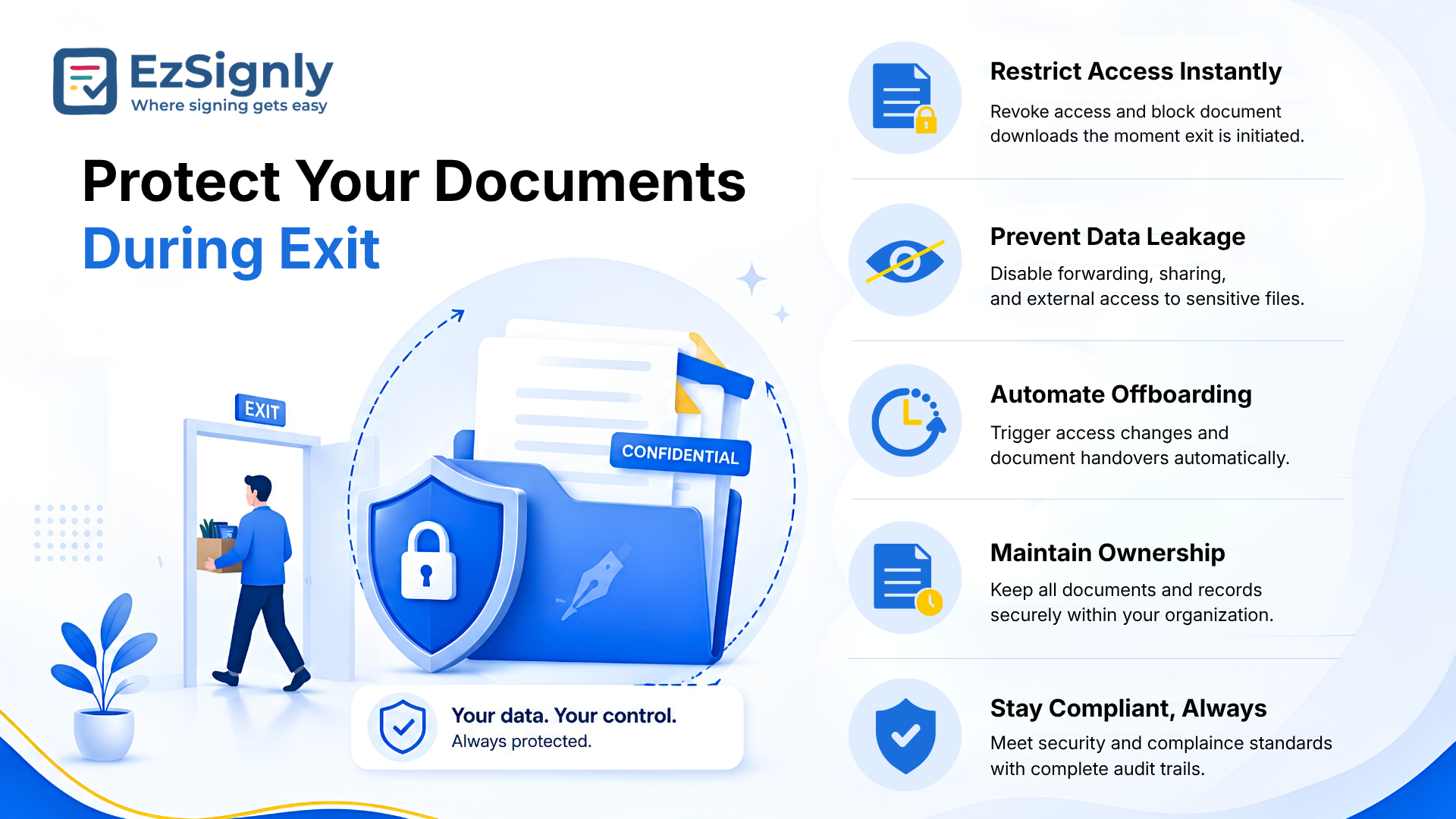
Protect Your Documents During Exit
Before cancelling your plan, download all completed agreements and their audit certificates. Every contract has certain retention requirements, and nobody wants to look for a signed lease in two years. Save all agreements in one safe place and write down exactly where.
You should align your cancellation with the end date
of your contract so that you can save money by not paying for two of them. At
the same time, let your clients and vendors know what to expect. If the signers
get just a link, they don't even know that anything was changed.
eSign Documents Online
Where Speed Matters Most
Some sectors can't afford even a brief wobble during a transition, and property is the clearest example. The deadlines are linked to closings, inspections, and financing windows, which will not wait for the software to stabilise.
Property Deals That Close on Time
An agent is dealing with buyers, sellers, lenders, and
inspectors, and frequently making calls from their mobile phones during
viewings. Online eSignature for real estate in Illinois will enable one
to sign listing agreements, disclosure forms, and lease addenda wherever one is
located, by determining the signing sequence.
Conclusion
A peaceful transition is dependent on preparation,
parallel testing, and a platform your team will love. The final point is to
have quick reviews over time. See how the turnaround times compare with your
previous figures, get feedback, and modify the templates that need to be
modified. This way, the process remains a brief one, which has an end point.
EzSignly has all those features. If you would like to try it before committing,
schedule a demo.
Have any other questions? EzSignly's team is here to help!
FAQs
1. How long does it take to migrate eSignature software?
A: Small companies usually manage to migrate in a period of two to four weeks, including template creation and a brief parallel run.
2. Will the signers realise that anything changed?
A: Almost never. Signers get a link, open it on any device, and sign. The process remains as simple as it was before, so there is no room for confusion.
3. Can I test EzSignly before moving everything?
A: Yes. The free version allows up to three envelopes per month, and new signers get an offer of three free months for signing up.
Take a look at the latest blog
From Manual to Instant: AI eSignatures That Accelerate Business Operations
Replace manual signing with AI eSignatures to speed up approvals and streamline operations.
April 13, 2026
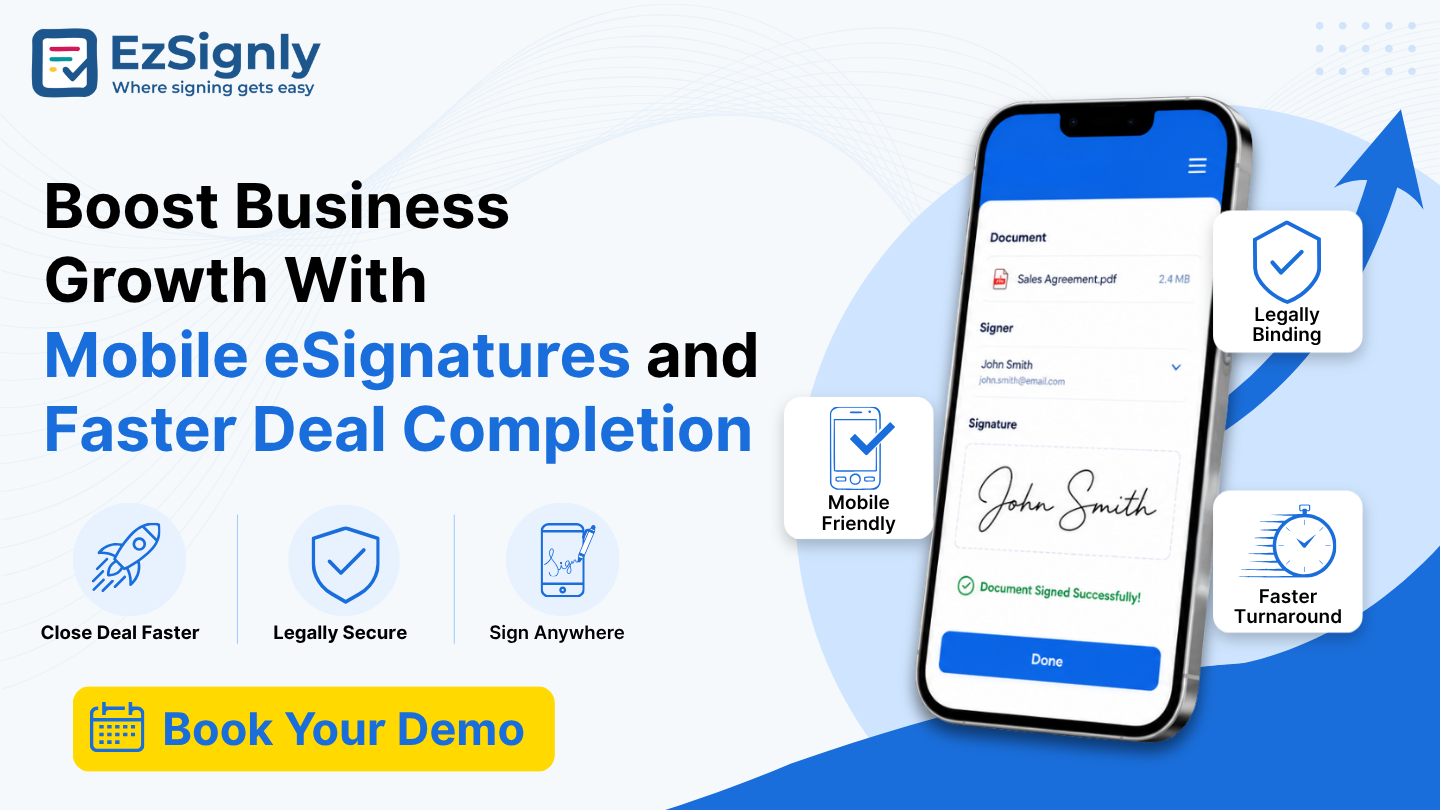
Boost Business Growth With Mobile eSignatures and Faster Deal Completion — Book Your Demo
Accelerate deals with secure mobile eSignatures. Sign anytime, anywhere, and boost business growth. Book your demo today.
June 24, 2026
Scaling With One-Click Approvals Using AI eSignatures for Legal Workflows– Free Demo
Scale legal workflows with AI-powered eSignatures and one-click approvals for faster, secure document processing.
May 6, 2026

How the Multi-Company Tenancy Model Improves Document e-Signing with Workflow Management: Book a Demo
See how the Multi-Company Tenancy Model simplifies document e-signing with centralized workflows, enhanced security, and seamless collaboration. Book ...
June 25, 2026
Have any other questions? EzSignly's team is here to help!
© 2026 Copyright EzSignly. All Rights Reserved