


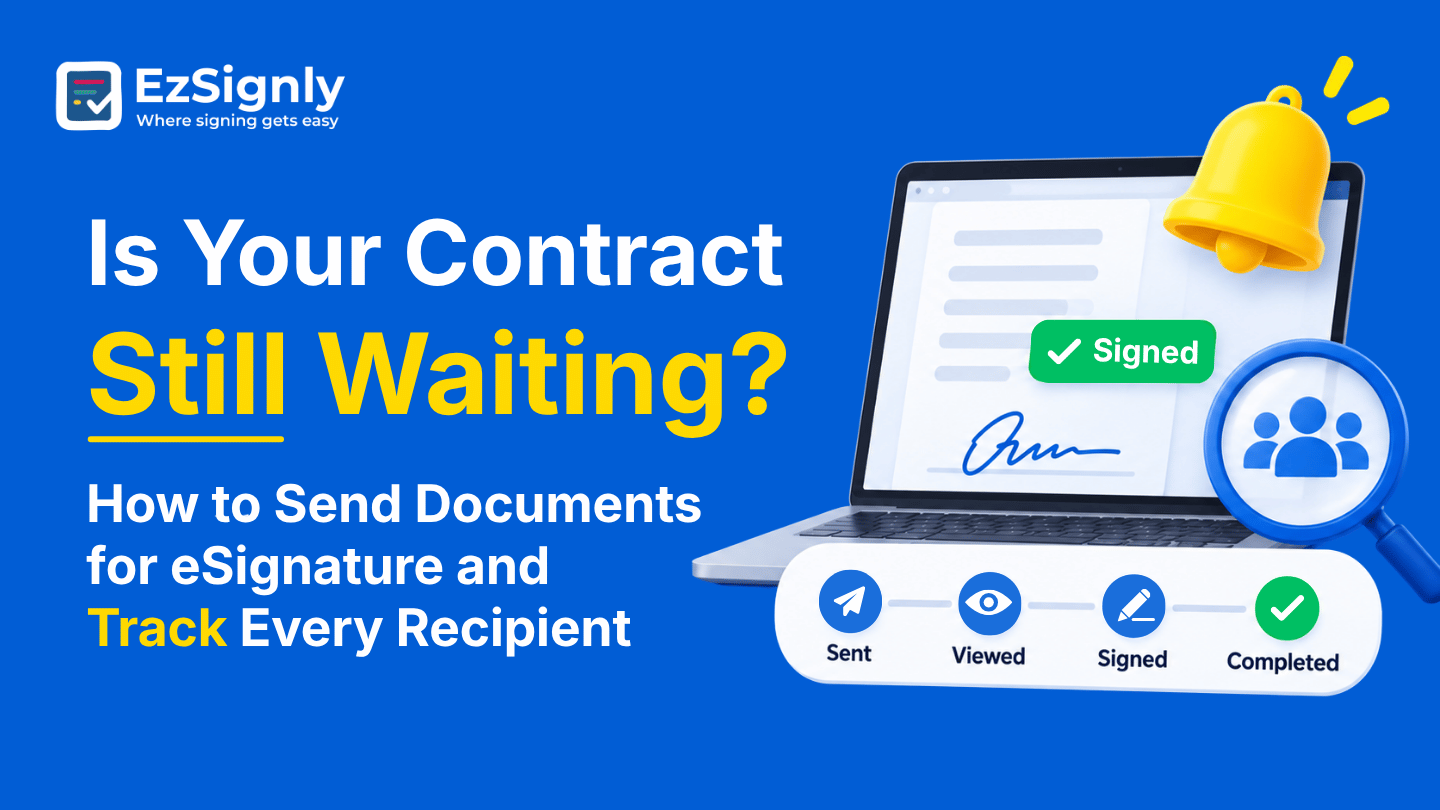
Is Your Contract Still Waiting? How to Send Documents for eSignature and Track Every Recipient
November 13, 2026 | Posted By Admin
Best eSignature Solution
Summary
An unsigned contract usually isn’t lost; it’s sitting
with someone, and you just can’t tell who. This blog shows how to send a
document in EzSignly so it’s set up for a quick finish, then how to follow up
with each recipient afterwards and read the clues when someone stalls. It also
covers security checks, small teams, bulk sends, the free plan, and what paid
plans cost.
Introduction
Everyone knows the hollow feeling of checking on a contract that was supposed to be signed on Monday. If you’ve been hunting for electronic signing software free in Illinois, the first question isn’t just what it costs. It’s whether the tool will tell you, plainly, who is holding things up.
That’s our focus here. We’ll look at how to send a
document through EzSignly in a way that sets it up for a fast finish, and how
to follow up with every recipient afterwards, so a waiting contract never
becomes a mystery. The details come from EzSignly’s own sending and tracking
guides.
Sending It Properly the First Time
There is a rhythm to sending any document. The process always includes adding the fields, adding recipients, and determining the sequence of signing. You also need to add a short note and a secure signing link for each signer. This will ensure that recipients can sign from any device from the comfort of their place.
Also make sure that you include the requirement as well as the date of signing. A short note goes way better than a blank message. This is because people tend to respond quickly to small requests instead of vague boxes.
Make sure to include what you need and by when. “Please sign by Friday; it’s two spots” gets a quicker answer than a blank message, because people respond to clear, small requests more readily than to vague ones.
Order Is Half the Battle
When more than one person has to act, the order is determined, and each person is notified when it’s their turn. Nobody can jump ahead and sign before the right person has looked.
That order also makes waiting easier to understand.
When a document stalls, you already know whose turn it is, and the dashboard’s
live tracking shows who has signed and who’s next. Instead of emailing
everyone, you contact the one person who’s actually holding the baton.
What Protects It Behind the Link
Before clicking, a signer might wonder whether the link is safe. The electronic signature security features worth knowing are encrypted transfer of the data, secure storage of documents and a detailed audit log that captures signer activity and timestamps. EzSignly also offers optional two-step verification for added authentication.
You don’t need to turn every layer on for every
document. A routine vendor form might not need extra checks, while an agreement
with financial details might deserve one. Decide based on how much damage a
wrong click could do, and mention the secure link in your message, so signers
recognise it as legitimate.
Following Every Recipient
You’ll be able to access your documents via the dashboard once they are public. There will be four summary counters at the top that sort documents by created, signed, pending and expired. These let you know at a glance if you’re on track to complete your documents for the week. You’ll also be able to see your documents without having to dig through your inbox.
Each document shows when a recipient opens it, when they review or interact with it, when their signature is done, and who’s still outstanding. That’s a very different experience from sending a PDF by email and hoping. You’re no longer guessing whether silence means “busy” or “never saw it.”
The Recent Activity panel lists the latest events across all your documents. Automated alerts let you know when a signer opens a file or when a signature is completed. You don’t have to check the status of a request manually.
Reading the Clues
Every status tells a story. If a document hasn’t been
opened, assume it’s because of delivery. Check the address and make sure the
signer has looked in their spam. Send a quick text if you need to. If it’s
opened but unsigned, the person probably has a question or a worry, so a short
call usually beats another email.
Small Teams and the Waiting Game
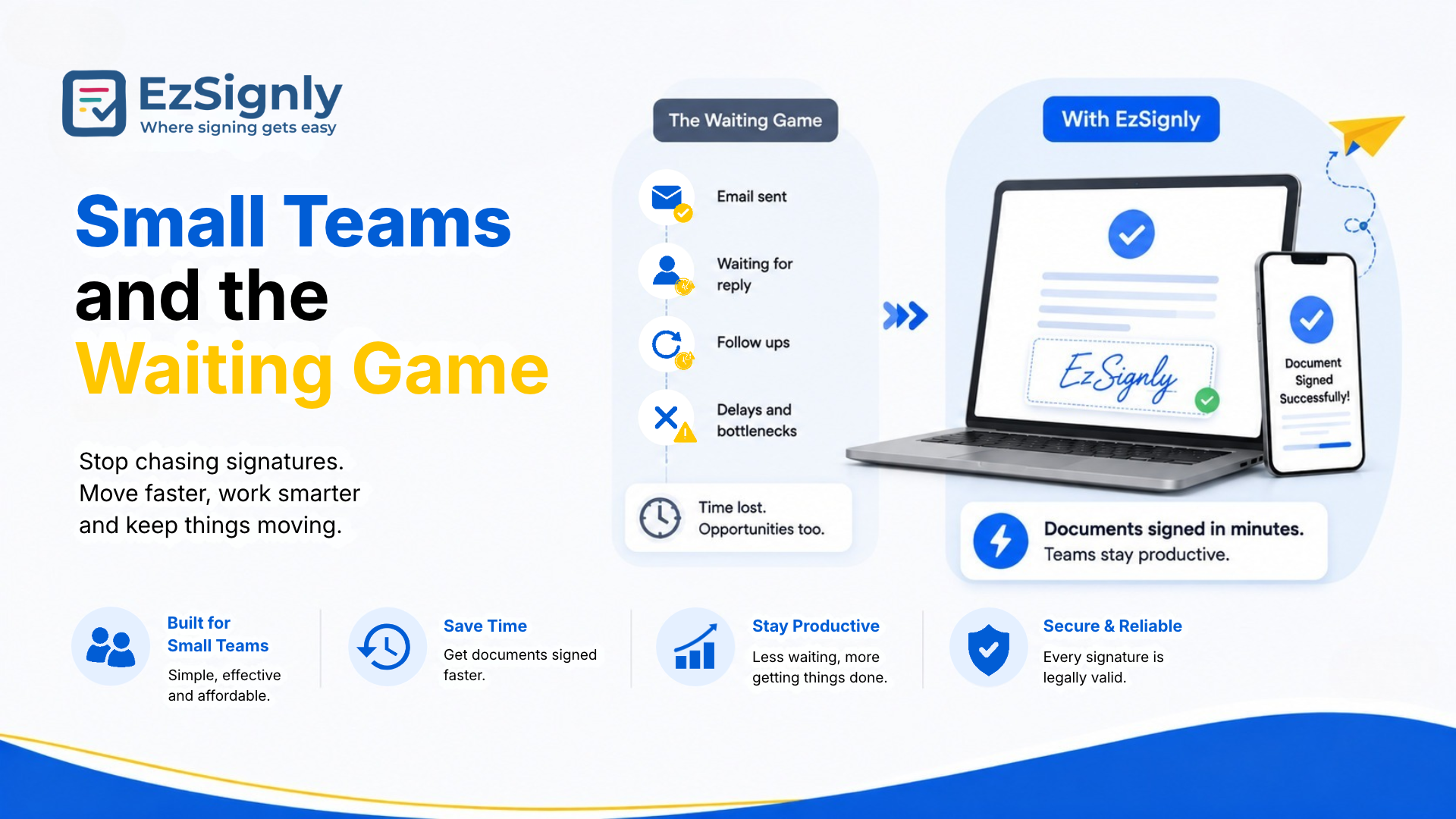
Small companies feel waiting for contracts the most, because the person chasing signatures is also the person doing everything else. Anyone weighing eSignature tools for small businesses needs tracking that doesn’t demand a full-time administrator. EzSignly has a dedicated small business solutions page, and its sending flow is built for people without training.
Paperless Signing Tool
When a Whole Batch Is Waiting
With the Bulk Send feature, you can easily upload a single file and pass it to multiple recipients at once. This is beneficial for HR, Staffing and Sales teams. Smart tracking will show you who has signed and who still needs a reminder. You can also see who signed quickly and who took longer.
You can look at the Document Status chart and trends
over time to gain insights. Instead of using your gut feeling, you can look at
the data to see why agreements in a particular team are signed fast or slow.
This allows you to set deadlines smarter and more accurately based on data,
instead of your intuition.
Free Doesn’t Have to Mean Flimsy
A free plan is a fair way to test whether the sending and tracking flow suits you. EzSignly’s Free plan costs $0, needs no credit card, and includes three envelopes a month, two reusable templates, and secure cloud storage. It won’t carry a busy company, but it’s enough to send a real contract and watch the tracking in action.
Start with a simple test. Send a document to yourself
and one of your coworkers. Have a coworker open the agreement on their phone to
see when alerts are sent and how the status changes. You will learn more about
the tool in 10 minutes than from any feature list, and it won't cost you
anything.
When You Outgrow the Free Tier
Once you’re sending regularly, pricing becomes the next question. Checking out eSignature Software Pricing in Chicago, Illinois, Standard eSignature Software costs $7 a month per user and comes with 30 envelopes, unlimited templates, a bulk send feature, and reminds users to send documents to three users. Business costs $10.50 a month per user and comes with unlimited envelopes, role-based access, and the ability to add five users.
For larger teams, you can contact sales about our Business Pro plan, which provides unlimited document sends and gives a 30% discount with annual billing, as well as 24/7 support. Think about how many documents you send in a month. Pick the plan that works for you; don’t be impressed by the plan that sounds the most appealing.
New signups can also claim three free months through
the welcome offer. That’s long enough to run several real contracts through the
system and see whether the tracking really does save you from the “is it still
waiting?” dread.
Conclusion
Not knowing why your contract is in a waiting status makes that status frustrating. Send your contract with a clear message and the correct order, and have it protected with appropriate checks.
Got a contract sitting in someone’s inbox right now?
Don’t wait for it to move on its own. Open your free EzSignly account, send it
through, and see exactly who’s holding things up.
Have any other questions? EzSignly's team is here to help!
FAQs
1. Can I see which recipient hasn’t signed yet?
A: Yes. EzSignly helps you see when each recipient opens, reviews and signs, and shows which are still waiting.
2. Do my signers need to install anything?
A: No. Recipients sign a secure link and can do it from any computer, tablet or phone.
3. How do I stop chasing people manually?
A: Automatic reminders and notifications are a feature of the Standard and Business plans, so the plan takes care of the follow-ups for you.
Take a look at the latest blog
Adobe vs EzSignly: The Ultimate Bulk eSignature Workflow Comparison for Businesses: Book a Demo
Compare Adobe and EzSignly for bulk eSignature workflows. See which solution streamlines document signing, automation, and team productivity. Book a d...
June 16, 2026
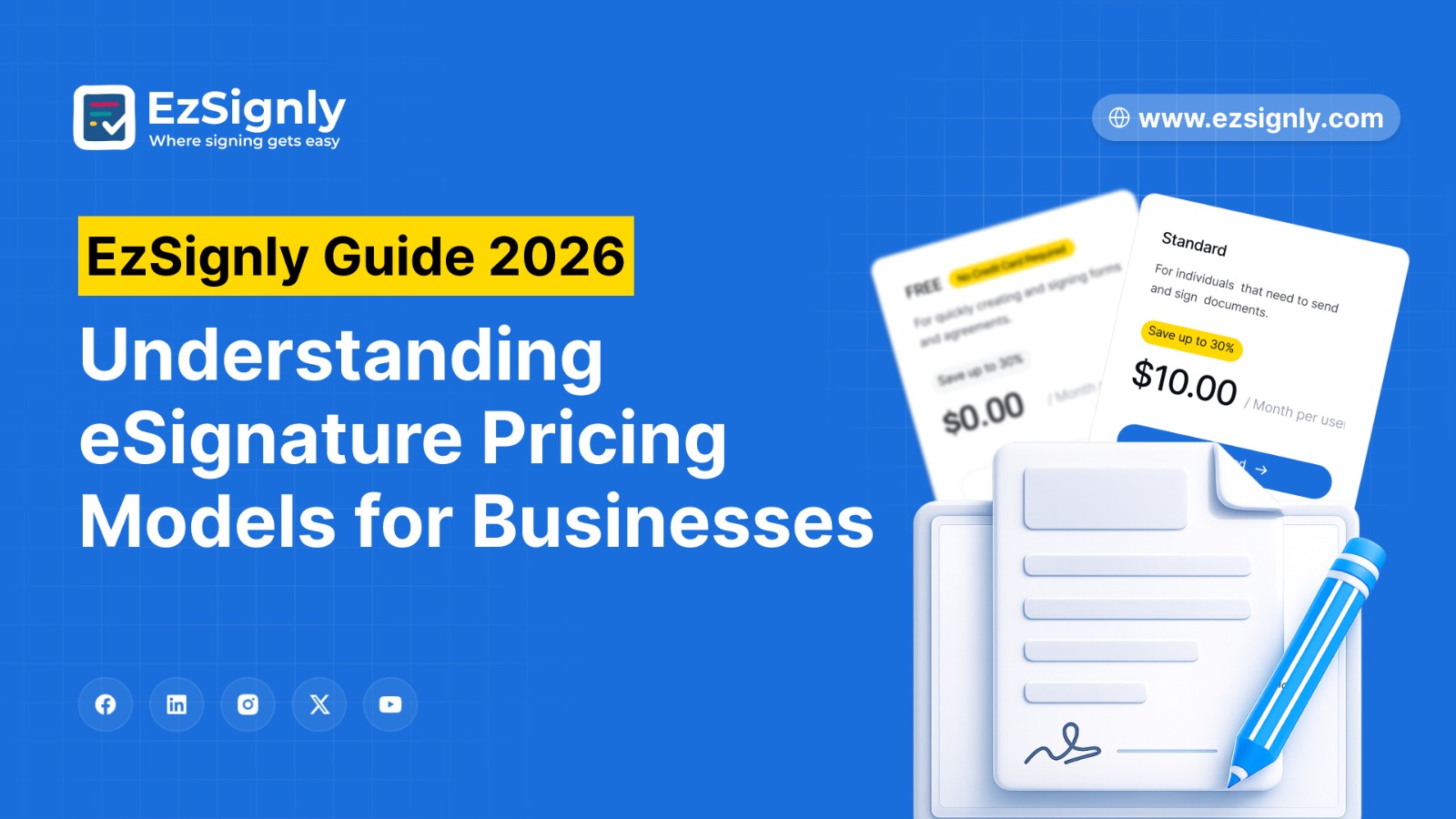
EzSignly Guide 2026: Understanding eSignature Pricing Models for Businesses
EzSignly Guide 2026: A concise overview of eSignature pricing models to help businesses choose the right plan efficiently
March 16, 2026
Solving America's Slow Document Process With eSignatures: AI-Powered Features: Signup Now
AI-powered eSignatures can expedite paperwork. Register now to expedite paperwork.
July 20, 2026
A Comprehensive Guide: To Sign Your Documents with E-Signatures Tool
In this guide, we will talk about the world of Free eSignature software, illustrating how you can us them to enhance your productivity and protect you...
January 13, 2026
Have any other questions? EzSignly's team is here to help!
© 2026 Copyright EzSignly. All Rights Reserved