


What Does AI Actually Do With Your Signed Documents? A Look Inside Modern eSignatures
November 4, 2026 | Posted By Admin
Secure Document Signing
Summary
AI buttons are appearing in many signing tools, and
it's okay to worry about what they do with paperwork. This blog explains the
working mechanism of EzSignly's AI feature, where our information goes, and
what questions should be asked by any vendor. It also explains how documents
are secured post-signing, and what HR and real estate teams should look at to
test any tool safely.
Introduction
If you upload a contract and need the help of AI, mostly an AI icon is there, which, when clicked, provides a subject line. Handy, sure. But somewhere between the click and the result, a fair question forms: what exactly did that just do with my document? If you’re choosing an Electronic Signature for Online Documents, that curiosity is healthy, not paranoid.
So let’s go through it properly. We read EzSignly’s
public pages and its AI guide, and we’ll stick to what they actually say. Where
the information runs out, we’ll say so, and we’ll end with questions worth
asking any vendor before you hand over anything sensitive.
What the AI Does, According to EzSignly
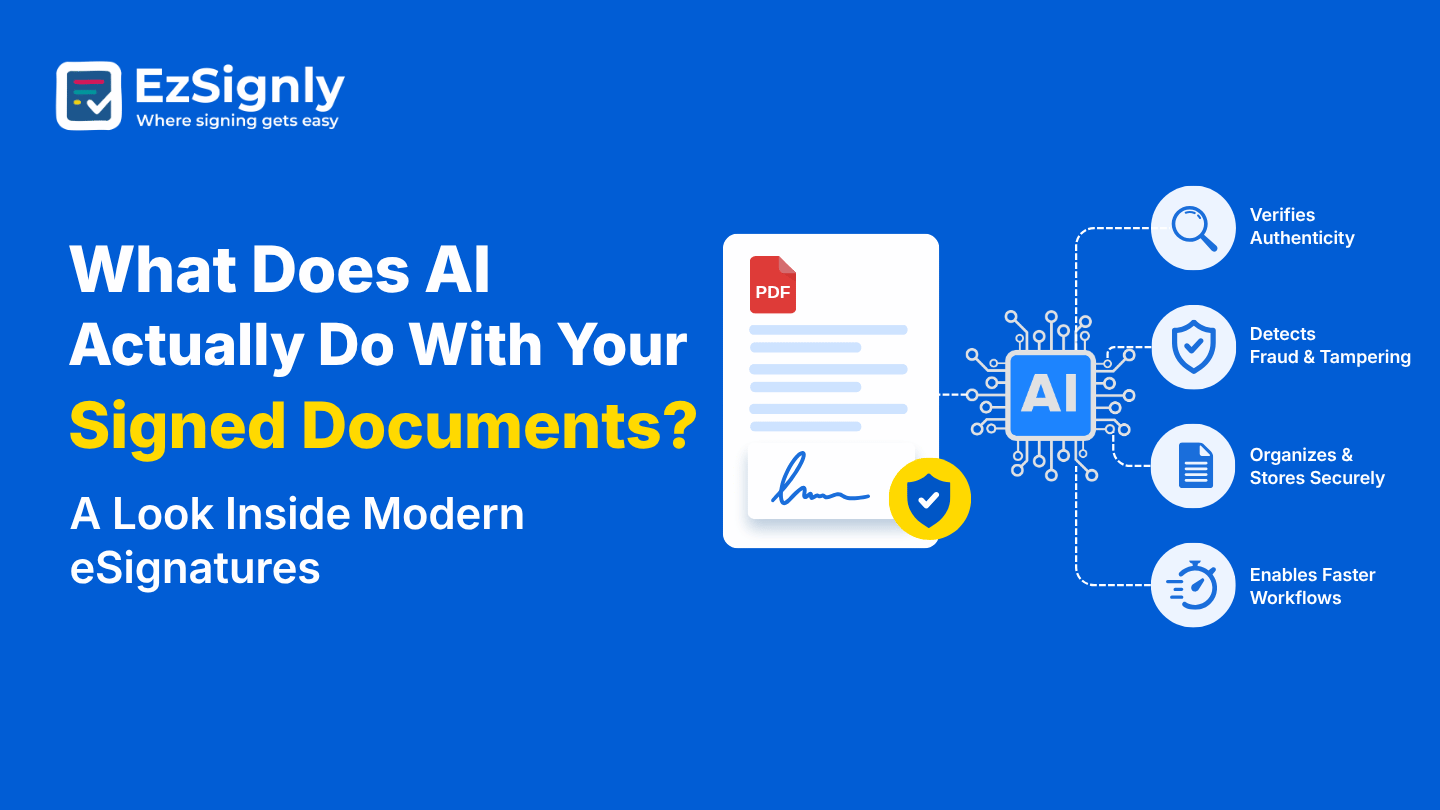
The guide describes a short, specific job. When you upload a document, one click makes the AI read the content, work out what kind of document it is, and write an email subject line and a message to go with it. This is basically the whole description and general preparation work.
You’ll easily find the icon on the side of the Document Type bar when you have to create a template. After the fields are completed, the recipients should be added, the signing order should be set, and the signature, date, and initial boxes should be dragged onto the page. The AI stays in its lane, which is the prep stage, long before anybody signs.
What It Isn’t Described As Doing
Nothing in the guide says the AI rewrites your
wording, signs for anyone, or picks who receives a document. If anyone suggests
another theory, you can ask them to see it working on the screen. Good vendors
don’t mind that request, and it keeps you from buying a promise instead of a
product.
The Everyday Upside
Picture a people team sending forty offer letters in a week. Without help, forty subject lines get written forty slightly different ways, and somebody inevitably types the wrong name. Anyone weighing eSignature Software for HR in USA will see why automatic drafting is welcome here, since every candidate receives a consistent, clear message.
The AI text must be treated as a first draft. You
should read the subject line and the message before sending it, and also check
if the document type picked is correct.
Where Your Signed Document Lives Afterwards
Once signing is done, a different set of protections takes over, and these don’t depend on AI at all. EzSignly’s guide mentions that documents are encrypted, and the platform also records an audit trail with timestamps as well as signer identity.
Access control is part of this picture too. Members and Roles decide who can view, send, or sign, and the Business plan adds role-based access for confidential material. Standard covers up to three team members and Business up to five, so even small teams can keep sensitive files limited to the right people.
Questions Worth Asking Any Vendor
The public pages explain what AI does, but they don’t tell how the content is managed behind the page, for how much duration it is kept, and if it’ll be ever used to train models. We won’t guess in either direction, and you shouldn’t either.
So ask questions vividly. How long is it retained?
Where is it processed? Can I opt out? A demo is a perfect place for this, and
EzSignly offers one, so bring your toughest questions and watch how they
respond.
When the Paperwork Is a House
Property documents carry a lot of private detail: income figures, ID numbers, offer amounts. That’s why people searching for Secure Real Estate eSigning Online care about more than speed. They are eager to find out if their file is secure, if it is with the right people to sign in the correct sequence, and if a clear record is maintained afterwards.
Sequential signing helps in handling the order, and
the colour-coded fields separate buyers and sellers from signing each other’s
boxes. Reminders handle the gentle pushing. One caution: some closing steps
need a notary or special filing, so check with your title company or attorney.
Is It Legally Solid?
Electronic signatures hold the same value as
handwritten ones under the ESIGN Act and state laws. This, with the audit
trail, offers proof when privacy and security come into question. The audit
trail is a strong witness, but it’s not a replacement for legal advice in a
serious dispute.
A Sensitive Method for a Test Run
Before uploading anything that is sensitive, run a little test. Make a prototype with fake names and numbers, send it, and see what the AI produces. You’ll learn how it behaves in about ten minutes without risking a single real detail.
You should run a test on the other end too. Just send
the file to yourself, open it like a signer will, and scroll the activity
section. If something’s not right and it feels okay, you’ve lost nothing plus
built real confidence.
Privacy Shouldn’t Need a Bigger Budget
The price is also crucial, because various teams
assume careful handling means paying a larger amount. Looking at e-signature
pricing and plans, EzSignly’s Free plan costs $0 and includes three envelopes a
month and two templates, standard costs $7 for each month including 30
envelopes, templates with no limit, bulk send feature, and reminders, business
costs $10.50 each month having unlimited envelopes and role-based access, and
finally business pro with a contact-sales option, flexible limits, and 24/7 support
line.
Conclusion
So, what does the AI actually do with your signed documents? Based on EzSignly’s own guide, it helps prepare them by labelling the type and drafting the email, and then steps aside. Everything after that, from signing to storage, runs on encryption, audit trails, and access rules. What the public pages don’t answer, you should ask about, calmly and in writing. A vendor worth using will welcome the conversation.
Got a privacy question that’s been nagging you? Say it
out loud to someone who can answer it. Book a demo with EzSignly and bring your
toughest questions along.
Have any other questions? EzSignly's team is here to help!
FAQs
1. What does EzSignly’s AI do with an uploaded document?
A: According to its guide, one click identifies the document type and drafts an email subject and message. You review everything before sending.
2. Is AI template generation available now?
A: No. EzSignly lists it as coming soon, so the current AI features focus on document preparation.
3. How can I check how my data is handled?
A: Ask the team directly during a demo about retention, processing, and model training, and request the answers in writing.
Take a look at the latest blog
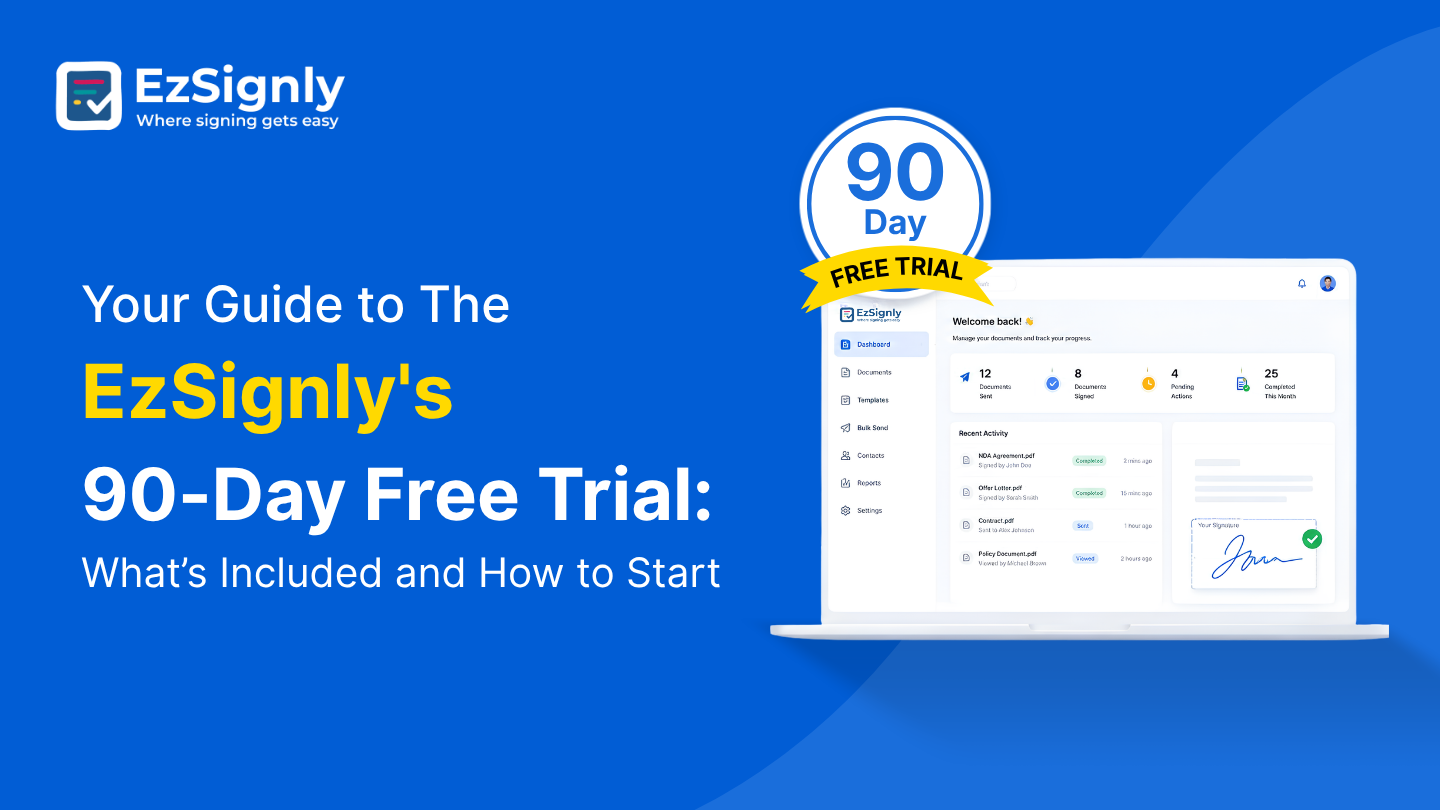
Your Guide to The EzSignly's 90-Day Free Trial: What’s Included and How to Start
Check out EzSignly's 90-day free trial to learn about its main features, advantages, and how to begin using safe, simple eSignatures.
August 5, 2026

How HR Teams Can Save Time on Document Signing Without Overspending – Book a Demo
Discover how HR teams may use an effective digital signing solution to streamline document signing, reduce administrative work, and save money. To fin...
August 17, 2026
How to Eliminate eSignature Traditional Workflow Issues With Top AI Features: Book a Demo
Eliminate eSignature workflow bottlenecks with AI. Book a demo to see faster, smarter, and more efficient signing.
June 26, 2026
Boost Productivity: Why Small Businesses Are Adopting Electronic Signatures
The smart way small businesses speed up signing and approvals.
January 27, 2026
Have any other questions? EzSignly's team is here to help!
© 2026 Copyright EzSignly. All Rights Reserved