


AI-Powered eSignatures: How One-Click Document Filling Saves Hours of Work
April 6, 2026 | Posted By Admin
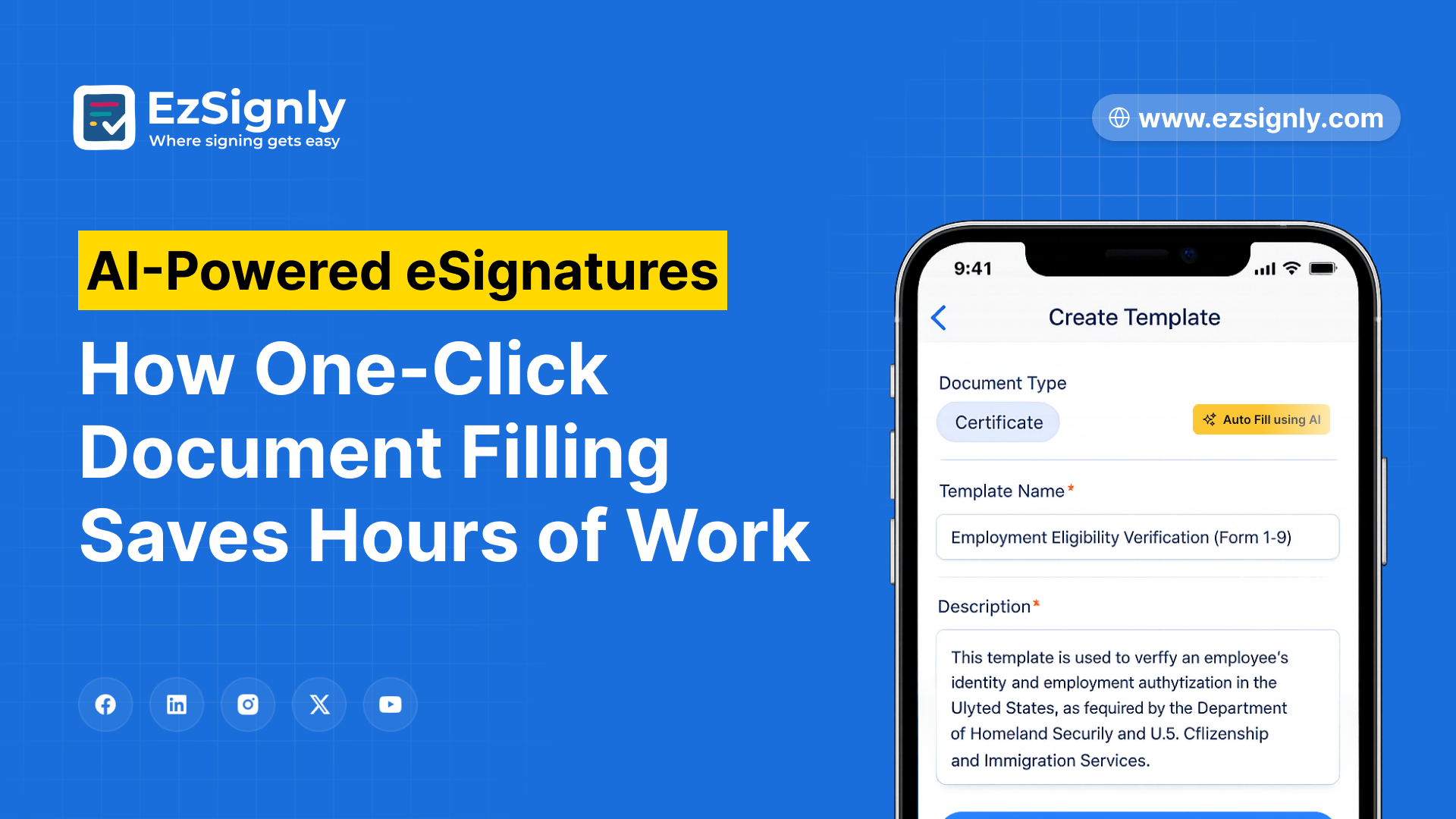
Secure Document Signing
Summary
EzSignly offers a unified platform, integrating AI-driven field detection, one-click document completion, smart routing, and secure electronic signature features. Pricing begins at $9 per user each month. Features include smart document classification, auto-placed signature fields, sequential and parallel signing workflows, mobile-first design, tamper-evident audit trails, ESIGN Act compliance, bulk send, template libraries, and a searchable document archive that turns hours of manual document prep into 90-second workflows.
A property management company in Naperville sends 280 lease agreements, vendor contracts, and maintenance authorizations every month. Each document passes through the same ritual: an office manager opens a PDF, drags signature blocks to the right spots, adds date fields, drops in initial lines, double-checks the routing order, and sends. Four to seven minutes per document. Across 280 files, that is 18 to 32 hours a month spent preparing documents for the act of signing them. One missed field sends the whole thing back.
The signature itself takes seconds. Everything before
it, like the field placement, the form detection, the routing logic eats the
hours. Going digital did not fix this. It moved the dragging and dropping from
a printer tray to a screen. You need a trusted eSignature software tool with
AI features to make the document processing experience smoother, and
efficient.
The Real Bottleneck Is Not the Signature
Business owners who adopted eSignature platforms five years ago solved one problem and inherited another. Paper disappeared. Manual document setup did not.
A standard workflow still asks someone to open every
document, drag fields into position, configure signing sequences, and verify
nothing is missing. For a 10-page vendor agreement, six to eight minutes. For
an HR onboarding packet, 12 to 18. Businesses processing 100 to 300 documents
monthly spend 15 to 40 hours in this loop. A business owner in Schaumburg
described it as paying someone to put stamps on envelopes in a world that
already has email. The shift toward AI-powered eSignatures changes this
equation entirely, with AI handling field detection, classification, routing,
and validation before anyone touches the file.
What AI Document Filling Actually Does
Upload a lease agreement to an AI esignature platform. The engine reads the document structure, identifies it as a lease, locates signature lines, date fields, initial blocks, and checkbox clauses, and places every field automatically. A 14-page commercial lease that took eight minutes to set up manually takes 45 seconds. One click to review, one click to send.
That same engine handles an NDA differently than a purchase order, and a purchase order differently than an employment offer. Document automation AI identifies document types by examining their structure, the way language is used, and where fields are located within numerous templates. It customizes fields based on the specific content of each document, moving away from a generic, uniform method.
A staffing agency sending 40 offer letters, 40 NDAs, and 20 contractor agreements monthly used to spend 22 hours on document prep. With AI-driven one-click filling, the time shrank to just 90 minutes.
The eSignature world took a leap forward in early 2026. DocuSign unveiled its Iris AI engine, bringing automated document preparation and contract summarization into play.
Adobe rolled AI-assisted field placement into its Sign product. Manual document setup is a relic, and every major platform knows it.
Enterprise vendors priced these features accordingly. DocuSign's AI capabilities sit inside its Intelligent Agreement Management platform at north of $40 per user monthly. For a 15-person company, that lands between $7,200 and $12,000 annually. Platforms functioning as an AI contract management tool with AI filling at the base tier deliver the same automation without enterprise pricing. AI-Powered Contract Management for Businesses now extends beyond preparation into the full document lifecycle.
- Smart classification systems categorize contracts based on their nature and how soon they need attention.
- Predictive reminders ensure signers are prompted before deadlines arrive.
- Agentic
workflows automatically guide multi-party agreements through the necessary
approval processes, and then link finished documents straight to CRM and
ERP platforms.
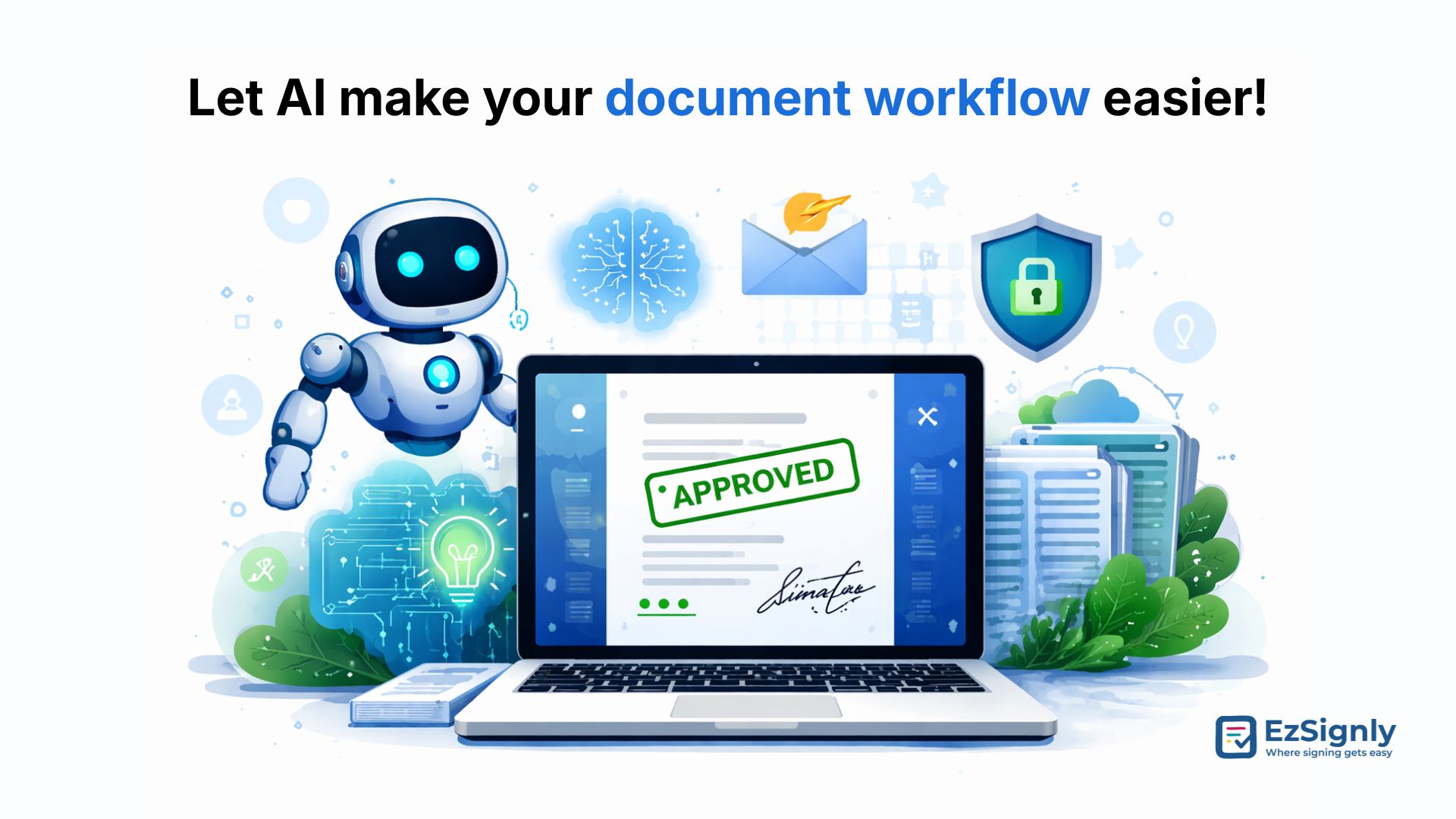
Best E-signature Software
What Manual Document Prep Costs When You Total the Bill
A 25-person professional services firm in Illinois processing 200 documents monthly:
| Cost Category | Manual Prep (200 docs/month) | AI-Powered Platform (EzSignly) |
| Document Setup Labor (Field placement, routing) | $18,000 to $28,800/year | $0 (AI-automated) |
| Error Correction & Re-sends | $4,200 to $7,800/year | $360 to $600/year |
| Delayed Deals (From routing mistakes) | $12,000 to $36,000/year | Near Zero |
| eSignature Subscription (15 Users) | $4,500 to $7,200/year | $1,620 to $4,860/year |
| Printing & Courier (Residual paper) | $2,400 to $4,800/year | $0 |
| Annual Total | $41,100 to $84,600 | $1,980 to $5,460 |
The document setup labor line hides in salary budgets.
At four to seven minutes per document across 200 monthly files, it consumes 13
to 23 hours every month. Businesses looking to Reduce e-signature cost in
Illinois and nationally recover those dollars by eliminating the prep layer
entirely. The subscription is the smallest line item. The labor on top of it is
where the real cost lives.
How AI One-Click Filling Works Across Departments
Every department that touches contracts benefits when document automation AI removes the setup step.
Sales teams can now have their proposals and service agreements automatically populated with AI-generated signature blocks and terms acceptance checkboxes, all set up in a matter of seconds. A sales director at a Rockford-based logistics company saw their daily proposal output double, and they did it without needing to hire more people.
HR departments see the deepest impact per document. Onboarding packets contain six to twelve forms requiring different field types in different positions. Setting that up manually for each new hire takes 15 to 25 minutes. Electronic signature software for hr with AI filling handles the full packet in under two minutes. eSignature Software for HR in Illinois handles state-specific compliance documents automatically, routing Sexual Harassment Prevention Training acknowledgments to Illinois hires and wage theft prevention notices to New York hires without manual packet assembly. Trusted electronic signature tools for hr onboarding eliminate the compliance risk that a single oversight can trigger during an audit.
Legal and procurement teams get intelligent clause
detection alongside field placement, with the platform identifying signature
requirements, witness lines, and notarization blocks specific to each agreement
type. Firms using esignature tools remote online notary services 2026
integrations complete the signing and notarization workflow in a single
session.
Security That Scales with Automation
Every document processed through a secure electronic signature platform carries 256-bit AES encryption at rest and TLS 1.3 in transit. Signer authentication verifies identity through email, SMS, or knowledge-based challenges before a signature lands. The audit trail captures timestamps, IP addresses, and device information for every action.
Electronic signature security under the ESIGN Act and
UETA requires signer intent, consent, document integrity, and record retention.
AI-powered eSignature platforms satisfy all four automatically because
compliance is embedded in the signing event. For businesses wondering how to
create a secure electronic signature workflow, the platform handles it.
Secure file transfer with electronic signature keeps documents inside encrypted
channels with access controls from send to archive. Businesses evaluating
DocuSign electronic signature security features against newer platforms will
find the security stack functionally equivalent, the difference is cost and
automation depth, not protection.
Have any other questions? EzSignly's team is here to help!
Benefits of AI-Powered eSignatures for Business Owner
Businesses that move from manual document prep to AI-driven one-click workflows see returns across every operational metric.
- Document preparation time drops 90 to 95 percent, recovering 15 to 35 hours monthly for teams processing 200-plus documents
- Contract turnaround shrinks from days to under an hour because routing and validation happen before the sender reviews the file
- Error rates on field placement drop below one percent, eliminating re-send cycles that delay closings
- Every signature meets ESIGN Act and UETA compliance with embedded audit trails and tamper-evident document integrity
- A free esignature tool trial lets businesses process real documents through the AI workflow before committing budget
- Mobile-first signing means recipients complete documents from any device without downloading apps or creating accounts
- Searchable document archives replace filing cabinets and shared drives with instant retrieval by signer, date, or document type
- Integration with CRM, HRIS, and cloud storage connects completed documents directly to the systems that need them
How many more hours will your team spend dragging
signature fields around screens before the math becomes impossible to ignore?
Conclusion
The eSignature industry solved the paper problem a
decade ago. The document prep problem stayed. AI-powered one-click filling is
what finally removes it. EzSignly’s AI-powered eSignatures give business
owners AI-driven field detection, intelligent document classification,
automated routing, one-click sending, mobile-first signing, ESIGN Act
compliance, and a searchable archive starting at $9 per user monthly. Every
week of manual document setup is a week of labor cost that belongs back in
operations, sales, or growth.
FAQs
1. What does one-click document filling mean for eSignatures?
One-click document filling uses AI to read an uploaded document, identify all required fields including signatures, dates, initials, and checkboxes, place them automatically, and configure the signing sequence. A document that takes six to eight minutes to set up manually takes under 60 seconds with AI placement.
2. How much time does AI document preparation save per month?
A business processing 200 documents monthly saves 15 to 35 hours on document preparation alone. Document automation AI eliminates the manual field placement, routing configuration, and error-checking steps that consume four to seven minutes per file in standard eSignature workflows.
3. Are AI-powered eSignatures legally valid in the USA?
Yes, they carry full legal validity under the ESIGN Act and UETA. The signature meets the same legal standards as any electronic signature, with signer authentication, consent, intent, and tamper-evident audit trails recorded automatically.
4. How does AI-powered document filling compare to DocuSign's setup?
DocuSign's standard plans require manual field placement. Its AI features, including the Iris engine launched in 2026, sit inside premium tiers starting above $40 per user monthly. AI-Powered Contract Management for Business platforms deliver equivalent automation at base-tier pricing under $10 per user monthly.
5. What security standards do AI eSignature platforms meet?
Platforms offering secure electronic signature capabilities use 256-bit AES encryption, TLS 1.3 for transit, multi-factor signer authentication, and tamper-evident audit trails meeting ESIGN Act, UETA, and SOC 2 Type II compliance standards.
Take a look at the latest blog
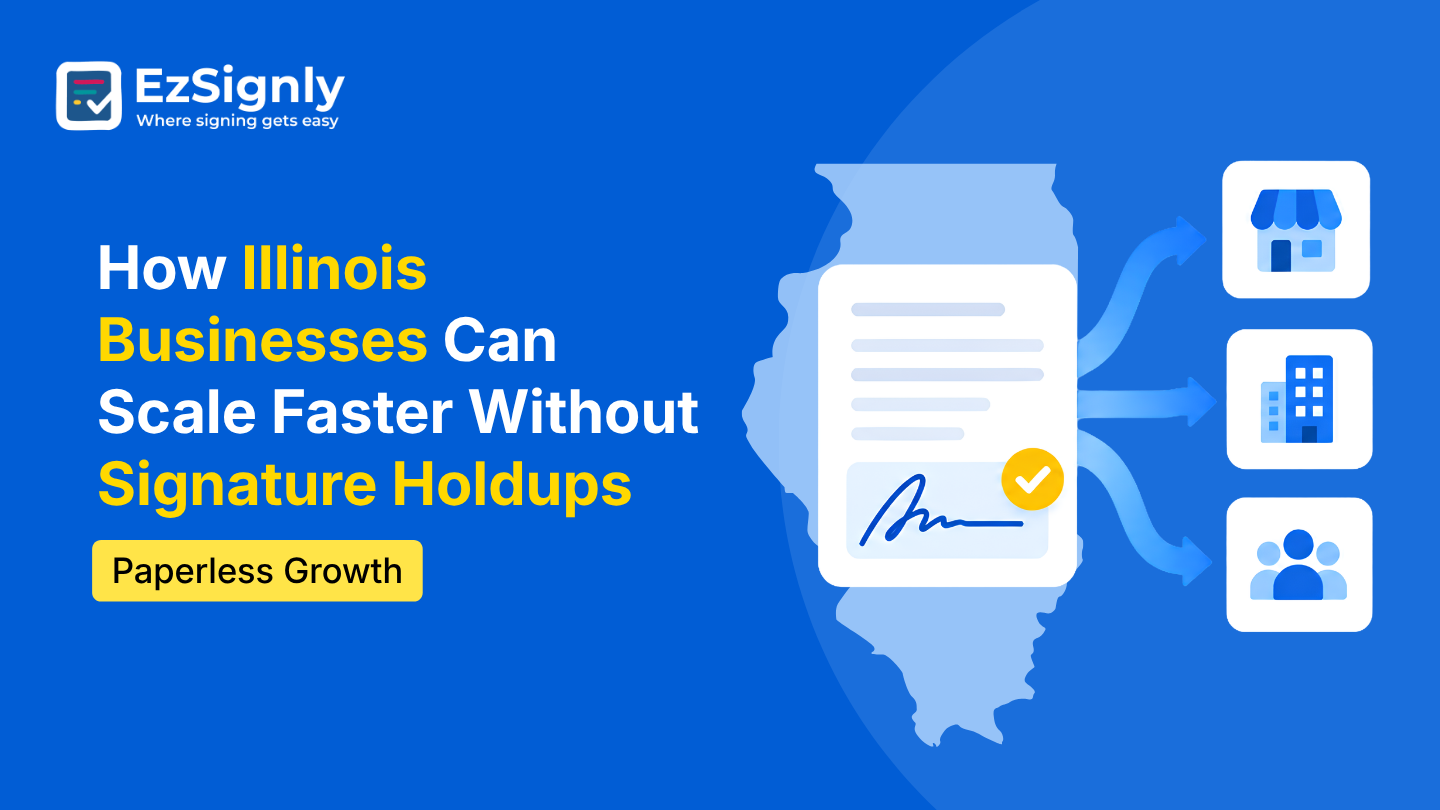
How Illinois Businesses Can Scale Faster Without Signature Holdups: Paperless Growth
Go paperless to speed up approvals, eliminate signature delays, and scale your Illinois business faster.
September 11, 2026
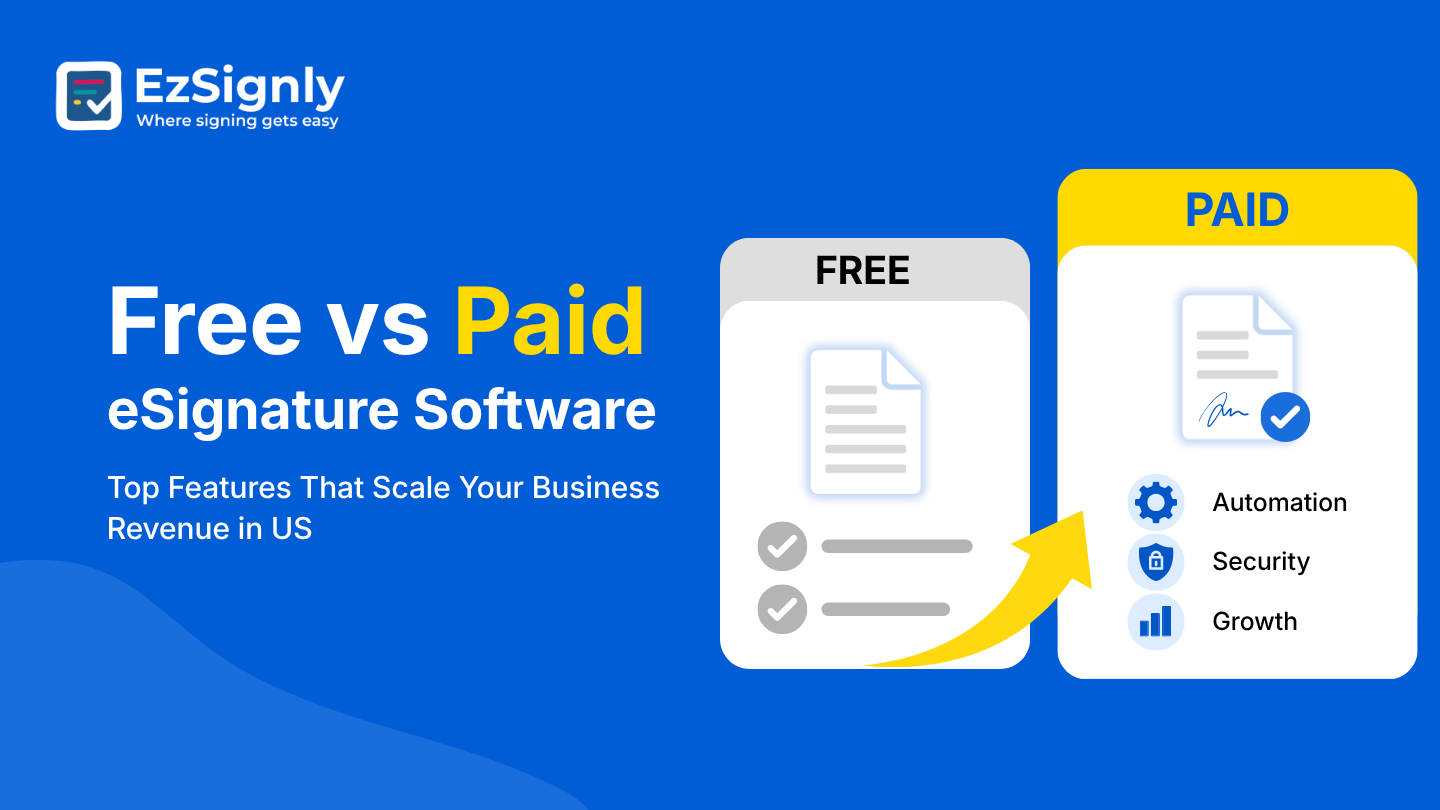
Free vs Paid eSignature Software: Top Features That Scale Your Business Revenue in US
Compare free vs. paid eSignature software and discover features that help U.S. businesses scale revenue, automate workflows, and improve security.
September 8, 2026
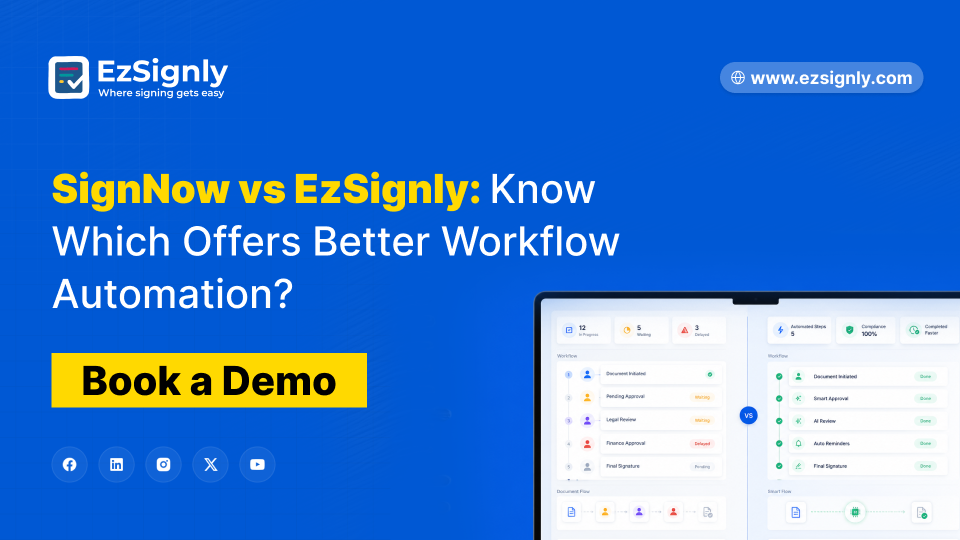
SignNow vs EzSignly: Know Which Offers Better Workflow Automation? : Book A Demo
Book a demo to explore smart workflow automation features and improve your business productivity with ease.
May 21, 2026
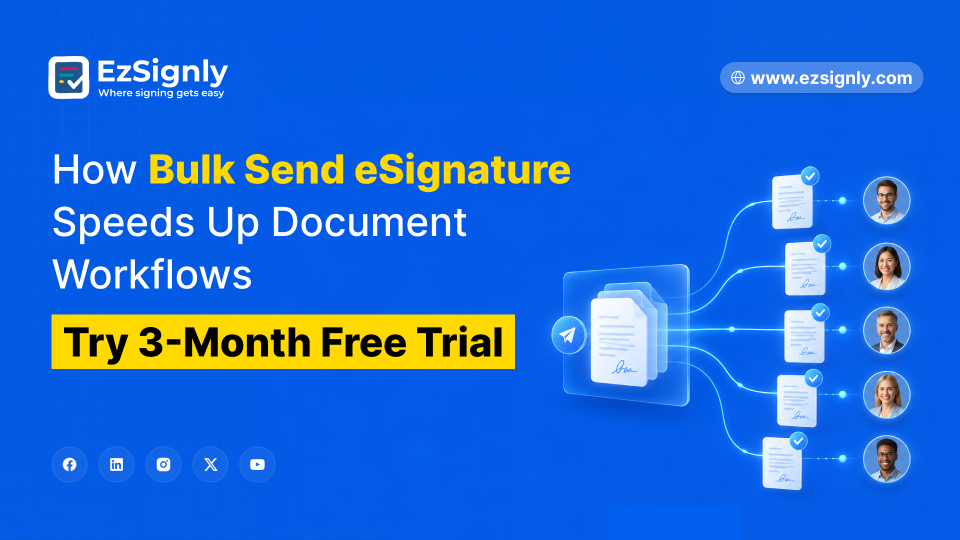
How Bulk Send eSignature Speeds Up Document Workflows – Try 3-Month Free Trial
Speed up document approvals with Bulk Send eSignature and manage hundreds of agreements in minutes. Start your 3-month free trial today and streamline...
May 14, 2026
Have any other questions? EzSignly's team is here to help!
© 2026 Copyright EzSignly. All Rights Reserved