


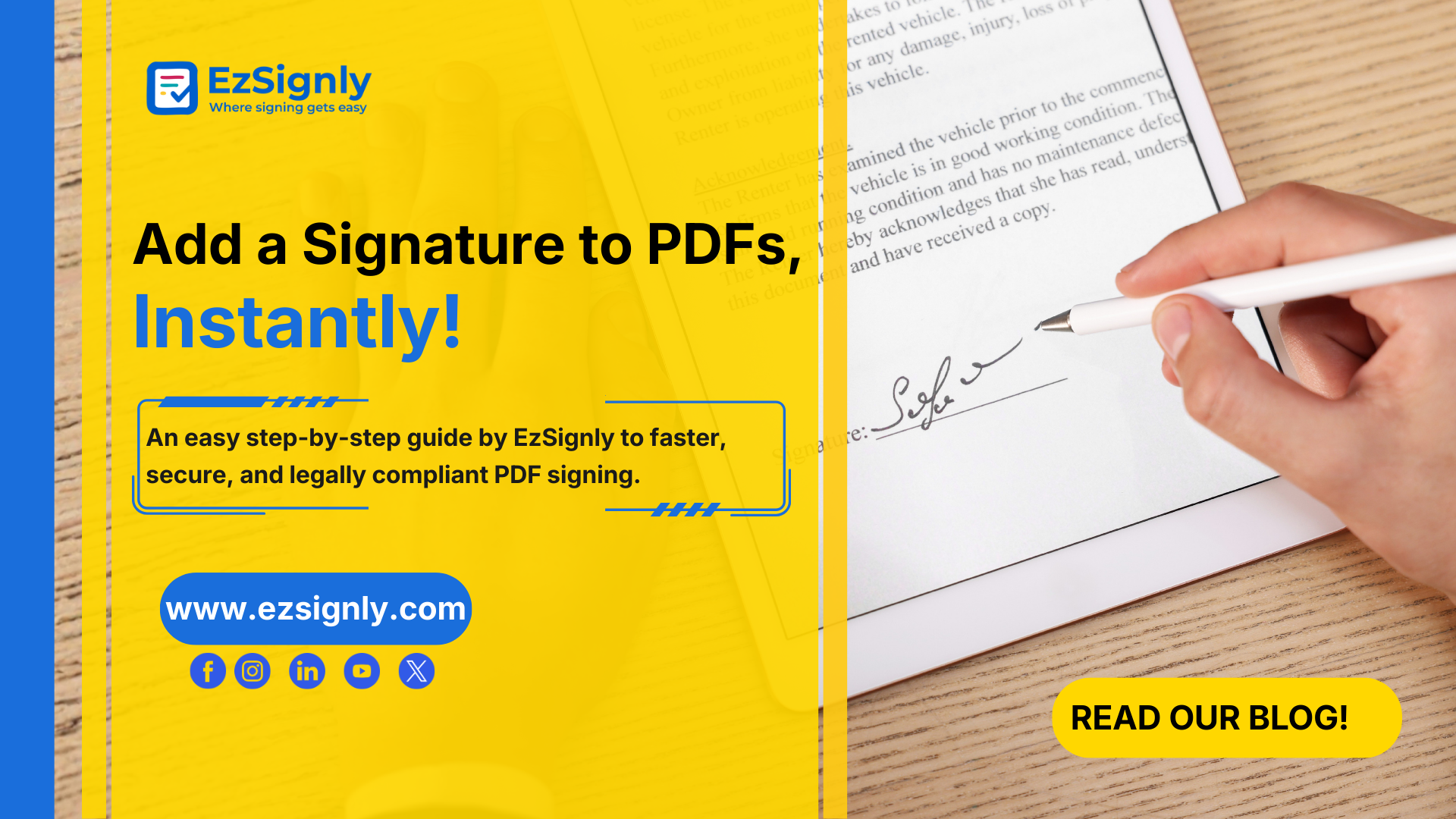
Easy Guide by EzSignly: How to Add a Signature to a PDF File in Minutes
January 27, 2026 | Posted By Admin
Electronic Signing Software
Easy Guide by EzSignly: How to Add a Signature to a PDF File in Minutes
The internet is full of a lot of advice and information about the benefits of eSignatures. Yet, many professionals still struggle with a fundamental question: How do you add a signature to a PDF quickly, securely, and legally? The answer lies in using reliable eSignature online tools that remove friction from document workflows.
In fact, this is exactly where EzSignly excels in allowing a fast, safe, and very convenient means of signing PDFs in only minutes without compromising either legality or professionalism.
This guide explains how modern eSignature online tools make signing PDFs faster, legally valid, and secure for everyday business use.
Why Signing PDFs Is Still a Challenge for Many
PDFs are the most widely used document format for contracts, agreements, invoices, and approvals.
However, signing them traditionally has involved multiple inefficient steps:
- Printing documents
- Manually signing them
- Scanning or photographing the signed copy
- Emailing it back
All this takes a long time and is prone to errors as well as environmental waste. In cases where teams are distributed worldwide or for industries that require clients from afar, this may affect their revenue.
This is why businesses are rapidly adopting eSignature online tools to eliminate manual bottlenecks and ensure documents are signed correctly the first time.
Watch this short video or view the steps below to learn everything you need to know about how to electronically sign a PDF in just a few clicks.
What Is an eSignature and Is It Legally Valid?
The Electronic signature, or eSignature for brief, is in essence an alternative method of conveying agreement or approval of any given document via an electronic medium.
eSignatures can be stored, generated, or maintained in an entirely digital form, including details such as timestamp information or IP data.
In most states, an electronic signature for legal is considered valid and can be enforced if it satisfies all these requirements:
- Signer intent is clearly established
- The signer’s identity can be verified
- The document remains tamper-proof after signing
- A complete audit trail is maintained
Modern eSignature platforms are designed to meet these requirements automatically, making them safer than traditional paper-based signatures.
When Do You Need to Sign a PDF Digitally?
PDF digitally signing is prevalent in all walks of life and professions. These some common examples include:
- HR Departments sending offer letters and policy acknowledgments
- Closing sales deals for clients from various physical locations
- Attorneys reviewing contracts and NDAs
- Authorizing invoicing and vendor contracts by finance departments
- Freelancers/consultants entering into contracts with clients
Speed and accuracy are important for all these above-mentioned applications, and just not scalable through manual signature processes.
How to Add a Signature to a PDF File: A Simple, Modern Approach
Adding a signature to a PDF no longer requires special software or technical expertise. If you are using the right tool, you can get things done within minutes. Here is how you go about signing a PDF effortlessly:
Step 1: Upload Your PDF
First, you have to upload the PDF file which you need to sign. This could be an agreement, some form of contract, or any sort of file you need to eSign.
Step 2: Choose Your Signing Method
You can choose to draw the signature, type it using a professional font, or upload an already prepared signature image, depending on your preference and requirements.
Step 3: Place the Signature
Position the signature field just where it’s required within the document. You can also add dates and/or other signatures depending on your requirements.
Step 4: Review and Finalize
Once it is signed, the agreement is sealed to avoid illicit modification and is ready to download or share.
So, through a reputable platform, all processes are documented and supported by the law.
Why Free Tools Often Fall Short
A quick search online will show countless “free” options for signing PDFs. While tempting, these tools often come with severe limitations:
- Watermarked documents
- No audit trails
- Weak or no encryption
- Limited document storage
- Unclear legal standing
For a personal or informal matter, this can be acceptable. For a business, using these services can put your business at risk of compliance and credibility problems.
That’s why those who are professionals seek answers that can balance simplicity with security and compliance options such as EzSignly.
What Makes EzSignly a Practical Solution
EzSignly is meant for professionals and enterprises that require functionalities beyond those of a simple document signing solution. EzSignly makes document signing a very simple process without compromising on enterprise-level standards.
Key Benefits of Using EzSignly
- Speed: Sign and send PDFs within minutes
- Security: Advanced encryption protects documents at every stage
- Compliance: Built-in audit trails and authentication
- Ease of Use: No learning curve for signers or senders
- Scalability: Suitable for individuals, teams, and growing businesses
Free esign pdf solutions for interested individuals looking to start their experience could include the use of EzSignly, which has friendly entry points without losing professionalism.
Real-World Example: Closing Deals Faster
What if you were a sales manager closing a deal with an international client; this could normally take days, considering printing, scanning, and email delays. Using an eSignature tool, the same document can be signed and sent back within a few minutes, sometimes even on the same day.
It also provides for a quick turnaround, which serves to improve cash flow and customer satisfaction, thus an extremely valuable competitive edge.
Security and Trust: Why It Matters
Signing a digital PDF signature means that you’re not only putting a name there, it also means that you’re entering into a contract that is legally binding. That alone makes security a non-negotiable factor.
A strong e-signatures platform will ensure:
- Information is encrypted in transit as well as when it is at rest
- Only people who have authorization are allowed to view files.
- The signed document will not change
- All activity has record-keeping for tracking purposes
It is very rare to come across such protection with common tools or free tools. That is why businesses like to use reliable platforms offering electronic signature pdf free trials with professional infrastructure.
Understanding eSignature Pricing Online
In regard to such businesses looking to take advantage of digital signing, one of their concerns is likely to be related to cost. However, good news is in store: e-signature pricing on the web is highly scalable.
Nowadays, most platforms have the following:
- Free or trial accounts, suitable for limited use
- Affordable tiers for small teams
- Sophisticated plans for organizations demanding compliance and automation solutions
EzSignly operates in this way, enabling users to begin small and scale up as they grow in document flow, rather than being stuck in predetermined rates.
Best Practices for Signing PDFs Digitally
For optimal use of electronic signature solutions, the following best practices must be observed:
- Where possible, verify the authenticity of individuals' signatures on documents
- A unique application of machine learning to is the use of audit trails to handle legal
- Do not download and resend signed files unnecessarily
- Store the signed PDF files securely for future use
These practices do not only protect your organization but also help your workflows run smoothly.
The Future of PDF Signing Is Digital
With the rise of remote working, collaborative working, and stronger regulations, electronic document signing is becoming not just a nicety but a necessity. Many businesses that are still doing things manually risk being left behind.
Today’s e-signature solutions are more than just tools and are instead the facilitators for quicker decision-making and intelligent operations.
Have any other questions? EzSignly's team is here to help!
Conclusion
Adding a signature to a PDF file does not have to mean complicated processes, danger, or a time-wasting procedure. With the appropriate e-signature online tools available, a process that took hours or days to accomplish is achievable in a matter of minutes.
EzSignly finds a solution to exactly the problem introduced by this guide: signing PDFs quickly, safely, and with legal confidence.
Whether you want an dependable free esign pdf service, a safe free electronic signature pdf tool, and clear online eSignature signature pricing, or anything else, EzSignly is an excellent, well-rounded, and very professional solution that will solve your digital signing challenges.
Take a look at the latest blog
Hellosign vs EzSignly Which eSignature Features Improve Workflow Automation: Book a Demo
Discover eSignature features that simplify document signing and improve workflow automation. Book a demo today.
May 22, 2026
Why Businesses Are Choosing EzSignly Over Traditional eSignature Tools: Book a Demo
Discover why modern businesses are switching to EzSignly for faster, smarter, and more secure digital signing workflows. Book a demo today and transfo...
May 25, 2026
All-in-One eSignature Solution for Multi-Company Access – Signup & Cost Guide
All-in-one eSignature platform with multi-company access, easy signup, and flexible pricing.
April 8, 2026
How EzSignly Helps Groups of Companies Go Paperless with eSignature Software
It streamlines document signing and approvals across multiple companies without printing or manual paperwork.
March 12, 2026
Have any other questions? EzSignly's team is here to help!
© 2026 Copyright EzSignly. All Rights Reserved