


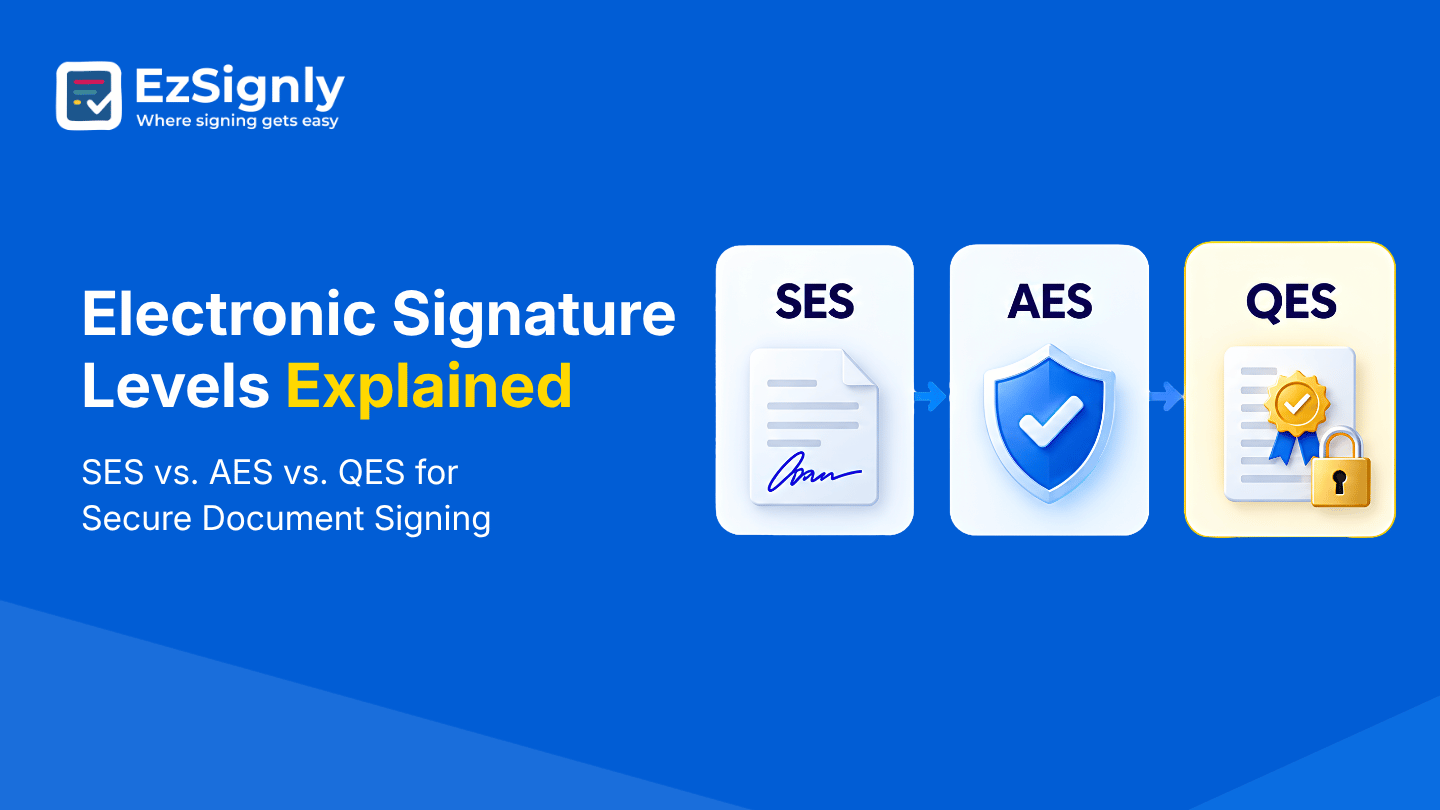
Electronic Signature Levels Explained: SES vs. AES vs. QES for Secure Document Signing
September 15, 2026 | Posted By Admin
Best Electronic Document Signing
Summary
If you expect the same type of features from every
level of eSignatures, you might be wrong. Different features may vary for
different needs and preferences. So, what really differentiates these three
levels? Let’s find out the answer to this very important question in this blog.
The blog simply describes the three levels of eSignature and points out the
places where each one fits perfectly.
Introduction
Signing a document online has become almost unremarkable. You open an agreement, click a signature field, confirm your details, and the document is done. For everyday business paperwork, that simplicity is exactly the point. But when the document is an employment agreement, property transaction, legal contract, or something involving significant financial or regulatory consequences, a more important question comes up: how much confidence do you need that the person signing is actually who they claim to be?
That's where the different levels of eSignatures come into the conversation. Simple eSignature, Advanced eSignature, and Qualified eSignature are often described as three levels of eSignature, with each adding stronger controls around identity, signing data, and document integrity.
There is an important distinction, though: in the US,
federal and state laws such as the ESIGN Act and UETA generally focus on
whether a legal electronic signature satisfies requirements
for intent, consent, attribution, and record integrity rather than requiring
them to choose an “SES,” “AES,” or “QES” level.
Simple Electronic Signature: The Simple Option for Everyday Signing
A Simple Electronic Signature is surely the most versatile and least rejected level of eSignatures. It involves several ways of doing an esignature, like typing your name, drawing a signature, or clicking an agreement button. The simple idea behind this signature is that you can digitally sign any document, but it does not offer a high level of security for your documents or proof of who has signed the document. This means that people who need stronger security and identity controls cannot rely on simple signatures.
That doesn't make it useless or automatically unsuitable. It can be a good option for low-risk, regular documents that need simple signatures. Think of an internal acknowledgement, a basic approval, or a form where the identity of the signer isn't particularly difficult to establish through the surrounding workflow.
The important thing is not to assume that “simple”
means “not legally relevant.” For businesses, this is where a practical
eSignature platform becomes useful. EzSignly includes the Simple eSignature
level, with which users can send the document to get general signatures from
people.
Advanced eSignatures: When You Need More Confidence About Who Signed
An Advanced Electronic Signature raises the bar. In practical terms, it is about creating a stronger connection between the signature, the signer, and the document. That becomes useful when simply knowing that someone clicked “Sign” isn't enough.
For people looking for HR online signature
software in Illinois, these features can make a noticeable difference.
EzSignly's HR offering supports offer letters, employment contracts, NDAs,
onboarding forms, background-check consent documents and other recurring HR
paperwork, while providing real-time tracking, automated reminders, team
collaboration, and audit trails.
Qualified eSignatures: The Highest Level Under eIDAS
Then there is the Qualified Electronic Signature. This isn't simply an advanced version with a more impressive name. Under eIDAS, a Qualified eSignature must meet the requirements of an advanced eSignature and be created using a qualified eSignature creation device and based on a qualified certificate issued by a qualified trust service provider.
That makes it particularly relevant when a transaction requires the highest level of assurance or when a particular legal or regulatory process calls for a qualified signature. It is not something every business document needs, and using the highest level for everything can add unnecessary complexity.
The better approach is to match the signing method to
the risk of the transaction. A routine internal document and a high-value
regulated agreement don't necessarily need the same signing experience.
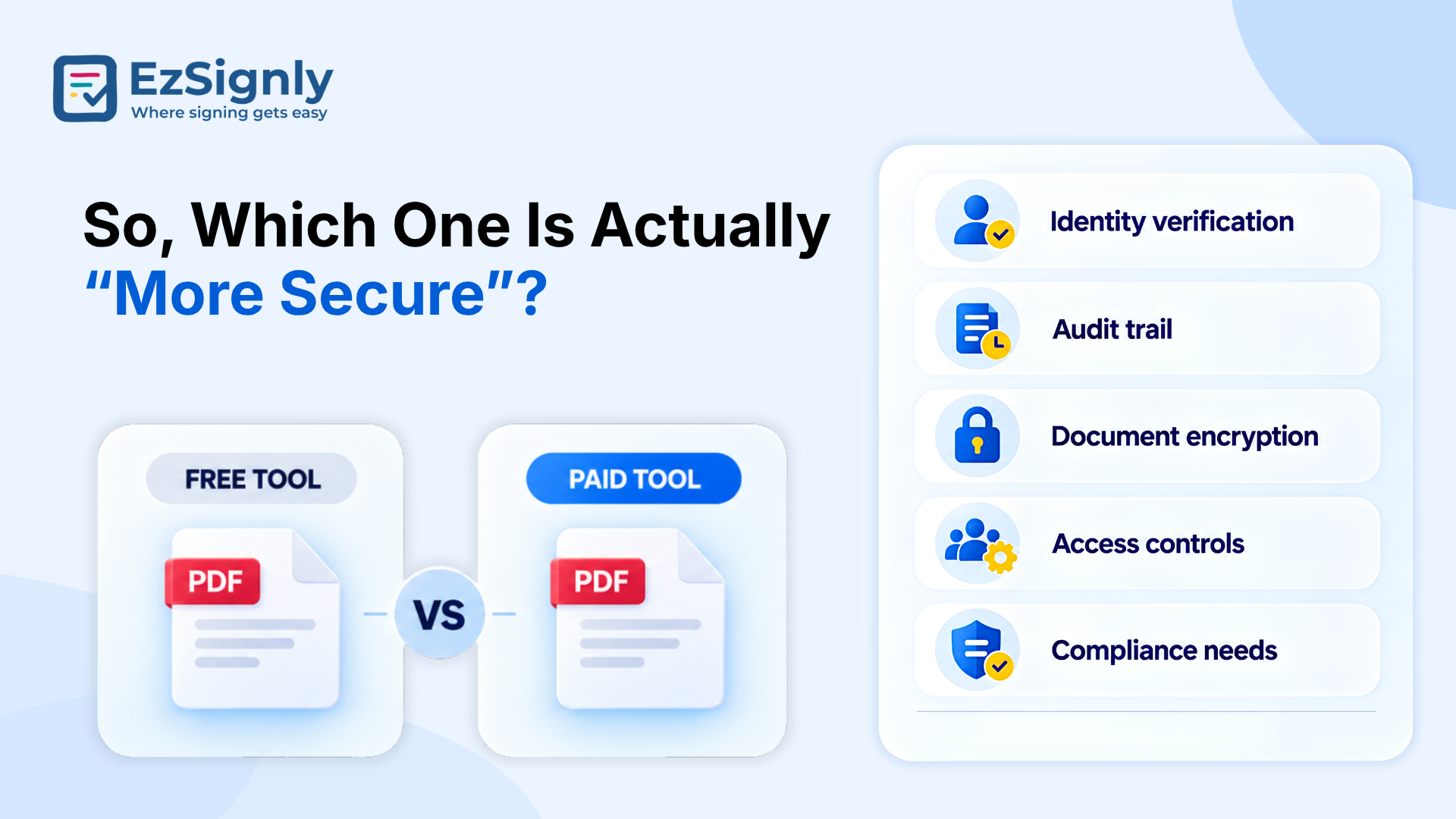
So, Which One Is Actually “More Secure”?
The easy answer is: Simple eSignatures offer the least stringent controls, Advanced eSignatures provide stronger identity and integrity assurances, and Qualified eSignatures add the qualified certificate and qualified signing device requirements. But security isn't just about the label attached to a signature.
The surrounding workflow matters too. Who receives the document? How is their identity established? Is there an audit trail? Can you see when the document was opened and signed? Is the signed document protected against unnoticed changes? Can the organisation retrieve the record later?
This is where an eSignature tool for legal documents in USA workflows becomes particularly important. EzSignly highlights audit trails, identity tracking, encrypted document handling, and tamper-resistant signing as part of its platform, giving teams a record of activity around the signing event rather than just a signature image sitting on a PDF.
For legal teams, that surrounding evidence can be just
as important as the signature itself. A good signing workflow should make it
easier to establish what happened, when it happened, and who was involved.
Secure Document Signing
What About Real Estate Documents?
Real estate is a good example of why context matters. A property transaction can involve buyers, sellers, brokers, agents, attorneys, lenders, disclosures, leases, and several other documents. Waiting for physical signatures can create delays at exactly the point when everyone wants the transaction to move forward.
EzSignly's real estate solution highlights real-time tracking, audit trails, templates, and workflows for purchase and sale agreements, listing agreements, leases, disclosures, rental applications, property management contracts, and vendor agreements.
Businesses can track the activities on the document.
This transparency saves users from a common problem: finding out a signature is
missing when someone is already waiting for the signed and completed contract.
An eSignature for real estate in the USA workflow can help by
bringing documents, recipients, tracking, and signing into one digital process.
The US Perspective: Don't Confuse eIDAS Levels With US Legal Requirements
This distinction is worth keeping clear, especially for a US-focused audience. The US doesn't generally require teams to classify ordinary eSignatures into those three categories before they can be used.
EzSignly’s US platform supports signing workflows aligned with ESIGN and UETA, including audit trails, identity tracking, encryption, and document security.
So, if you're operating in the US, don't automatically
assume that it is required simply because it is the “highest” level. The right
signing method depends on the document, parties, industry, transaction, and
applicable law. For high-stakes matters, legal counsel should determine what
level of authentication or signature is actually required.
Have any other questions? EzSignly's team is here to help!
Conclusion
There is no prize for using the most complicated signature method possible. For a generic, low-risk document, a Simple eSignature is ideally reasonable. For an agreement or a contract that needs a stronger identity assurance or security, an Advanced eSignature is a good option. And where someopean rules specifically recognise the qualified framework, Qualified eSignature provides the strongest formal status.
What actually matters is understanding the difference instead of treating every eSignature as replaceable with the other for different documents.
Once you understand what these actually mean, choosing
the right approach becomes much less confusing—and a lot more practical.
FAQs
1. Are SES, AES, and QES used as legal categories in the US?
A: Not generally. US law primarily relies on the ESIGN Act and state laws such as UETA.
2. Is a QES always better than the other two eSignature levels?
A: No. QES offers the highest formal security, but the ideal signature depends on the document, risk, jurisdiction, and legal requirements.
3. What makes an eSignature secure for teams?
A: According to the levels, features such as Identity verification, signer control, document integrity, encryption, timestamps, and a reliable audit trail can all strengthen the signing process.
Take a look at the latest blog
How HR Staffing Firms Use Electronic Signatures in 2026
HR staffing firms use electronic signatures to instantly sign contracts, offer letters, and compliance forms—reducing delays and speeding up hiring.
January 28, 2026
Speeding Up Real Estate Transactions With eSignature Tool: Automate Contract Sign Now
Secure eSignatures can expedite real estate transactions. Close contracts more quickly by signing them online.
September 30, 2026
How Much Does Online PDF Signing Really Cost? Detailed Comparison of Free Vs Paid Tool
Examine the main features, prices, and restrictions of both commercial and free PDF signature software. Choose the best solution for your requirements...
September 16, 2026
Why Wet Signature Get Expensive for Small Business?: Get Affordable eSignature Online
Wet signatures can be costly for small firms because of the paperwork, printing, scanning, and shipping.
October 8, 2026
Have any other questions? EzSignly's team is here to help!
© 2026 Copyright EzSignly. All Rights Reserved