


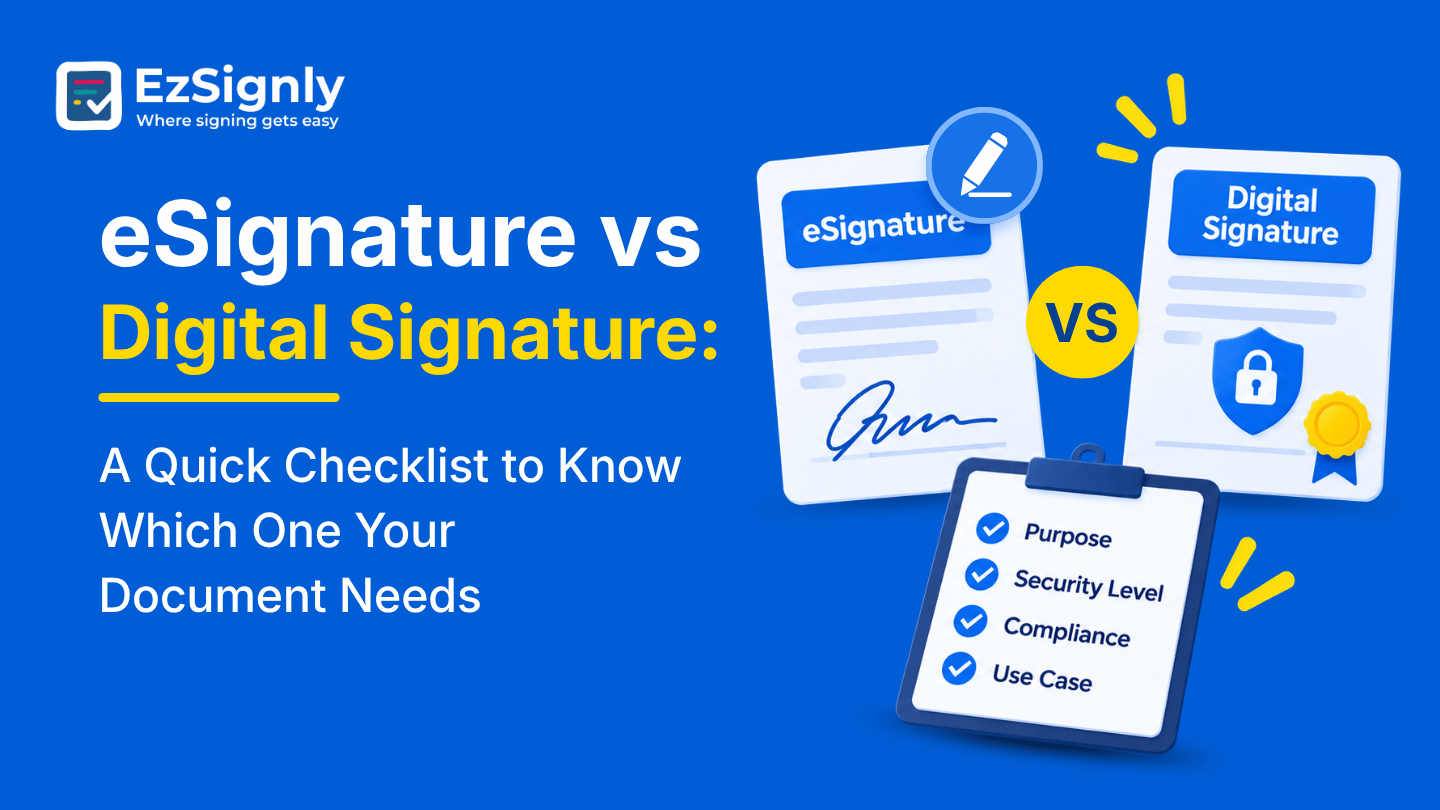
eSignature vs Digital Signature: A Quick Checklist to Know Which One Your Document Needs
November 17, 2026 | Posted By Admin
Digital Signature Software Free
Summary
While some people keep switching between the terms
“eSignature” and “digital signature”, the two are not the same, and using the
incorrect term can result in rework or, worse, slow down a deal. This post
clearly explains the differences between the two terms and provides a
six-question checklist that can aid in determining which type of signature a
document requires. This post includes examples of how EzSignly works, common
mistakes to avoid, examples of what plans cost, and how the HR and Legal teams
can use the checklist.
Introduction
A client asks if you can “digitally sign” the contract, and you aren’t sure what they mean. Do they mean a signature drawn on a touchscreen? Do they mean a signature with certificates and crypto? It’s helpful to determine which of the two your document needs before you decide which of the Legal Electronic Signature you want to compare.
This is a practical checklist. Below, we’ve defined
both terms in layman’s terms, walked you through six questions to aid your
decision-making, and shown where EzSignly is located. The vast majority of
business paperwork is on one side of the checklist, and a select few documents
are on the other. The definitions come from EzSignly’s own comparison guide.
The Plain-Language Difference
There are many ways to add an electronic signature. Any way you might show you intend to sign online is considered an eSignature. You may use your mouse to make a scribble of your name, type your name, take a picture of a signed document and upload it, or agree to terms by clicking a button. The way the online software registers signatures is how the signature is treated for day-to-day business documents.
A digital signature is a more particular method of signing. It’s done with cryptography and a digital ID which is issued by a certifying authority. Consider the eSignature as a handwritten one, carried online, and a digital signature the same thing but secured, sealed, and registered stamp.
Question One: Does Someone Require a Certificate?
Some forms and filings may require a certificate-based signature. Check the instructions for the person/entity who will be receiving the signed document. If they name a Certifying Authority in their instructions, then that answers your question, and a convenience eSignature will not work.
Question Two: Is It Everyday Business Paper?
Most contracts, NDAs, offer letters, invoices, and consent forms can be signed electronically. The ESIGN Act of the US supported the use of eSignatures and supported the use of electronically signed records, agreements, and documents in business and other commercial transactions. So, the default answer for the types of documents and contracts you might be signing would be to use an eSignature, and verify the exceptions with your attorney.
Question Three: How Many People, and How Fast?
Volume and speed push the decision toward eSignatures. Teams exploring HR online signature software in Illinois handle offer letters, tax forms, and policy sign-offs for many people at once. Asking every new hire to set up certificates would slow everything down, while a simple signing link keeps the first week friendly. With EzSignly’s bulk send, one document can be sent to many recipients at once.
Question Four: How Sure Must You Be Who Signed?
Basic eSignatures confirm identity through methods like email or a one-time code, and EzSignly also offers optional two-step verification. That’s plenty for most agreements. If a regulator or counterparty demands stronger proof tied to a certificate, you’re in digital signature territory, and it’s wise to ask them before you send.
Question Five: Will You Need Proof Later?
Think about whether anyone might challenge the document down the road. EzSignly’s platform records an audit trail with timestamps and signer identity, encrypts documents, and uses tamper-resistant design. Its workflows align with ESIGN and GDPR. For many disputes, that record is strong support, though a serious case still calls for an attorney’s judgment.
Question Six: Can Everyone Handle the Setup?
Ease matters more than people admit. An eSignature
takes seconds on a phone, with nothing to install, while certificate-based
signing is more involved and usually needs a certifying authority. A signer who
has never used certificates may stall, and a stalled signer costs you more time
than any extra security saves.
Reading Your Answers
For routine documents with lower impact and time-sensitive requirements, an eSignature is probably the right answer. If the first question came back with a yes, follow the requirements of the person/entity who will be receiving the signed document.
Here’s where EzSignly fits, and we’d rather be direct
about it. It’s an eSignature platform with signer tracking, audit trails, and
encryption. The comparison guide doesn’t say it issues certificate-based
digital signatures, so if you need those, ask the EzSignly team in a demo how
they’d handle it.
What Legal Teams Ask Most
Lawyers hear this question constantly. Firms looking at eSignature tool for legal documents in USA will find that engagement letters, NDAs, and many settlement agreements usually work with an eSignature, while court filings and government submissions come with their own technical rules. Always check the destination’s requirements before choosing, and EzSignly keeps a dedicated legal solutions page for these workflows.
The record behind a signature matters for legal work too. Each time a change is made to a document, it is timestamped and tracked, which allows you to build a clear-cut audit trail of the actions taken on a document. This promotes good judgment and doesn't replace it, particularly when there's a dispute.
Firms with multiple offices or legal entities
appreciate the Multi-Account Hub for the same reason as above. It allows
switching between accounts without signing out, and merges unified audit trails
with 256-bit encryption across all entities. This saves time, ensures
consistency across all records and eliminates duplication.
Mistakes Worth Dodging
The first is assuming “digital” automatically means better. A stronger lock is only beneficial if it’s actually required. Using a more secure lock in a situation where a less secure lock is sufficient only adds unnecessary burden. A simple agreement with a friendly client rarely benefits from extra friction.
The second is the opposite assumption: that eSignatures can’t handle anything serious. Important business agreements are signed this way every day. The real question is what the paper is, who gets it, and what are the applicable rules, not how heavy it feels.
The third is forgetting to ask the other side. “Do you
have any signature requirements?” is a good question to ask. It usually makes
people happy. Showing an understanding of other people’s processes is usually a
good thing.
What It Costs to Choose Well
Price often follows the level of security. EzSignly’s guide notes that entry-level real estate plans can include free options while advanced cryptographic features tend to sit higher in the tiers. Looking at eSignature for real estate in USA, EzSignly’s Free plan is $0 with three envelopes a month and two templates. Standard is $7/user/month for 30 envelopes and unlimited templates.
Business is $10.50/user/month for unlimited envelopes and role-based access. Contact Sales for the higher-tier Business Pro plan for flexible limits, 24/7 support, and other options. Note the 30% discount shown on the pricing page for contracts signed for a year. Match the plan to the number of documents you send, not the most impressive-sounding plan.
New users can get 3 free months to test out the
product. This includes a trackable record and eSignatures to fit your business
needs. Send an everyday document through the platform, watch the tracking and
the record it builds, and see whether that level of proof fits what your
business actually needs.
Conclusion
You don’t need to become an expert in cryptography to choose well. Ask who requires what, how sure you must be, and how easy it should be for the signer. Most of the time, the answer is a quick, tracked eSignature. For the rest, a short question to the receiving party solves it. If you’re still comparing eSignature Detailed Features, this checklist gives you a fair starting point.
Not sure which signature your next document needs?
Bring it along, and we’ll help you sort it out in a few minutes. Book a demo
with EzSignly and get a clear answer before you send.
Have any other questions? EzSignly's team is here to help!
FAQs
1. What’s the main difference between an eSignature and a digital signature?
A: An eSignature shows a person’s intent to sign. A digital signature adds cryptography and a certificate from a certifying authority to provide stronger proof of identity.
2. Can eSignatures be used for business contracts?
A: Yes, typically for things like contracts, NDAs, offers, and similar business paperwork. Check with the receiving party for any potential edge cases, like gov’t filings, or talk to a lawyer.
3. Does EzSignly offer an audit trail?
A: Yes. It records document activity with timestamps and signer identity, alongside encryption and tamper-resistant security.
Take a look at the latest blog
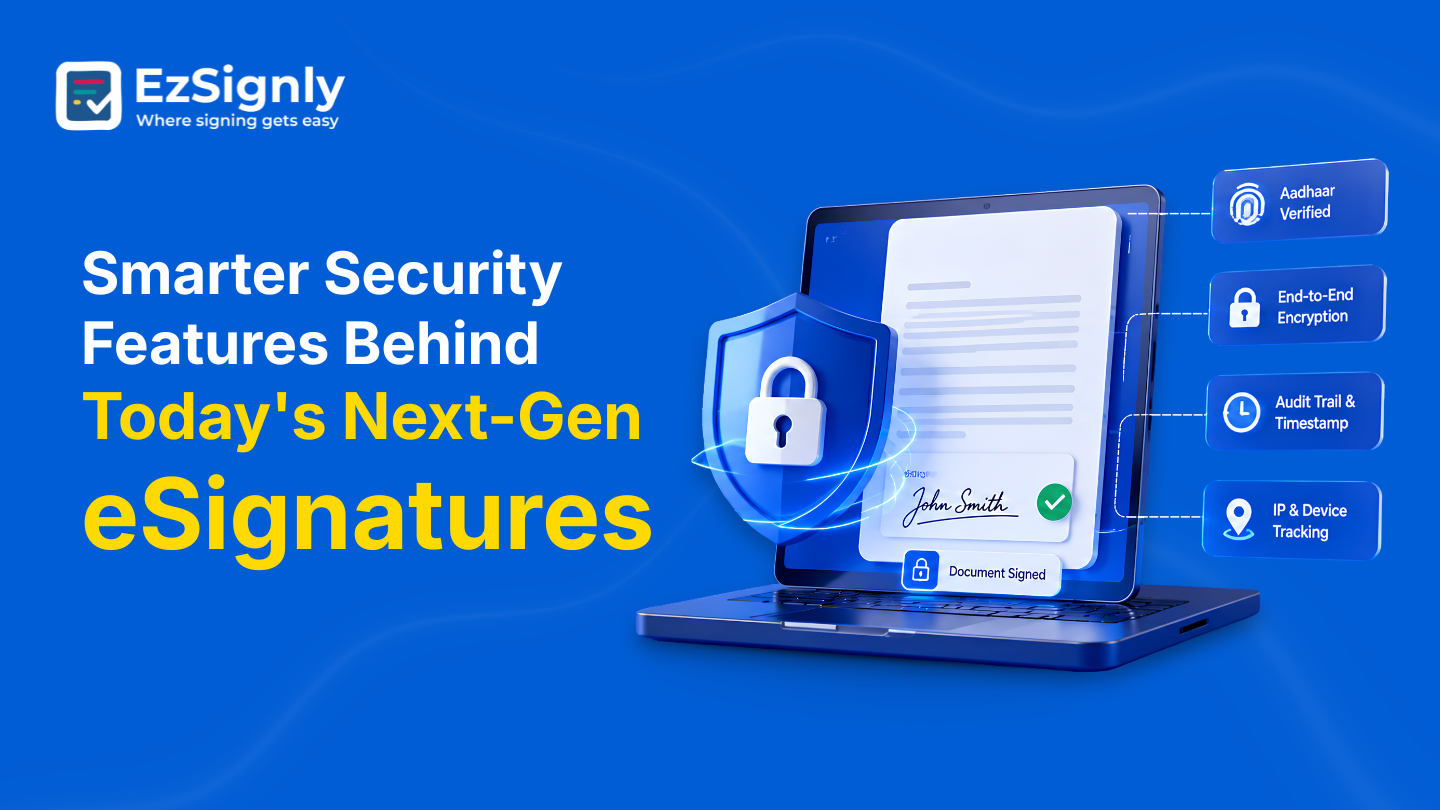
Smarter Security Features Behind Today's Next-Gen eSignatures | EzSignly
To maintain the security and legal dependability of digital agreements, EzSignly's next-generation eSignatures integrate identity verification, encryp...
August 18, 2026
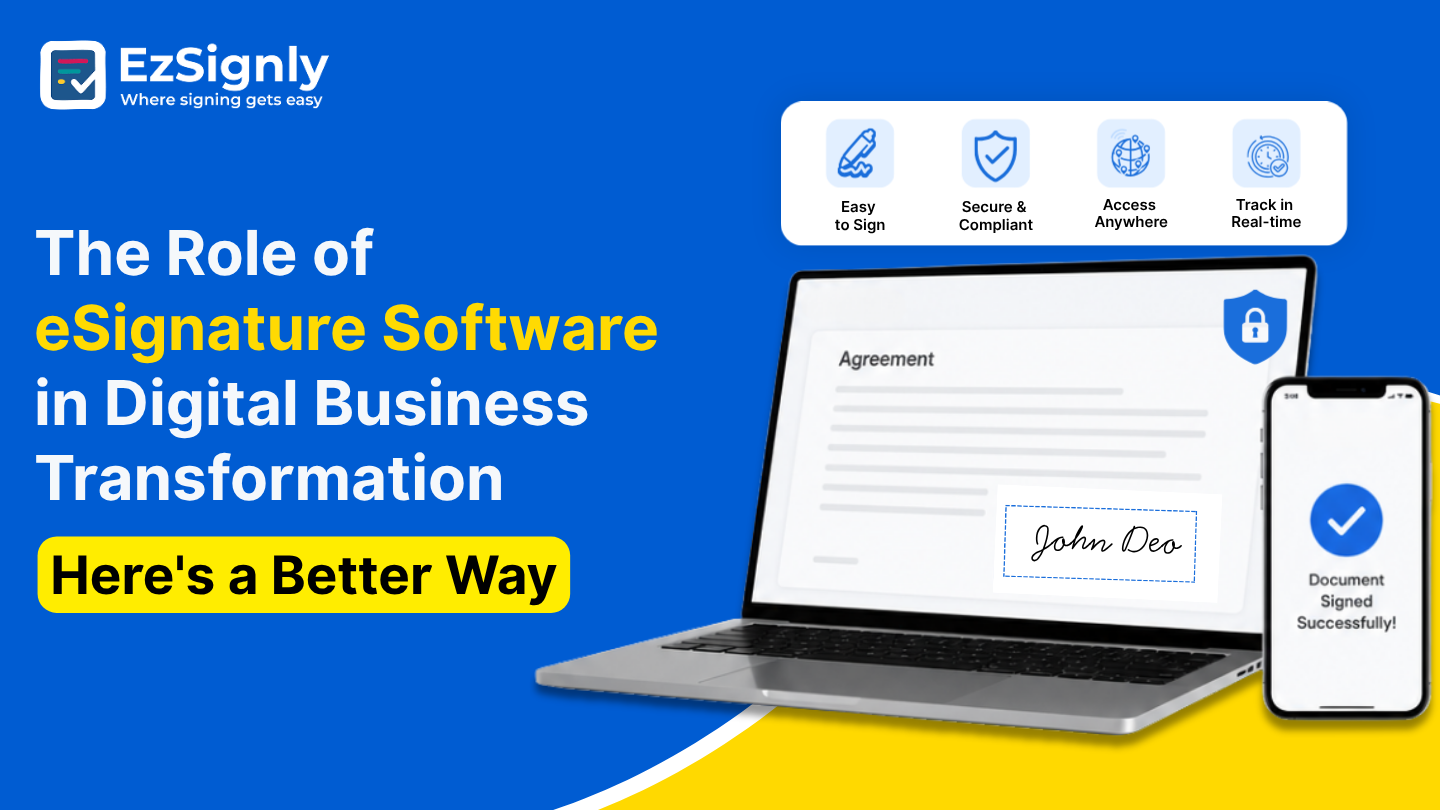
The Role of eSignature Software in Digital Business Transformation: Here's a Better Way
eSignature software simplifies digital transformation with secure, fast, and paperless document signing.
July 10, 2026
Benefits of Utilising eSignature Features for Quicker Remote Hiring in US – Signup Now
Speed up remote hiring across the US with secure eSignature features. Send, sign, and onboard candidates faster—sign up today.
June 5, 2026
The Definitive Guide to the Best eSign Service for Small Businesses in Chicago
It means you can avoid waiting and speed up your document signing process using EzSignly’s e-signature service—making approvals faster, easier, and mo...
May 5, 2026
Have any other questions? EzSignly's team is here to help!
© 2026 Copyright EzSignly. All Rights Reserved