


EzSignly: Transform Payroll Management with Secure eSignatures
April 6, 2026 | Posted By Admin
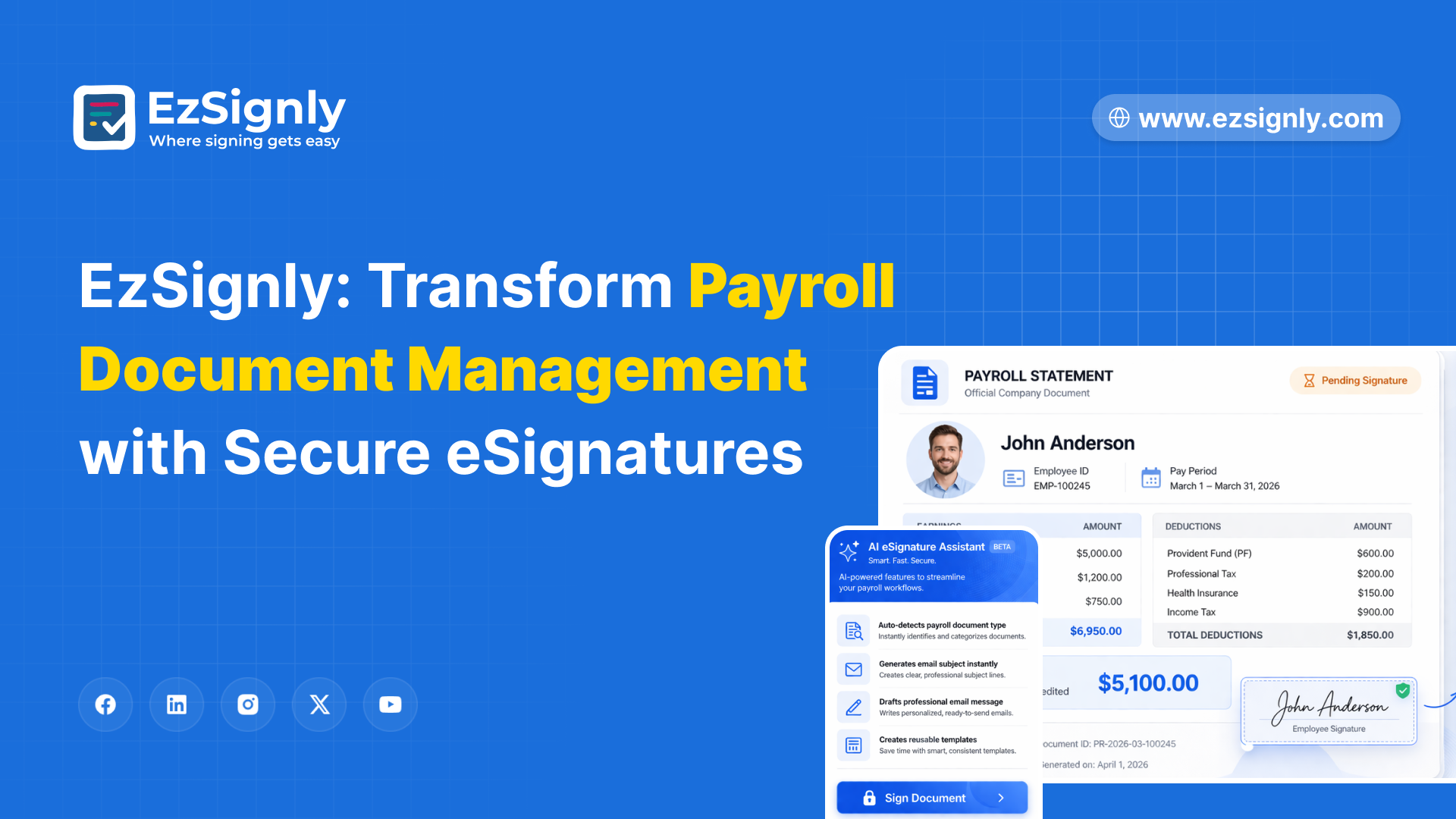
Secure Document Signing
EzSignly delivers AI-powered field detection, one-click payroll document setup, sequential signing workflows, mobile-first design, tamper-evident audit trails, ESIGN Act and UETA compliance, automated reminders, bulk send, and a searchable document archive starting at $9 per user monthly, giving HR departments the compliance and speed infrastructure payroll management demands.
Pull up the last three payment cycles and count the hours your team spent chasing signatures. The W-4 sitting on a supervisor's desk for four days. The direct deposit form a remote hire returned with the wrong routing number because she filled it out on a phone screenshot. The garnishment acknowledgment was sent to the wrong manager and nobody caught until the pay run failed compliance review.
American companies spend an average of 14 hours per
pay period on payroll document logistics. For a 200-person firm running
biweekly, that is 364 hours a year, nine working weeks. Switching to an e-signature
software solution for HR departments would ensure you save time, and
process documents more efficiently.
The Payroll Paperwork Problem Nobody Budgets For
Payroll generates more signature-dependent documents per employee than any other HR function. W-4s, direct deposit authorizations, pay rate changes, overtime agreements, garnishment disclosures, commission plans, and year-end consents all require legally binding signatures before accounts department can process them.
A 200-person company cycles through 60 to 90 signature documents per month. Each passes through print, route, sign, scan, file, a chain where any break restarts the loop. A missing W-4 means incorrect withholding and a correction cycle costing HR three to five hours.
The 2026 W-4 introduced a new exemption checkbox that
electronic systems must reflect accurately. The IRS permanently incorporated e-signature
software into the Internal Revenue Manual in 2025. Research from 2026 puts
the average cost of noncompliance at over $845 per employee annually. For a
200-person company, that exposure sits between $84,500 and $169,000 per year.
Why Standard eSignature Platforms Miss the Payroll Mark
Most e-signature for hr professionals involves onboarding documents — offer letters, NDAs, policy acknowledgments. Those are one-time events. Payroll is recurring. Every pay period introduces new documents needing signatures from different people on different timelines.
Standard platforms handle one-off signing well. They handle recurring, deadline-driven cadence poorly. A payroll manager uploading 45 documents every two weeks still drags signature fields and sends individual emails.
Enterprise vendors charge for features that address
this. DocuSign's bulk send sits behind the $40-per-user Business Pro tier.
Adobe's automated workflows start at the enterprise level. For a 10-person HR
team, those cost $4,800 to $7,200 annually. What HR departments need is e-signature
software solutions for HR departments that treat payments as a first-class
workflow, not an afterthought on a general-purpose signing tool.
How AI-Powered eSignatures Fix the Payroll Workflow
The fix is not digitizing signatures. It is eliminating every manual step between the moment a document exists and the moment it lands, signed, in the HRIS.
Upload a batch of direct deposit forms. AI reads each document, identifies the form type, places signature and date fields, and configures routing. A stack of 45 documents that took 90 minutes to prepare ships manually in under four minutes. The system tracks completion in real time and auto-deposits signed copies into the payroll archive with a tamper-evident audit trail.
For recurring documents, templates eliminate the
upload step. A W-4 update template auto-populates employee information from the
HRIS, presents the current 2026 form with the new exemption checkbox, routes to
the employee, and deposits the completed e-signature PDF into the
compliance file. An HR coordinator who spent 14 hours per pay cycle chasing
signatures now spends 40 minutes reviewing completions. The best e-signature
software for hr automates the preparation and the chase, not just the signing.
What Payroll Document Management Actually Costs
Take a 200-person company processing 75 payment-related documents monthly. On paper, the annual cost breaks down across five categories nobody totals.
Printing, courier, and supplies run $4,800 to $7,200. Staff hours on document prep and chasing add $22,000 to $34,000- the largest line, buried in salaries. Error rework from incorrect withholding costs $8,400 to $16,800. Noncompliance exposure adds $12,000 to $42,000. Annual total: $47,200 to $100,000.
On an eSignature platform, printing and courier drop to zero. Staff labor falls to $2,400 to $3,600 because AI handles prep and the system handles chasing. Error rework drops to $600 to $1,200. Noncompliance exposure falls to near zero. Platform subscription for 10 HR users runs $1,080 to $3,240. Annual total: $4,080 to $8,040 - a 92 percent reduction.
The noncompliance number is the one that keeps finance
directors awake. The IRS Trust Fund Recovery Penalty allows assessment of 100
percent of the unpaid tax against responsible individuals personally. A
misprocessed garnishment is not an HR inconvenience. It is a personal liability
event. Cost-Effective eSignature Software for Legal and HR compliance
does not require enterprise pricing. Platforms delivering audit trails,
automated routing, and IRS-compliant processing at the base tier close the
compliance gap at 90 percent less than legacy vendors.
Payroll eSignatures Across Every Document Type
New hire tax forms are where friction hits first. W-4s, state withholding certificates, and I-9s all carry legal deadlines. An e-signature for hr platform with AI field detection processes the entire new hire documents in a single session. The employee opens one link, completes every form, and signed copies route to accounts and compliance simultaneously.
Ongoing payroll changes run on tighter deadlines. When an employee updates filing status, changes direct deposit banks, or opts into a new deduction, the form needs a signature before the next run. An e-signature for hr personnel workflow sends the form, receives the signature, and updates the record without manual filing. Legal e-signing software in the USA ensures every change carries an audit trail satisfying both IRS recordkeeping and state employment law.
Year-end compliance documents create the annual surge. W-2 consent forms, benefits re-enrollment, and compensation acknowledgments cluster in Q4. Electronic signature software with bulk send processes 200 consent forms in a single batch. HR departments that piloted the workflow using a complimentary electronic signature trial prior to the busy period observed a marked distinction between effectively managing the influx and being overwhelmed by it.
The security protocols mandated for payroll documents are stringent. The data encompasses Social Security numbers, banking information, compensation details, and tax withholding preferences. Consequently, every document needs encryption, access controls, and audit trails, adhering to federal and state data protection laws.
Accounts-focused electronic signature software employs 256-bit AES encryption to safeguard data when it's stored, while TLS 1.3 protects data in transit. Signers are further protected by multi-factor authentication, while role-based access controls guarantee the correct permissions are in place. The Best e-signatures features for payroll compliance
include tamper-evident audit trails capturing signer identity, timestamps, IP addresses, and device information for every action.
The ESIGN Act and UETA provide federal legal validity.
Legal e-signing software platforms available in the United States adhere to
both federal and state regulations. This compliance is a fundamental aspect of
the software's design. An electronic signature free trial allows you to
test the security measures with actual payroll documents before allocating any
budget.
Benefits of eSignatures for Payroll Management
HR departments that transition documents away from paper and manual processes often see a return on investment within the first pay cycle.
- Document turnaround times shrink from days to under 30 minutes, eliminating the signature hunting that delays each pay run.
- W-4, direct deposit, and garnishment forms are processed with IRS-compliant audit trails and four-year retention.
- Error rates decrease by 40 to 67 percent because AI field placement eliminates manual data entry and missed fields.
- Staff reclaim 10 to 20 hours per pay period that were previously spent printing, routing, and chasing documents.
- Every document is compliant with the ESIGN Act and UETA, featuring tamper-evident integrity and timestamped records.
- Mobile-first signing enables employees to complete forms from any device, which is especially important for remote and field-based staff.
- Year-end surges can be processed in bulk batches, compressing weeks of Q4 compliance into just hours.
- Recurring templates automatically populate employee data and route to the correct signer without manual intervention.
What is the true cost of running another cycle through
a process that relies on people physically moving forms between desks?
Have any other questions? EzSignly's team is here to help!
Conclusion
Payroll compliance does not forgive late signatures or incorrect withholding. The manual processes most HR departments use create exactly those risks every pay period. EzSignly gives AI-powered eSignatures for HR teams, automated routing, mobile signing, IRS-compliant W-4 processing, bulk send, recurring templates, and a searchable compliance archive starting at $9 per user monthly. Every pay cycle without it is another cycle where compliance exposure grows and HR labor goes to paper instead of people.
→ Eliminate Document Friction Today! Start
Your 90-Day Free Trial.
FAQs
1. Are electronic signatures allowed on payroll forms, such as W-4s?
Indeed. The IRS allows electronic signatures on Form W-4. They've even made e-signature guidelines a permanent part of the Internal Revenue Manual. The system used must verify the signer's identity and intent, and it needs to create a tamper-evident audit trail. Employers are also required to keep these records for four years.
2. How much time can eSignatures actually save when processing documents?
An HR department that handles around 75 documents each month can save between 10 and 20 hours per pay period. This is achieved by removing the need for manual printing, routing, and the endless hunt for signatures.
AI-powered prep cuts batch setup from 90 minutes to under four minutes.
3. What makes e-signature software solutions for HR departments different from general eSignature tools?
HR-focused platforms include recurring templates, sequential multi-party signing, automatic HRIS integration, bulk send for year-end compliance, and state-specific document routing. General tools handle one-off signatures but lack the recurring workflow automation demands.
4. Are electronic payroll signatures legally binding in all US states?
Yes. The ESIGN Act provides federal legal validity across all states. UETA, adopted by 49 states plus DC, reinforces this. Platforms delivering legal e-signing software in the USA embed compliance into the signing event with audit trails, signer authentication, and tamper-evident integrity.
5. How do eSignatures improve payroll compliance?
Every signed document carries a complete audit trail with timestamps, signer verification, IP addresses, and device information. Automated routing ensures correct forms reach correct signers before deadlines. Electronic retention satisfies IRS four-year recordkeeping with instant retrieval during audits.
Take a look at the latest blog
Cut Document Time by 80% with AI eSignatures – Start Your Free Trial Today
Cut document time by 80% with AI eSignatures. Switch to EzSignly and sign faster, smarter, and secure. Start your free trial today.
April 20, 2026
Benefits of Utilising eSignature Features for Quicker Remote Hiring in US – Signup Now
Speed up remote hiring across the US with secure eSignature features. Send, sign, and onboard candidates faster—sign up today.
June 5, 2026
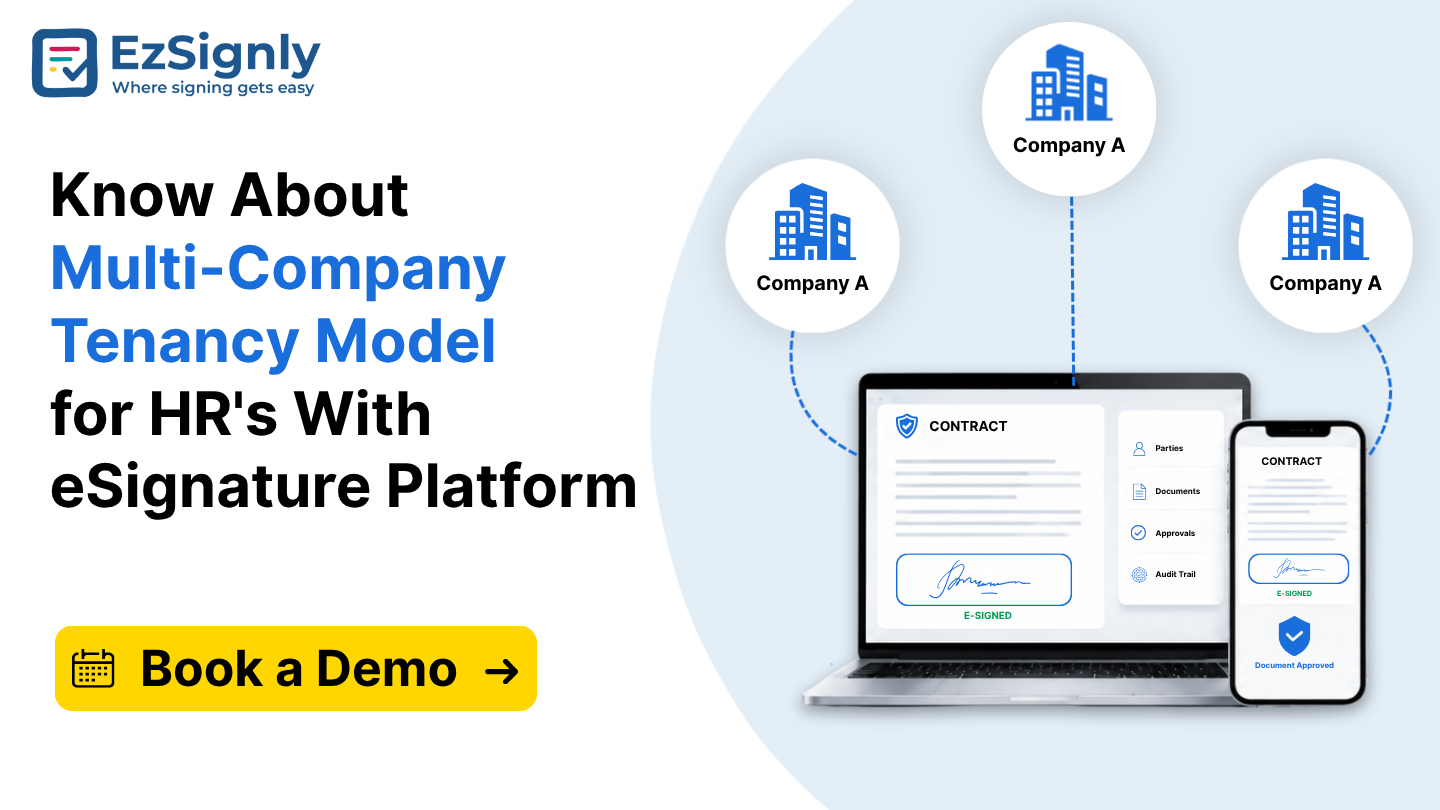
Know About Multi-Company Tenancy Model for HR's With eSignature Platform: Book a Demo
Simplify HR operations across multiple companies with a secure multi-company tenancy eSignature platform. Book a demo today.
July 1, 2026
A Free Solution to all your PDF e-Sign Problems
EzSignly lets you e-sign PDFs online quickly, securely, and for free.
January 27, 2026
Have any other questions? EzSignly's team is here to help!
© 2026 Copyright EzSignly. All Rights Reserved