


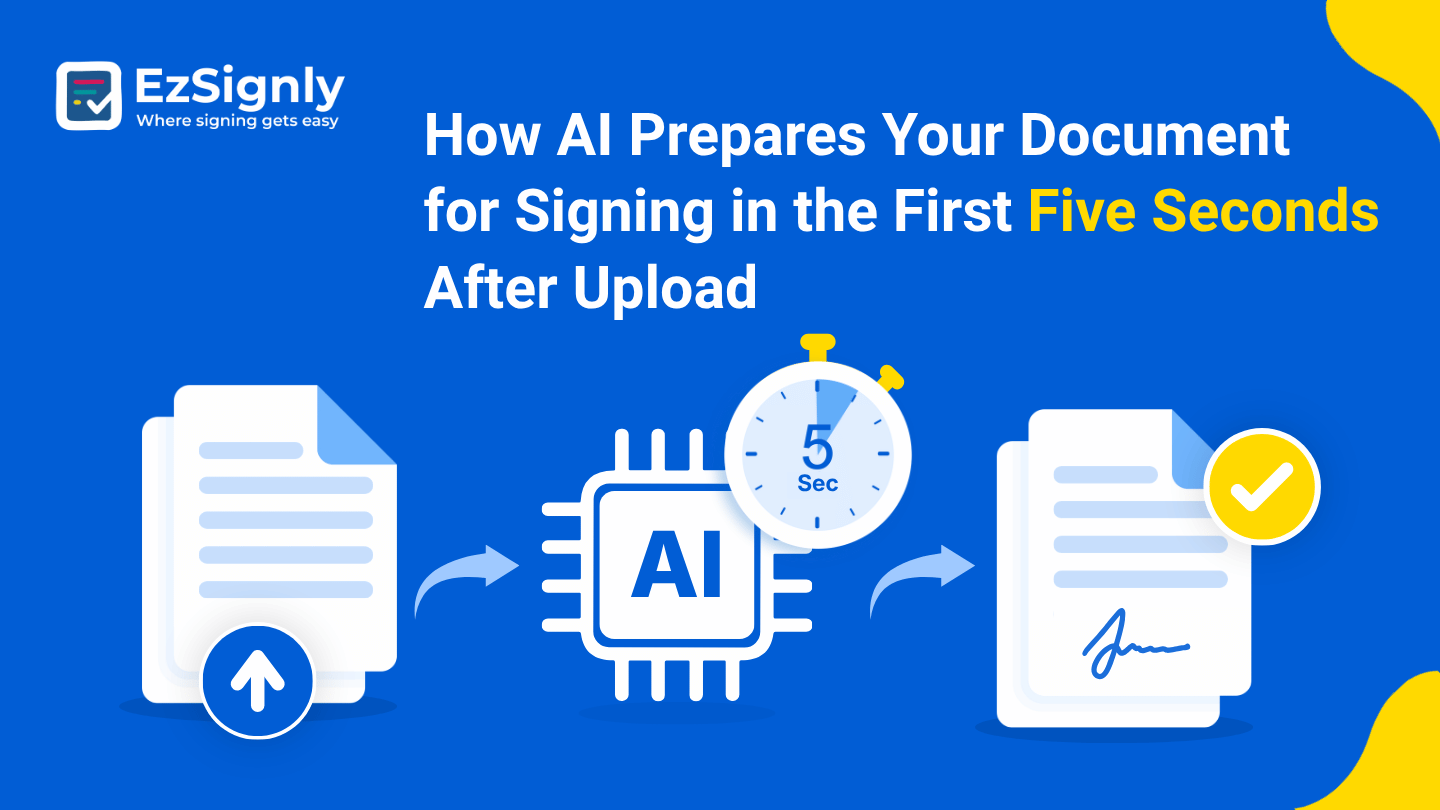
How AI Prepares Your Document for Signing in the First Five Seconds After Upload: A Modern eSignature Look
November 6, 2026 | Posted By Admin
Sign Documents Online for Free
Summary
The moments right after you upload a file are where
much of the boring paperwork gets done. This blog highlights what EzSignly’s AI
does at the paperwork phase, what work gets done through its assistance, and
what gets left for you. It also covers the security questions worth asking, how
setup continues with recipients and fields, a feature that’s still “coming
soon,” and how real estate, HR, and legal teams can use it.
Introduction
I think no one likes the primary minutes when they have to send a contract. You follow a routine that seems repetitive and annoying. EzSignly’s AI takes over that routine. Upload your PDF, click once, and the software reads the content, labels the document, and drafts the subject and message for you, leaving you to review and send.
That’s why AI-powered eSignature software in USA has
become a necessity in today’s busy world, and for people who want to give
maximum time to their business deal. So let’s walk through what EzSignly’s AI
guide does right after uploading a file, what is decided by you, and what is
done afterwards.
What Happens Right After You Upload
EzSignly says that its AI can do so many jobs that can ease the human load, since many tasks are the most repetitive for them.
That repetition is why it matters. Anyone who sends fifty agreements a month knows the subject lines drift: one says “Please sign,” another says “Contract attached,” a third has a typo. Letting the software draft them keeps the tone steady, and that steadiness makes your company look more organised than you may feel on a Thursday.
The Part That Stays With You
The AI doesn’t sign anything, doesn’t pick your
recipients, and doesn’t press send. It can just write the mail and leave the
rest of the decision up to you.
A Fair Worry About Safety
With one glance at the electronic signature security features around EzSignly’s AI, you will understand everything about encrypted documents, tamper-resistant audit trails, and identity tracking.
Here’s the gap, though. The public pages don’t spell
out how document content is handled during AI analysis, how long it’s kept, or
whether it’s ever used to train models. We won’t guess either way.
Human Work Comes After AI’s Job
Next comes the human setup. Sequential signing keeps that order from living in anyone’s memory.
After this, the drag-and-drop editor opens in which you have to place signature, date, and initial fields at the exact place. With so many signers, you can distinguish each person’s fields so that no one signs in the wrong box.
Before you rely on a new template, test it by sending
it to yourself. Open it as a signer would and check where the boxes
landed.
When the Deadline Date Is Also A Closing Date
Property papers are a heavy stress test for any tool. Agents handling online real estate contract signing in Chicago deal with listing agreements, disclosures, and lease add-ons, usually with several people in different places. Quick, consistent preparation of each file removes a layer of delay before it even leaves the sender.
Buyers sign from a phone, and status updates arrive as
it happens. A note of caution, though: some closing steps need a notary or
special filing, so check with your title company or attorney first.
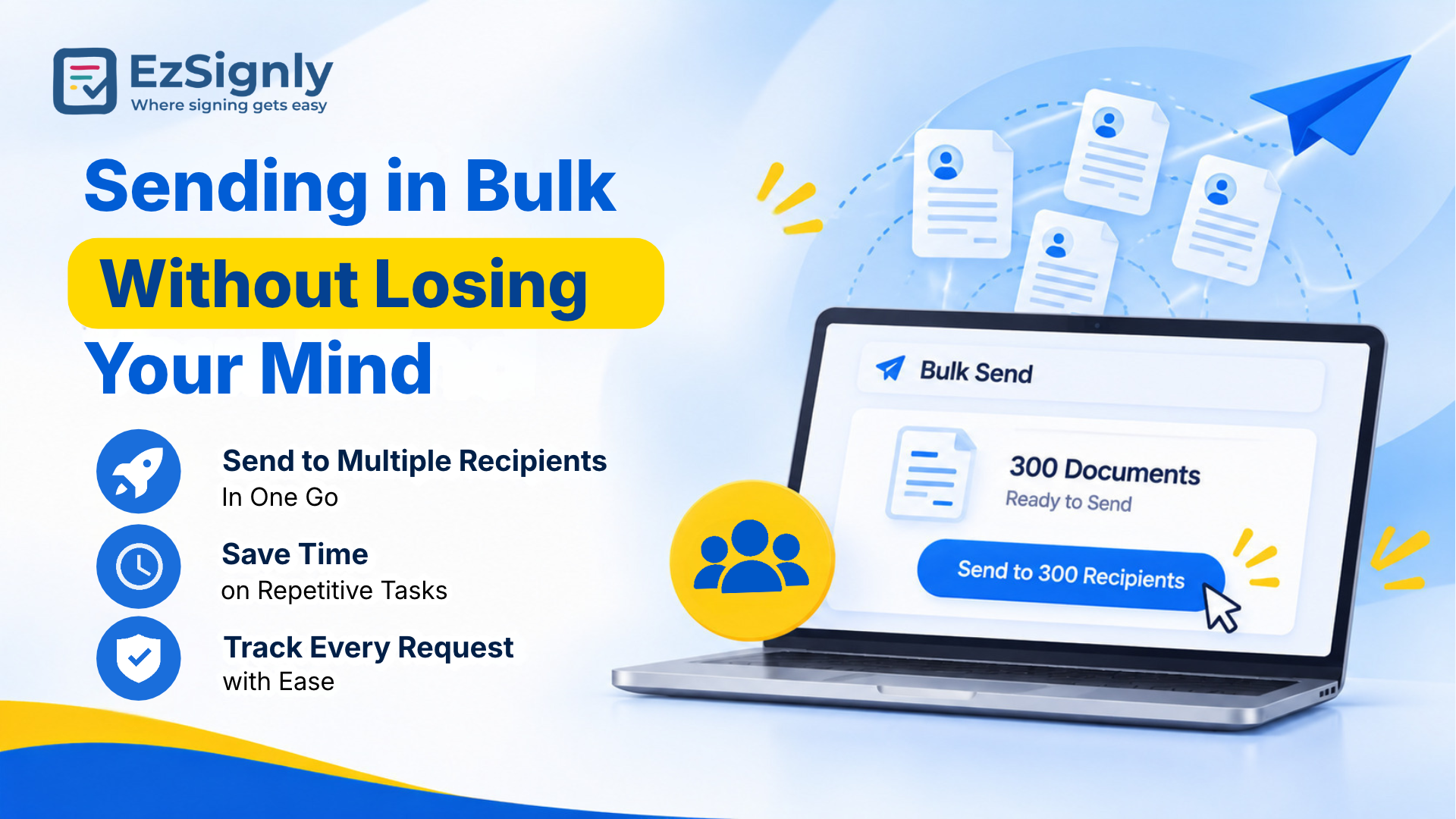
Sending in Bulk Without Losing Your Mind
The time savings grow with volume. With the bulk send
feature, you can easily upload one document and send it to several recipients
at one time. Because the AI-drafted texts remain consistent, all the recipients
get the same directions clearly.
Best eSignature Solution
Legal Work with Consistent Functioning
Law firms care about preparation details more than most. People who are in hunt for a Legal eSignature Solution in Chicago will always require documents that get sent through same channel every time. Consistent subjects and messages are a small but real part of professionalism.
The audit trail helps in adding proof, saving each
writing, view, and signature with a timestamp. It’s strong supporting evidence
if a signing is ever questioned, though a serious dispute still calls for an
attorney.
Conclusion
The AI’s job is modest, and that’s the charm. It marks, writes, and clears the boring segments so you can think about the upcoming business deal. All the decisive parts, such as reading, deciding, and signing, still rest with you. If you’re eager to know that what duration will your file takes to go from upload to ready, you should see it for yourself rather than reading about it.
Bring one real file to a demo, click the AI icon
yourself, and time it with your own watch. Book your EzSignly demo and see how
it feels.
Have any other questions? EzSignly's team is here to help!
FAQs
1. What does EzSignly’s AI do after I upload a document?
A: With one click, it identifies the document type, writes an email subject line, and drafts the message. You review everything before sending.
2. Does EzSignly’s AI also help with Legal work?
A: Yes. EzSignly also includes a distinct page created especially for legal solutions.
3. How do I learn how my document data is handled?
A: Ask the team all about the document data handling while the demo is going on which includes questions regarding retention, storage, and model training.
Take a look at the latest blog
From Paper to Digital: Why Businesses Choose EzSignly eSignatures
EzSignly eSignatures help businesses go digital, saving time, costs, and securely managing documents.
January 27, 2026
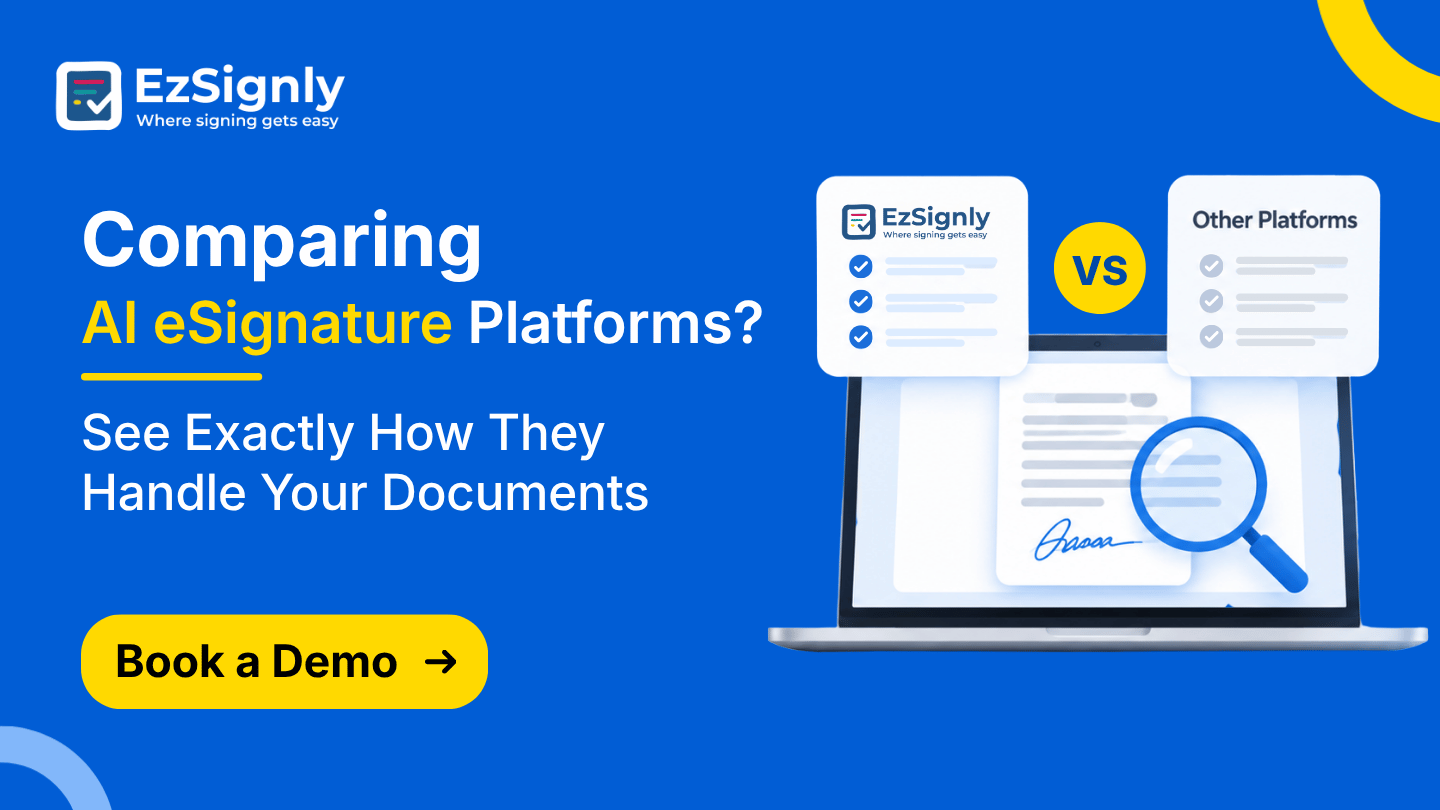
Comparing AI eSignature Platforms? See Exactly How They Handle Your Documents | Book a Demo
Compare AI eSignature platforms and discover smarter ways to manage documents. Book a demo today!
November 10, 2026
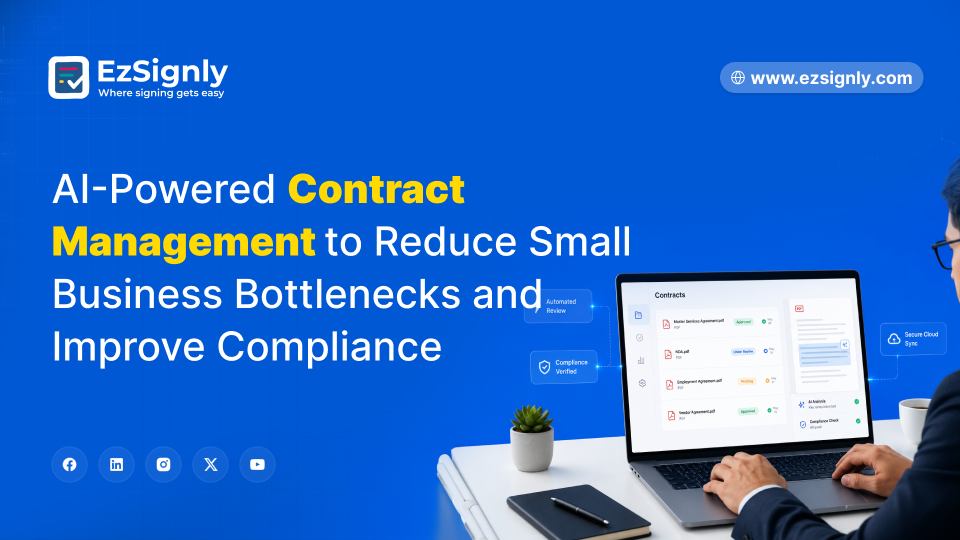
AI-Powered Contract Management to Reduce Small Business Bottlenecks Using eSignatures: Signup Now
Reduce contract delays with AI-powered eSignatures and smart automation for small businesses. Sign up now to simplify workflows and close deals faster...
May 29, 2026
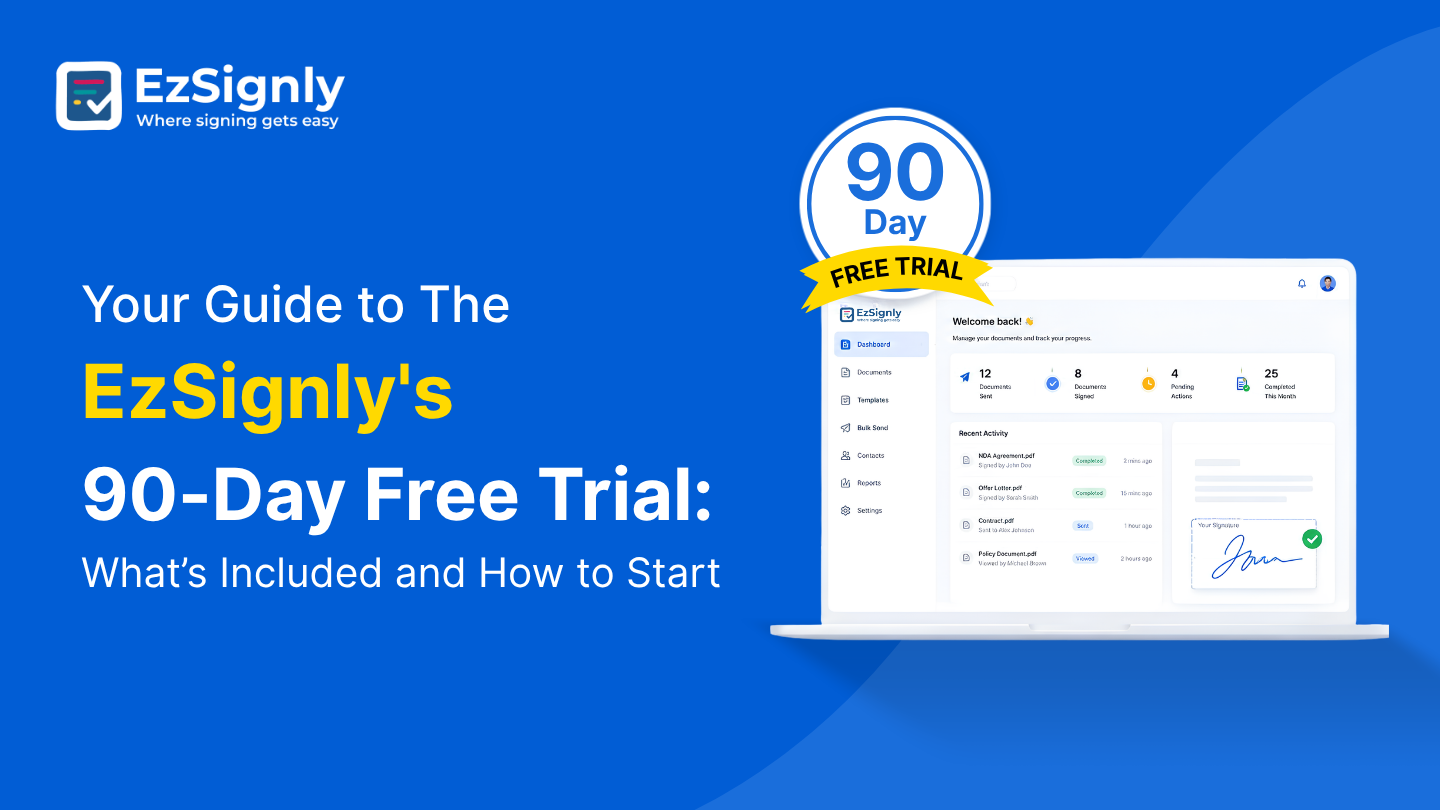
Your Guide to The EzSignly's 90-Day Free Trial: What’s Included and How to Start
Check out EzSignly's 90-day free trial to learn about its main features, advantages, and how to begin using safe, simple eSignatures.
August 5, 2026
Have any other questions? EzSignly's team is here to help!
© 2026 Copyright EzSignly. All Rights Reserved