


How eSignature Automation Helps in Contract Sign: Security, Compliance & Cost Compared
September 29, 2026 | Posted By Admin
Best Electronic Document Signing
Summary
Signing a contract may take a few seconds. But getting
that contract ready, making sure it reaches the right people, looking out for
risks, waiting for everyone to sign, checking what is still pending and keeping
a proper record can take longer. With EzSignly, businesses can combine tight
security, risk management, signing sequences, tracking, audit trails and access
controls at minimal cost with one platform. It is a less messy way of getting
an agreement from draft to completed record.
Introduction
A contract can look perfectly simple on paper. There is a document, a few names, some terms and a signature at the end. In business, however, the journey is rarely that neat. Someone has to prepare the agreement, another person may review it, the right recipients need to be selected, signatures have to be collected, and the finished document needs to be stored somewhere sensible.
That is why businesses comparing eSignature Software Pricing in Chicago Illinois should look beyond the number printed beside a monthly plan. The more useful comparison is what the software does around the signature. Does it reduce manual follow-ups? Does it provide an audit trail? Can different people sign in a particular order? Are permissions available? And, perhaps most importantly, does it remove work that someone in the company was previously doing by hand?
EzSignly approaches contract signing as a workflow
rather than a single action. It includes reusable templates, automated
reminders, bulk sending, sequential signing, audit trails, identity
authentication and role-based access controls, with availability depending on
the plan.
Security Starts With Knowing the Activity
Think about a contract that was signed six months ago. If someone asks who signed it, when it was completed or what happened during the signing process, the answer should not depend on someone's memory or a long search through an email inbox.
Audit trails help with that problem. EzSignly records document activity through its audit-trail functionality, and its pricing comparison currently lists audit trails on the Standard plan and above. The platform also describes encryption, access controls and traceable activity as part of its security approach.
This does not mean an audit trail magically makes
every contract legally valid. It gives the business a better record of the
signing event, which can be important when documents need to be reviewed later.
HR Has To Deal With Repetitive Contracts
HR departments deal with a steady stream of documents. HR decides what needs to be signed and by whom. An eSignature software simply takes care of the routine nudge when a signature is still pending. That is a small change, but it can make a busy contract desk noticeably calmer.
For a company that hires regularly, eSignature
Software for HR in Chicago can therefore be useful for more than avoiding
paper. The bigger advantage is having a repeatable process. HR can prepare the
document, send it, see its status and follow up without rebuilding the same
workflow for every new employee.
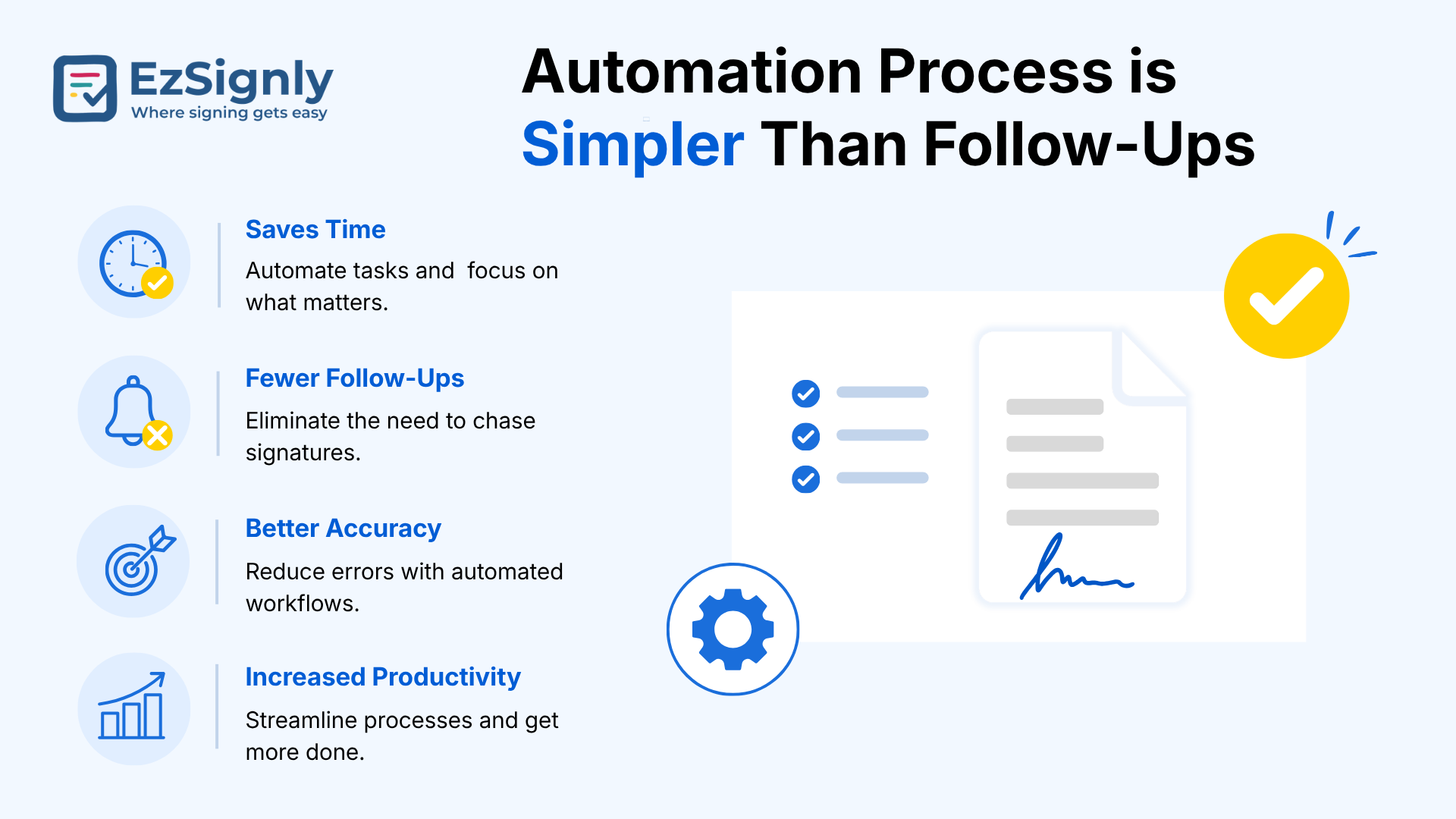
Automation Process is Simpler Than Follow-Ups
There is a particular kind of office message almost everyone has seen: “Just following up on the document below.”
Once or twice, it is harmless. When a sales, HR or operations team sends dozens of contracts every month, those little follow-ups become part of someone's job.
EzSignly's automated reminders are designed to handle
that repetitive part. Its Smart Workflow Automation features include reminders,
signing order and bulk sending, while the pricing page lists automatic
reminders and notifications across its plans.
Digital Signature Software
Compliance Can’t Be Compromised
This part deserves some care because “compliant” can mean different things depending on the document and jurisdiction.
Illinois has an Electronic Commerce Security Act and related administrative rules covering electronic records and signatures. The state's rules address matters such as identifying the signer, linking the signature to the electronic record and protecting the integrity of the signed record. Illinois law also recognises electronic signatures in defined contexts.
So when a business evaluates an electronic signing platform, it should look at the evidence surrounding the signing rather than assuming that any electronic signature is automatically suitable for every transaction. Document integrity, signer authentication, records and the specific requirements of the transaction can all matter.
EzSignly's platform supports features such as identity
authentication, audit trails and document security, depending on the plan.
Those tools can help businesses build a more traceable signing process,
although they do not replace legal advice about a particular contract or
transaction.
Detailed Features Over Long Feature Lists
When comparing eSignature Detailed Features in Illinois, it is easy to get distracted by how many boxes a software comparison page can tick.
A better approach is to connect each feature to a real problem. Audit trails are key to understanding the activity happening on the document. Reminders deal with pending signatures. Templates reduce repeated preparation. Sequential signing handles multi-person approvals. Role-based access limits who can work with sensitive documents. Bulk sending helps when the same type of agreement needs to reach many people.
EzSignly brings these functions into the same signing environment rather than treating each one as a separate product. Its Smart Dashboard is also designed to show document status, pending actions, timelines and activity from one place.
That makes the software more useful as a workflow tool
than as a simple digital replacement for a pen.
Small Businesses, Costly Management
Large companies may have entire teams handling contracts. A small business might have one person doing sales administration, customer paperwork and several other jobs at the same time.
For that person, saving ten minutes on one agreement might not sound significant. Saving ten minutes across dozens of agreements is a different story.
That is why eSignatures Tool for Small Businesses
in Chicago should be judged against the work it replaces, not just the
subscription fee. If employees are still printing, scanning, emailing and
manually tracking every agreement, a cheap tool may not actually be saving
much.
Where Does The Cost Cutting Come From?
The obvious saving is paper. There is less printing, scanning, physical storage and courier-related handling when documents move digitally.
EzSignly's current pricing makes it possible for a business to start at no subscription cost for limited use, then move to paid plans as document volume and team requirements increase. The Standard plan provides 30 envelopes per month, while Business offers unlimited envelopes along with additional workflow controls.
The sensible comparison, then, is not “Which software
is cheapest?” It is “What will this software remove from our existing
workload?”
The Real Value Is After Pressing Send
A good contract workflow should not require someone to babysit every document until it is signed.
Once a document has been prepared and sent, the platform should give the team enough information to know what is happening. EzSignly's real-time tracking lets users see document progress, while reminders can handle pending signatures, and audit trails preserve activity around completed documents.
That changes the rhythm of contract work. Employees
can look at the dashboard, identify what needs attention and leave the rest
alone.
Conclusion: Security, Compliance and Cost Working Together
It is tempting to treat these as three separate buying decisions. In reality, they overlap.
A secure system protects the documents. A well-recorded signing process makes it easier to demonstrate what happened. Automation reduces the amount of manual work surrounding the contract. And sensible pricing makes those capabilities practical for the business using them.
That is where EzSignly's approach becomes interesting. It combines security-related features such as encryption, access controls and audit trails with workflow tools such as templates, reminders, bulk sending and signing order.
The best contract workflow is rarely the one with the
longest feature list. It is the one employees can actually use without creating
another administrative burden.
Have any other questions? EzSignly's team is here to help!
FAQs
1. How does eSignature automation reduce contract costs?
A: It can reduce the employee time spent preparing documents, sending reminders, tracking signatures and handling paper-based processes.
2. Does EzSignly provide audit trails?
A: Yes. Audit trails are included from the Standard plan upward, with document activity recorded as part of the signing workflow.
3. Is an electronic signature automatically legally valid in every situation?
A: No. Electronic-signature laws provide legal recognition in many circumstances, but requirements can vary by transaction and jurisdiction. Illinois has specific electronic-commerce rules, so businesses should consider the requirements applicable to the particular document.
Take a look at the latest blog
Affordable vs Enterprise eSignature Plans: Choose the Right Solution
Affordable eSignature plans offer basic, low-cost signing tools for small businesses, while enterprise plans provide advanced features for large organ...
March 9, 2026
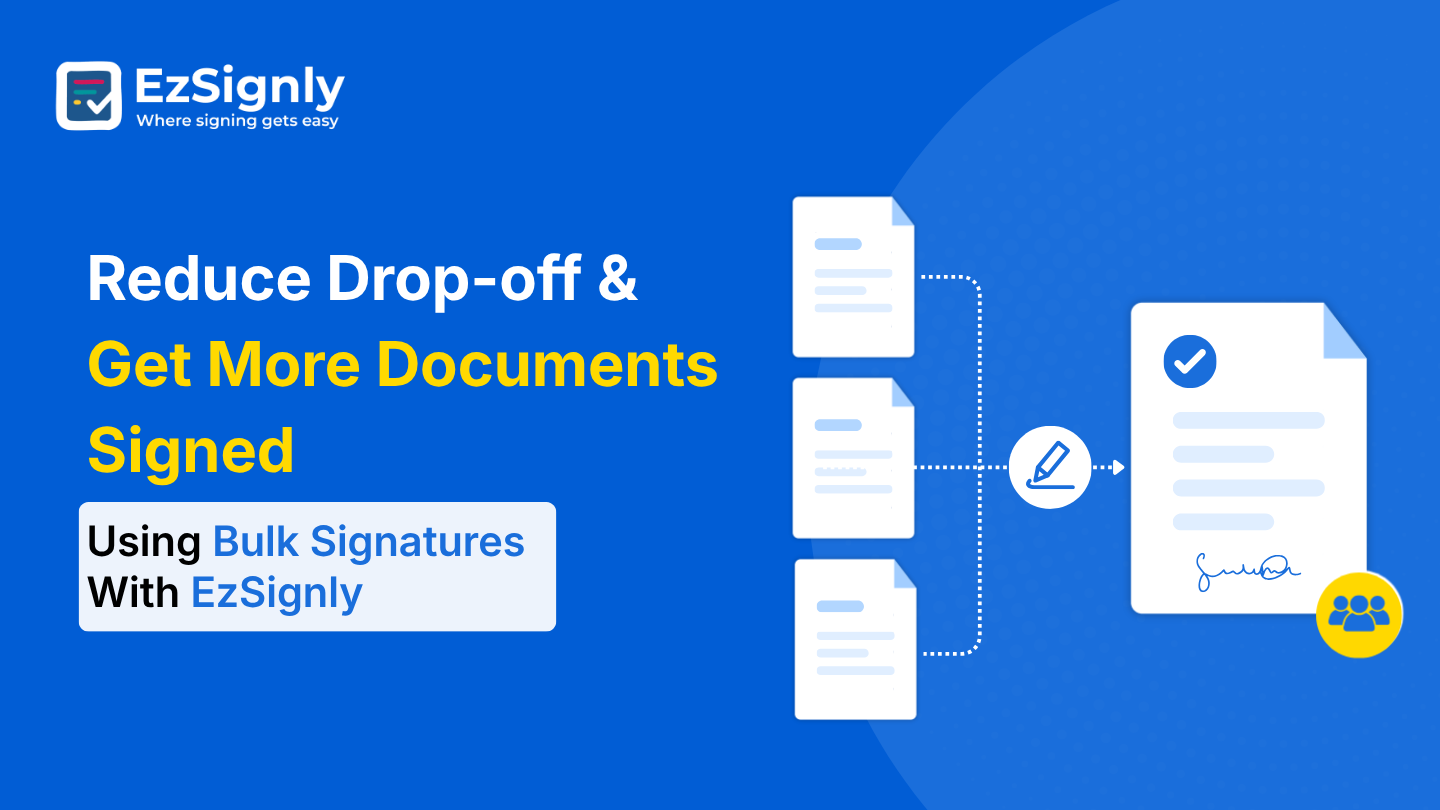
Reduce Drop-off & Get More Documents Signed Using Bulk Signatures With EzSignly
Use EzSignly Bulk Signatures to increase document completion. Reduce drop-offs, expedite approvals, and send several documents at once.
August 5, 2026
A Complete Guide to Choosing the Right eSignature Software in 2026
A quick guide to choosing the right eSignature software in 2026 based on features, security, pricing, and compliance.
February 17, 2026
The Role of AI in Transforming eSignatures for Smarter Business Efficiency
AI enhances eSignatures by automating verification and speeding up document workflows, helping businesses sign and manage agreements more efficiently.
March 9, 2026
Have any other questions? EzSignly's team is here to help!
© 2026 Copyright EzSignly. All Rights Reserved