


How to Track Document Status with EzSignly in Real Time: Quick eSignature Guide in 2026
November 25, 2026 | Posted By Admin
Best Electronic Document Signing
Summary
This blog describes how EzSignly’s dashboard, activity feed and alerts let you know if a contract was opened and signed or if it was ignored. This post also mentions the limitations of the plan, the functions to enable signature on property and legal documents, and a few simple habits to help you digitise more documents and eliminate confusion.
Introduction
There are things more frustrating and time-wasting than sending an important document and not getting any signal back after a long time. Did they get my document? Did it get stuck in their spam? To get the best eSignature solution in Illinois, you should put a test to it without requiring you do a long search. The post shows how it assists you in watching a file in real time.
Why Chasing Signatures Drains You
It’s something we’ve all experienced. You send a contract and have to follow up on it. It eats away at your time and can ruin your workflow. The person you’re waiting on may not even know there’s a time constraint.
The dashboard helps you get a real-time view of the document you sent and stop guessing about the status.
Four Cards, Four Answers
You are shown four cards when you first sign in. The cards give you a summary of the status of your documents. The cards are completed documents, documents that are still pending and documents that have expired. You can prioritise your day with this information.
The Sidebar Is Your Map
The sidebar provides access to Dashboard, Templates, Bulk Send, Documents, Subscription and Usage, Members, Roles, and Profile. You can use the Documents option to locate a file you've previously sent by filtering by status, rather than having to go through everything you've previously sent.
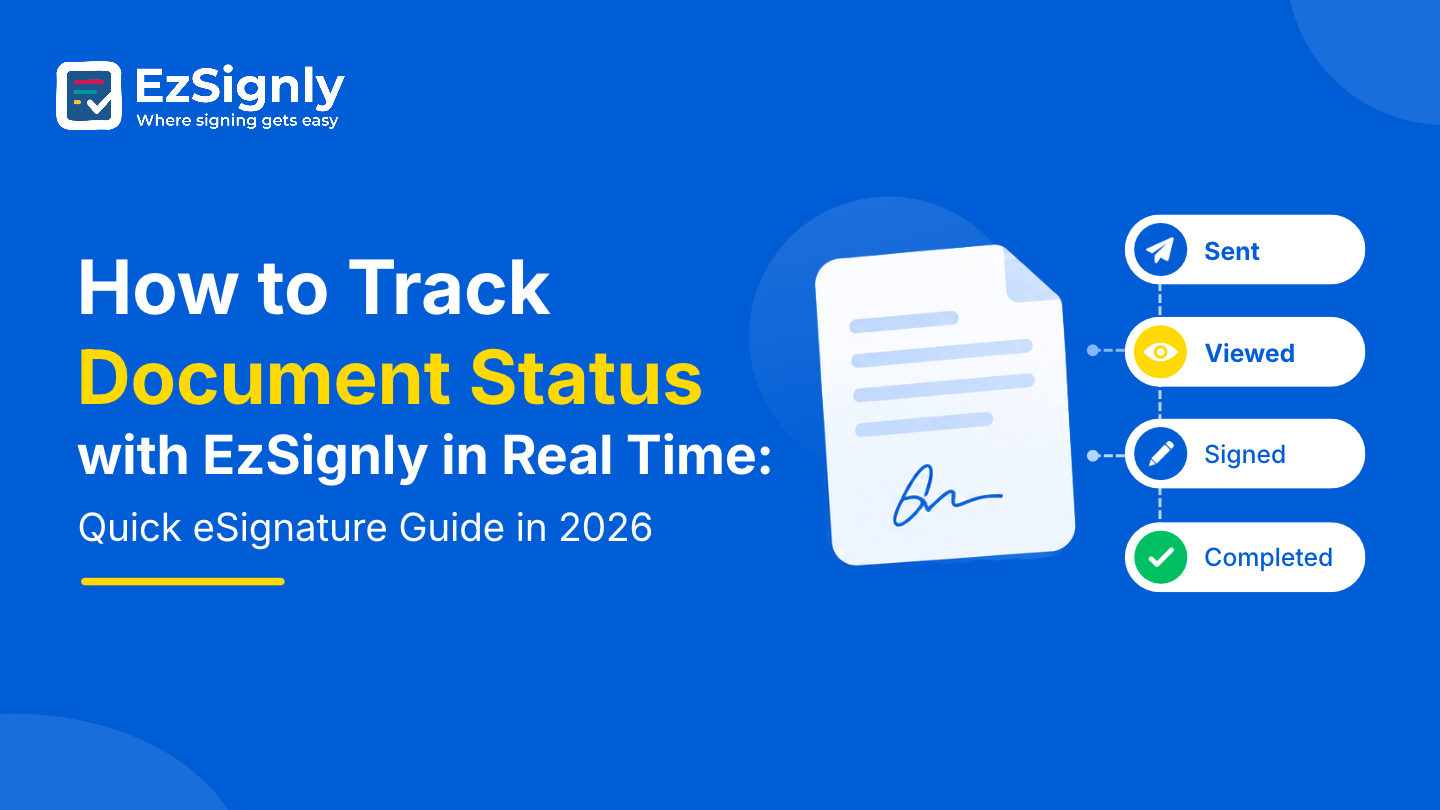
Following One Document From Sent to Done
The Recent Activity Feed
Timestamps let you monitor all the activity that happened on the document. This lets you see when your client opened your offer, for example, to help you win an argument, or generally to provide evidence for a case.
Alerts That Do the Watching
You don't even have to be on the website to see everything. The portal alerts you when a signer opens the document and when they have finished signing it. Once all signers have signed it, you get the signed copy. The portal also audits everything, so it retains a record of everything.
What Each Plan Lets You Track
You get what you pay for, they say. People search for eSignature Software Pricing Chicago, Illinois to see numbers first. It offers a free plan, a Standard plan at $7 a user monthly, a Business plan at $10.50 per user monthly, and a customised Business Pro plan. With the Business Pro plan, taxes also increase the cost.
Here’s what tracking means. All plans provide notifications and reminders. A full activity log and ID checks are included with the Standard plan, which also provides 30 sends per month. The Business plan provides a 30% discount with yearly billing.
Charts That Show the Bigger Picture
The dashboard shows more than files. The Document Trends chart shows activity over time, and the Status chart shows signed, pending, and expired documents. The Performance chart shows total requests and completion rates. In combination, these charts show document signing activity and trends that are missed when individual files are reviewed.
A small counter in the top right corner shows the number of sends remaining on your plan. A button is provided to immediately purchase more sends. This shows plan usage and provides a way to easily purchase additional sends when a large request is anticipated.
Keeping a Whole Team in Sync
It can be challenging to manage document sending and signing for large teams. EzSignly allows you to add team members on the Members page and assign signer access.
Bulk Send has the same feature. You can upload a single document and send it to hundreds of people. HR teams use this feature to send offer letters and see who still needs to sign.
Visibility is extremely important in the real estate industry. With eSignatures, deadlines are of the utmost importance. When choosing the best real estate eSignature software in Chicago, you should look for a program that shows you if the buyer, seller, or tenant has opened the documents. EzSignly shows you that and more. Someone who opened the document and didn't sign requires a different type of message compared to someone who hasn't seen it.
Secure Document Signing
Don't consider an expired document a failure. Ask yourself if the document was reasonable, and move on. New users should see a card with a list of recent requests.
We have a variety of real estate templates, including leasing documents, offers, disclosures, and renewals. You can send documents to a large number of tenants and set follow-up reminders to be automatically sent.
Each morning, go through your to-do list and send reminder documents to those who have not opened the documents. With templates, documents will not be sent in the wrong format or confused.
Alerts sent at the wrong time, in the middle of the night, for example, will not be acted upon.
Tracking Matters Most for Legal Paperwork
If you plan to eSign Legal Doc in Illinois, tracking becomes your proof. The activity record shows who signed a file and when. This type of proof is critical if an agreement is ever contested.
Not all documents can be signed electronically. A lawyer should be consulted before signing wills or other trusts electronically.
Conclusion
Let’s face it: in the signature process, there is not much that can be classified as ‘exciting.’ However, it does not need to be ‘stressful’ as well. It usually means being able to see what is going on and being able to act on that information quickly. The team addressed both of those needs with their dashboard.
You can try EzSignly for all your signing requirements to witness how it handles almost all of your real-world important documents.
Have any other questions? EzSignly's team is here to help!
FAQs
1. Can I see when someone opens my document?
A: Yes. The activity feed shows notifications of documents being sent and opened, as well as when a signer completes signing or declines to sign.
2. What does ‘expired’ mean on the dashboard?
A: This means the signature request’s due date has passed and the deadline was not met. To resolve this, the software allows you to reactivate the request, which resets the due date.
3. Does the free plan include tracking?
A: The free plan includes notifications and reminders. The paid plans include identity checks and activity recording, and its comparison chart shows these. So, confirm current information on their pricing page.
Take a look at the latest blog
Top Reasons Businesses Choose EzSignly for Electronic Signatures in 2026 – Get Free Demo
Sign faster, stay compliant, and save time with EzSignly. Book a free demo today.
April 21, 2026
eSignature Pricing vs Business Growth in USA: Finding the Right Balance: Book a Demo
See how the right eSignature solution can reduce costs, streamline document workflows, and support business growth in the USA.
August 11, 2026
What Makes Bulk eSigning Effortless Helps the HR Workflow? : Get 3 Months Free Trail
Simplify HR paperwork with bulk eSigning. Save time, reduce manual work, and get a 3-month free trial.
June 30, 2026
How Digital Signatures Improve Security and Compliance in Legal Documents
Digital signatures enhance legal document security while meeting compliance standards through secure authentication and audit trails.
January 27, 2026
Have any other questions? EzSignly's team is here to help!
© 2026 Copyright EzSignly. All Rights Reserved