


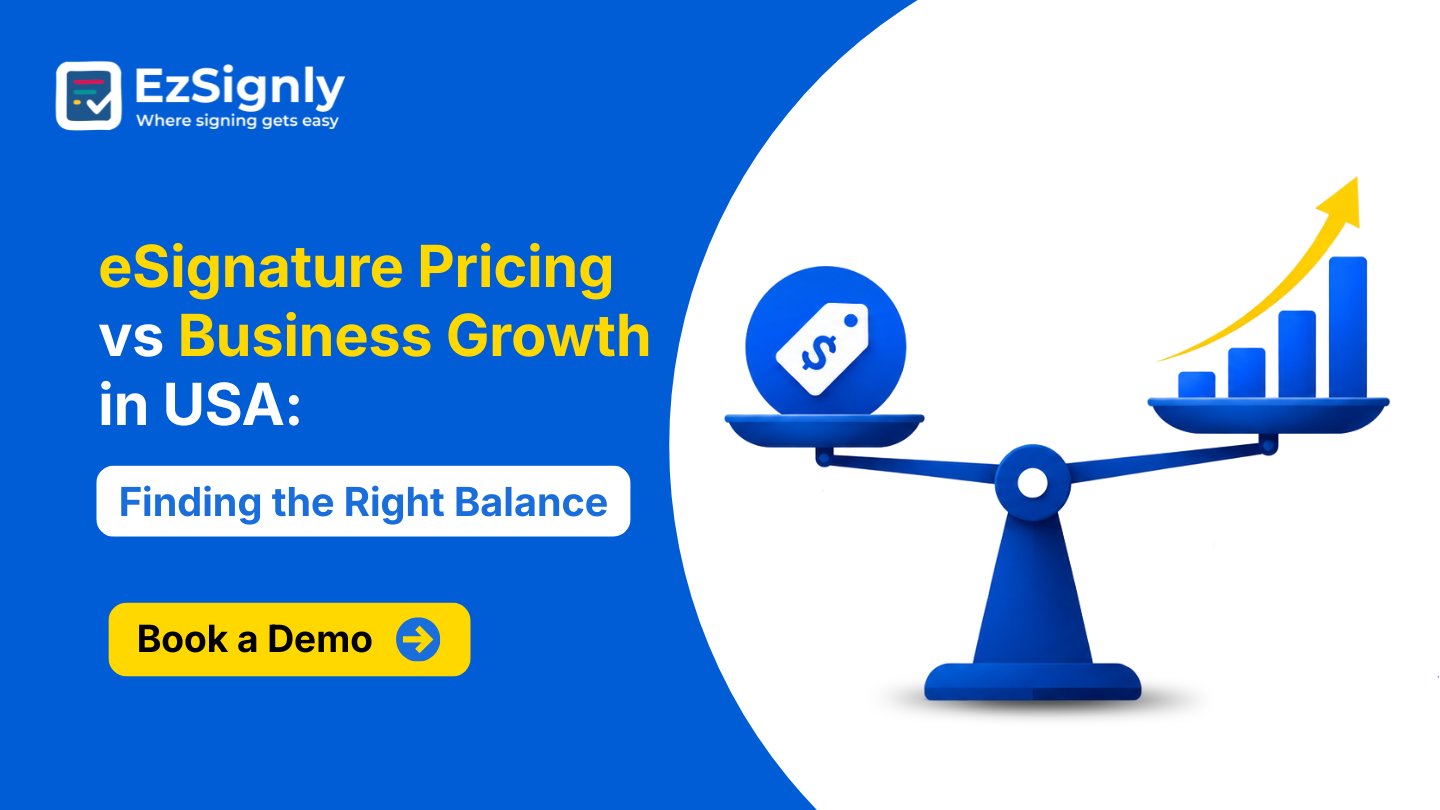
eSignature Pricing vs Business Growth in USA: Finding the Right Balance: Book a Demo
August 11, 2026 | Posted By Admin
Sign Documents Online for Free
Summary
Ready to dive into the world of eSignature costs in
the USA? Here, we'll show you how to sync your software investment with your
business's growth, offering you tips to gauge factors such as these. Keep an
eye out as your business scales with these other factors beyond the price of
your monthly subscription.
Introduction
Electronic signatures in the USA have gone from an effortless digital substitute for physical documents to a core pillar of normal business operations. When you collect signatures electronically, you finalize contracts, onboarding documents for employees, sales agreements, supplier contracts, approvals, and customer forms at an accelerated pace. You can be tempted by affordable and cheerful as the cheapest platform. Yet if you don't have all the functionality needed or are limited by the number of documents that you can send, this plan can backfire. Conversely, you may opt to go for a high-priced enterprise solution, which unnecessarily increases your costs even if you only need to sign a couple of documents each month.
Therefore, when it comes to looking for a cost-effective
eSignature solution in USA, you need to consider more than the monthly
cost. It's about striking the right balance. There's no easy solution out
there. You need to figure out the ideal combination between software pricing,
performance, security, scalability, and ROI.
What to Know About eSignature Software Pricing in the USA
Whether you decided to spring for one of those expensive electronic signature services, go the free route, or are somewhere in between, I bet there's a function you just can't do without. It depends on the vendor, plan, number of users, signature limits, integrations, and extra features you decide to purchase.
Some platforms offer freemium plans for one-off users, while others have plans that can cost anywhere from a few dollars a month for basic subscriptions to several hundred dollars a month for business or enterprise plans. For example, EzSignly currently lists a free plan with three envelopes per month, a Standard plan at $7 per user per month, and a Business plan at $10.50 per user per month when billed monthly. Its enterprise-oriented Business Pro plan uses custom pricing.
Businesses need to look beyond the headline price tag,
though. Suppose your company has your employee distributing 20 contracts each
month, but your software is simply not able to deal with it. Your employee will
have to wait until the next billing cycle to get the required functionality or
sign up to a more expensive subscription plan. Let's go one step further and
suppose your platform did not have templates, reminders, audit logs, or team
management capabilities, and all of your employees would have to handle all
this by themselves?
The Economical Plan Is Not Always the Best Business Decision
Startups and small businesses: It's easy to pick an eSignature platform purely based on its monthly subscription. Especially when every penny spent on software needs to count for scaling, and you need to control operational costs.
But keep in mind that if you have additional expenses, you need to consider more than just what the package tells you. If their software caps their document send volume, your team would have to either wait for your next billing period to start or incur further costs to upgrade their plan. And if your software is lacking templates, reminders, audit trails, or team management features, your team could waste more of their time on these.
That hidden administrative cost can quickly outweigh the original subscription savings. A better approach is to calculate the total cost of using the platform, including employee time, document processing, manual follow-ups, storage, onboarding, and potential upgrade costs.
Calculate Value, Not Just Subscription Price
Before selecting a plan, businesses should ask the following:
- How many letters a month are we sending?
- How many people need access?
- Are document templates included?
- Are automated reminders available?
- Is there an audit trail?
- Can employees sign from mobile devices?
- Can the platform scale as the business grows?
- Are integrations required with existing business applications?
- Will we need advanced security or user permissions?
These questions provide a much clearer picture of
whether a subscription will support long-term growth.
eSignature Pricing Models: What Should U.S. Businesses Compare?
Electronic signature solutions don't all cost you money in the same fashion. Knowing how they're going to charge will save you money later down the road.
| Pricing Factors | What to Look For | Why It Matters |
| Per-user pricing | Cost of each employee | Important for growing teams |
| Document or envelope | Monthly or annual sending limits | Prevents unexpected upgrades |
| Free Plans | Basic signing capability | Useful for occasional users |
| Templates | Number of reusable templates | Reduce repetitive work |
| Team Features | Roles, permissions, shared workflows | Helps growing organizations |
| Solutions | Email, chat, priority or dedicated support | Important when documents are time-sensitive |
| Security | Authentication, Audit Trails, Access Control | Helps protect sensitive business documents |
A company with two employees and ten documents a month
may need a very different plan from a company with 100 employees processing
hundreds of agreements.
Which Features Actually Support Business Growth?
With an expanding number of clients, document signing is only an integral component of the workflow. With the passage of time, businesses require applications to automate document creation, sending, monitoring, storing, and managing.
That's where electronic signature software features really add value. Templates are useful for businesses that repeatedly have to create agreements of the same format. Instead of creating everything manually, an employee simply creates a template and then reuses it as needed.It can even reduce the number of times you have to chase vendors, clients, or candidates for unsent or unsigned documents: no more chasing people. Audit trails provide a record of signing activity, which can be particularly valuable when businesses need documentation of who signed, when they signed, and how the transaction progressed.
Mobile access is another practical consideration. Today, workers and clients aren't necessarily at their desks when documents need action.
EzSignly, for example, has features like reusable
templates, reminders, audit trails, support for multiple devices, bulk sending
capabilities, role-based access (depending on your plan), and more. These
features can shift your electronic signature software from a simple signing
system to an actual efficiency tool.
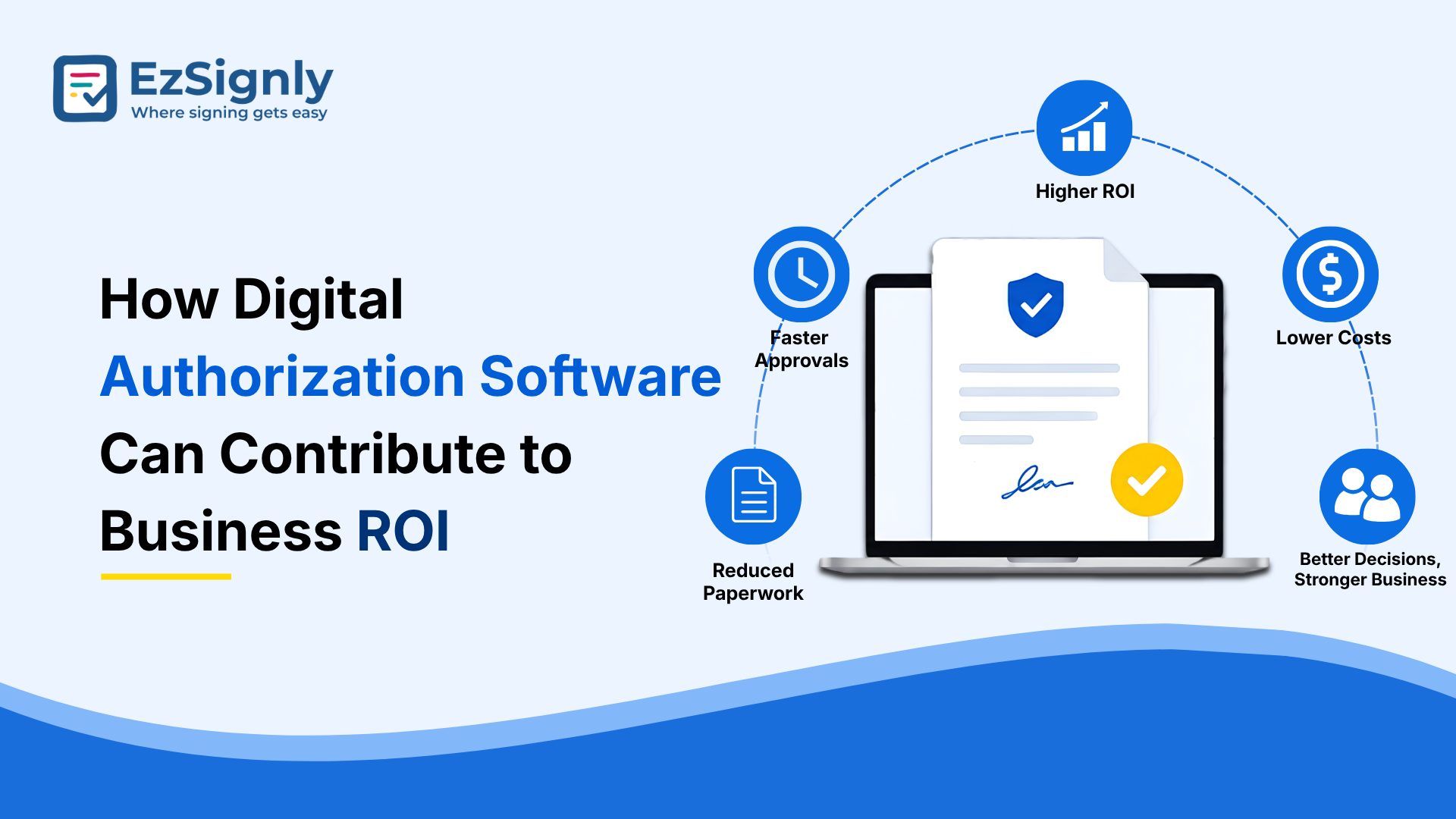
How Digital Authorization Software Can Contribute to Business ROI
The real business case for electronic signatures is not simply that they eliminate paper. What's even better than this improved look is the impact this has on the signature workflow. Take the typical document signature workflow: download the document, print it, sign it, scan and return it, wait for the next party, remind them to do so, and eventually archive the finished document.
eSignature Software Solution
A digital workflow can reduce many of these manual steps. That can create value in several ways. First, employees spend less time managing documents. Second, agreements can be processed more quickly within the business. Third, managers can see pending documents more clearly. Fourth, businesses can reduce their reliance on manual follow-ups. That software can offer intelligent automation too. Think of features like templates, automated reminders, and workflow rules for tasks like sequential signing. You'll be amazed at how easily your team can take on document workflows with minimal human interaction.
As it stands, at this point in time, compared to
competitors in the same industry, some are dedicated to signing features only,
whereas some integrate signing with other areas like proposals, creation of
documents, analytics, document storage, or end-to-end workflow solutions.
How to Choose the Right Online Signature Plan as Your Business Grows
A smart purchasing strategy should start with today's requirements but leave room for tomorrow's growth. Start by estimating your monthly document volume. Then determine how many employees actually need sending or administrative access.
And finally, figure out which features you want to have in your platform versus which features you merely want to have. Templates, reminders, an audit trail, mobile signing, and a few integrations are very helpful for a small business. A big corporation might need user roles and permissions, bulk sending, advanced authentication, support, and customized workflows.
It is also worth checking whether annual billing
provides meaningful savings. Several online signature platforms offer lower
effective monthly rates when customers commit to annual plans. Conversely,
businesses shouldn't sign up for a costly tier just because they get a ton of
added features. A good rule of thumb? Start with the tier that will accommodate
you for the foreseeable future with plenty of room to grow - then reconsider if
your volume dictates it, but don't renew at last year's tier value without
review.
Industry Needs Can Change the Right Price Point
The ideal digital signature budget also depends heavily on the industry. If you own a tiny consulting firm, you'll probably just use customer agreements and invoices. HR, if it's getting big, will need offer letters, new hire onboarding papers, policy acknowledgment forms, employee documents, etc. A law firm may require stronger document tracking, authentication, auditability, and workflow controls.
For example, companies looking specifically for digital software in the USA should consider whether the platform can support recurring employee documentation without creating unnecessary administrative work.
Legal organizations may have different priorities. A law firm in the USA searching for eSignature solutions for legal industry Chicago could place greater importance on audit trails, security, document integrity, user permissions, and reliable records than a small business using e-signatures for occasional customer forms.
The same principle applies across real estate,
healthcare administration, financial services, insurance, education,
construction, and professional services. The right price is therefore
industry-specific as well as company-specific.
Balance Price With Long-Term Business Value
When choosing the right electronic signature software for your business, instead of looking at it as a monthly expense like a software subscription, it is better to view it as a business investment.
The affordable plan on the market doesn't always equal the least expensive. And not every premium service, though the most expensive, is worth the money. Your company needs to look at how much is produced by your team and business type, how big your team is, what industry requirements you're dealing with, what your security needs are, and the third-party applications, workflows, and expansion you need to factor in. When it comes to comparing options, a business that meticulously takes into account the above requirements won't ever end up overpaying for a feature they never use, but will equip its workers with the necessary tech so they can be faster in their role.
At the end of the day, the top electronic signature
solution is also one that scales with you, meaning you don't pay more than you
get out of it in terms of business value.
Conclusion
The right online signature investment is not about finding the lowest subscription or buying the biggest package. It is about matching software capabilities with actual business needs and future growth. By evaluating cost, boundaries, functionality, security, and productivity advantages, American businesses may make better tech choices. A good online signing system can simplify administration for an organization and accelerate business scalability and growth.
Ready to make signing simpler? Book a demo
today.
Have any other questions? EzSignly's team is here to help!
FAQs
1. How much should a small U.S. business spend on digital signature software?
A: There is no universal price. Small businesses should start by estimating users and monthly document volume, then compare plans based on the features they actually need. Free and entry-level plans can be suitable for occasional signing, while growing teams may benefit from business plans with higher limits and workflow capabilities.
2. Is a more expensive electronic signing platform automatically better?
A: No. Higher pricing can provide more advanced features, support, integrations, or administrative controls, but those features may not be necessary for every company. Businesses should compare the total value of each plan against their specific workflow requirements.
3. Should businesses choose monthly or annual online signature pricing?
A: Monthly billing offers flexibility, while annual billing can reduce the effective monthly cost. Companies that already understand their document volume and expect to use the platform long term may benefit from annual pricing. Businesses still testing a solution may prefer a shorter commitment initially.
Take a look at the latest blog
eSignature Tool Online: Top 10 Business Documents Every Firm Should Sign Digitally
Use a safe online eSignature tool to find the top ten business papers that every organization should digitally sign. Register right now!
July 23, 2026
From Paper to Digital: Save Thousands Every Year with eSignature Software
Switch from paper to digital and save thousands every year with secure eSignature software.
April 16, 2026
Secure Your Business Deals: eSignature Legal & Security Made Simple-Sign Up Now
Sign documents with confidence using secure, legally compliant eSignatures designed to protect every business deal.
April 28, 2026
How EzSignly Protects Sensitive HR Data with Secure Online eSignature Tools
EzSignly secures sensitive HR data with encrypted, compliant eSignature tools, ensuring safe document sharing and protected access.
March 3, 2026
Have any other questions? EzSignly's team is here to help!
© 2026 Copyright EzSignly. All Rights Reserved