


How to Use eSignature Tool: Start Creating & eSigning Documents in Few Easy Steps
August 3, 2026 | Posted By Admin
Secure Document Signing
Summary
We still need to sign documents on paper, but the
whole process is much slower, much pricier, and not relevant anymore with how
modern businesses are changing. In this post, I'll go step-by-step on how to
set up and use your eSignature tool - from account creation up to getting your
first document signed. So, we'll end here, and by minutes, you'll be able to
get contracts signed.
Introduction
Waiting for days to sign an agreement on paper can
impact the progress of our project, halt approvals, and cause unneeded stress.
If we are operating a business, we want to ensure important documents are
executed faster and that no documents get stuck along the way. This situation
has pushed many businesses toward digital signatures for closing out
transactions, onboardings, and signing out corporate agreements. This is not
exclusive to Fortune 500 companies – many small and medium businesses are now
utilizing EzSignly to expedite the signature process and speed up their work.
Companies that want eSignature software in Chicago that
can handle the pace of quick-footed negotiations, work from home and in-office
staff, and customers in different time zones will benefit from having the
capability. This article will take you through the steps to e-sign an
electronic document and transform that hour of paperwork into a quick task
within minutes of reading it.
The Complete Guide to eSignature Tools and Their Benefits
eSignature is basically software that allows you to digitally sign any document. And yes, it's all legally compliant. No more having to track down people for that juicy, wet ink signature. Instead, you upload a file, put where you need the signatures and initials to go, and send away. The recipient opens a link. They sign on their phone or laptop, and the completed document lands back in your inbox—often within minutes.
These platforms are important for more than just
making things go faster. They solve real-time operating pains - paper gets
lost, people get mixed up with document versions. They also provide a digital
record. Timestamps on this record add encryption, so you can feel secure in a
way that a pile of file folders can't. For businesses juggling vendor
agreements, HR paperwork, and client contracts simultaneously, that trial isn't
a nice-to-have — it's protection.
Step 1: Create Your Free Account
It's faster to get set up than make a cup of coffee. Visit the provider's website, click "Register," and insert your work e-mail. Most platforms, including ones tailored for teams researching eSignature for business in USA, offer a free trial so you can test the workflow before committing to a paid plan. So what you generally need to do is confirm your email and establish a password. Forget long onboarding calls and raising tickets with the IT team.
Once you've signed up, spend a minute familiarizing
yourself with your dashboard. As a new customer, you'll almost immediately have
the option to upload your business name and logo, as well as your preferred
default signing preferences. Getting this set up now will mean less tinkering
required each time you send a document out.
Step 2: Documents Uploaded
When your account is ready to go, it's time to upload the document for e-signature. It couldn't be easier. Simply select your file and drop it inside the upload window: Drag and drop to upload. Or upload your document from your favorite cloud storage (Google Drive, Dropbox, and OneDrive). Most of these document scanning services work with PDFs, Word documents, and scanned images, so often you won't likely have to convert your document to another file format.
Upon uploading your document, the editor opens and
shows exactly how the document will look for the signer. This is where you
confirm the formatting, ensure you uploaded the correct version, and remove any
irrelevant pages. It might seem silly, but one of the most frequently made -
and easily avoided - errors with e-signature software is to send the wrong
draft.
Step 3: Add Signature Fields and Recipients
Now comes the part that actually makes the document "signable." Click and drag from your editor to add signature boxes, initials boxes, date fields, or text fields where you need them on your document. It is very easy to set up which role in your contract will complete which field. So you avoid some possible errors on the contracts where, for example, a manager and an employee sign the document.
When an HR coordinator needs to send a new hire an
offer letter, an NDA, and a benefits package, they can work through all three
documents at once, add the relevant tags in the correct place, and avoid
spending all afternoon on emails to clarify details. It's no surprise that HR
departments searching for eSignature software for HR in USA consistently
name this feature as the reason they switched from manual processes in the
first place. After you lay out your fields, include the name and email address
of your recipient and optionally specify whether they should sign sequentially
or all at once.
Step 4: Send, Track, and Get It Signed
With everything set up, hit send. An email is sent to your signer. It opens with a tamper-evident link that you can use for e-signature without having to download or print. You'll receive a notification each time they click the document, plus a notification each time they digitally click to sign. This way you'll always be aware of their activity.
A tracking dashboard is available for many platforms,
allowing you to view the status of each document (viewed, signed, pending, or
expired) and making it easier to set up an email nudge a day or two after. This
feature removes the need to spend time crafting a chase-up email from scratch.
The visibility that's available within the dashboard removes all of the blind
spots.
Speed Up Every Digital Signature to Boost Productivity
A few small habits can make your eSignature workflow smoother. First, build templates for documents you send often — NDAs, offer letters, and service agreements — so you're not rebuilding the same fields every single time. Second, you have recipient emails to check. If you screw up a recipient's email, your contract will land with the wrong person - someone who might not even let you know that something is wrong with it or if it's gone lost in the abyss. Third: You need to ensure documents don't just stagnate with no due dates set or reminder signals.
Take a few minutes each quarter to check the security
features within your account. Not all of us realize that things such as
two-step authentication and in-depth audit logs, which are more than mere
compliance features, can play a major role in protecting signed documents
during disputes. Think of these features like setting your office lock: once
set, checked periodically, and never forgotten.
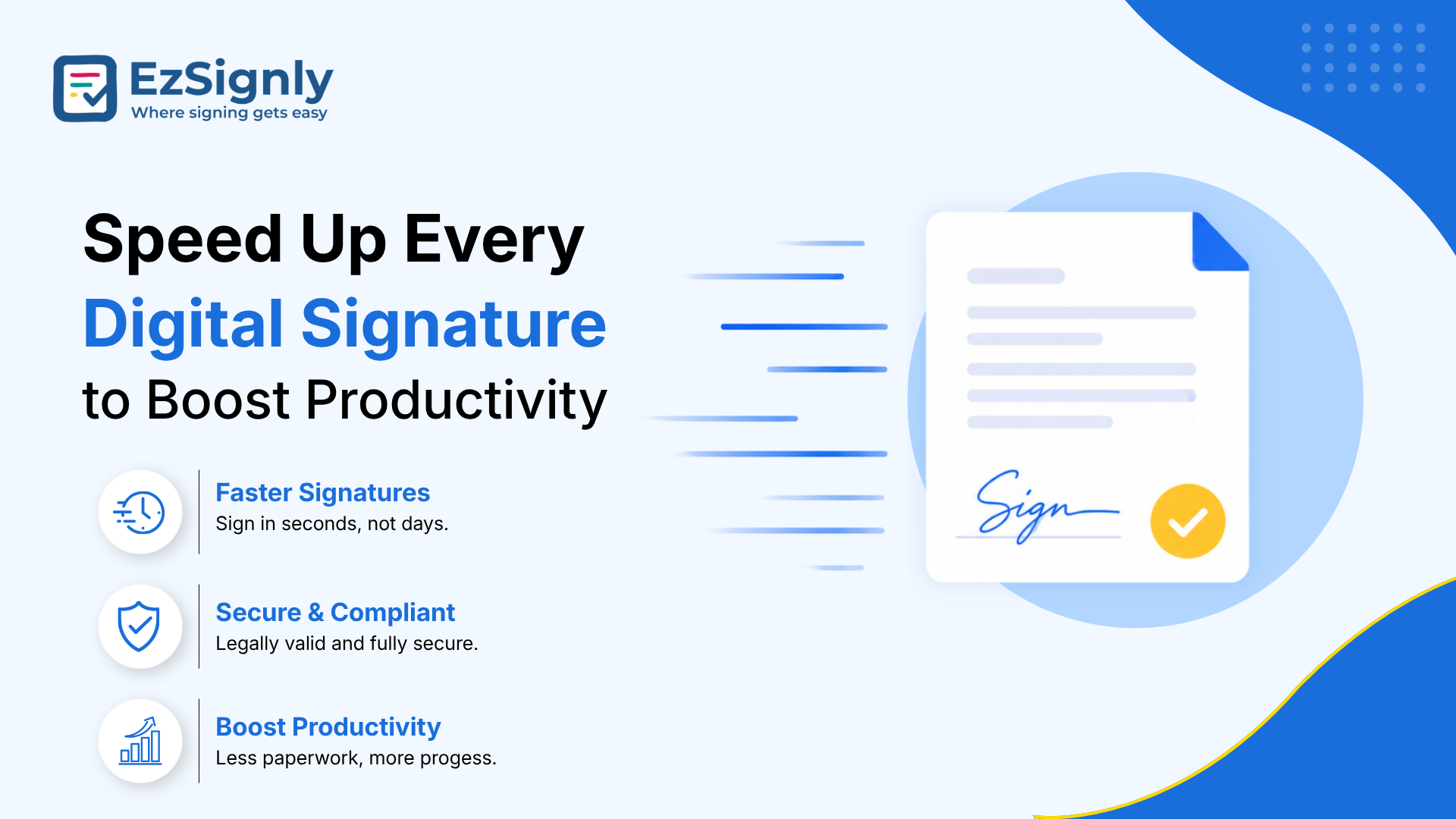
Electronic Signing Software
Flexible Subscription Plans for Every Business Budget
Different businesses process different numbers of documents, so many providers charge based on tiers that depend on the number of signatures you need each month and the level of team access you require. While small business owners and freelance professionals may be able to opt for a "starter" plan with EzSignly, larger organizations that have legal, sales, and HR departments will likely require increased signing limits, templates, and integrations such as CRM or HR software.
Be sure to compare eSignature pricing and
plans across a few providers to see what's actually included. Some
providers include templates and audit trails at lower tiers, while others
charge extra for features you might assume are standard. Depending on the
platform, there may even be "unlimited" plan tiers. Sometimes, audit
logs and templates are included for free, while in other cases they're charged
as an add-on feature. Always read the fine print to avoid bill shock later.
EzSignly: The Smarter Way to Sign Documents Online
Look, if it's a side-by-side comparison we're talking about, EzSignly has that workflow all lined up and configured right out of the box: get accounts instantly, easily drop fields onto documents, get them signed in real time, and pay for an eSignature software that scales with your company, not against it. Document delivery time among those of us on the electronic signature software usually comes in in hours instead of days - with not much chance of finding an excuse.
Whether you're sending one contract a week or fifty a
day, this software is designed to keep the process simple without stripping
away the features that matter.
Have any other questions? EzSignly's team is here to help!
Conclusion
Getting started with an e-signature solution is not even that big of a technical lift. It is, instead, a series of simple steps that almost immediately deliver you savings in time and friction. From uploading your first document to real-time monitoring of signatures being completed, each function within an e-signature solution is intuitively designed to assist business owners, HR professionals, and sales teams. Believe me, after your first digitally executed document, you truly won't be able to consider going back to paper.
Sign up now and send your first document
today.
FAQs
1. What happens if a recipient doesn't have an account on the platform?
A: They don't need one. Signers simply click the secure link sent to their email and complete the signature directly in their browser — no sign-up, download, or account creation required on their end.
2. Can I reuse the same document setup for future signings?
A: Yes. Most eSignature tools let you save frequently used documents as templates, so fields, recipient roles, and formatting stay intact for next time. This is especially handy for repeat paperwork like offer letters or vendor agreements.
3. What happens if I need to cancel or correct a document after it's been sent?
A: You can typically void or recall a document before it's signed and resend a corrected version. Once a document is fully signed by all parties, though, it's locked to preserve the integrity of the audit trail, so any changes would require a new document.
Take a look at the latest blog
What are the Compliance Risks in Traditional Document Signing Methods: Book a Demo Now
Traditional document signing can cause compliance, security, and tracking issues. Book a demo now to simplify and secure your document workflow.
May 8, 2026
Top eSignature Security & Automation Features Driving Business Growth- 90 Days Free Trial
Secure eSignatures with powerful automation to speed up workflows and close deals faster. Try it free for 90 days.
April 15, 2026
How Illinois Firms Are Cutting Contract Turnaround Time in Half with eSignatures with EzSignly
eSignatures are being used by Illinois businesses to expedite contract approvals and reduce turnaround times. Check out how EzSignly speeds up and str...
August 25, 2026
The Anatomy of eSignatures for Secure Contract: Preventing Forgery in the Digital Age
Learn how eSignatures protect contracts, guard against fraud, and guaranty digital authenticity.
October 15, 2026
Have any other questions? EzSignly's team is here to help!
© 2026 Copyright EzSignly. All Rights Reserved