


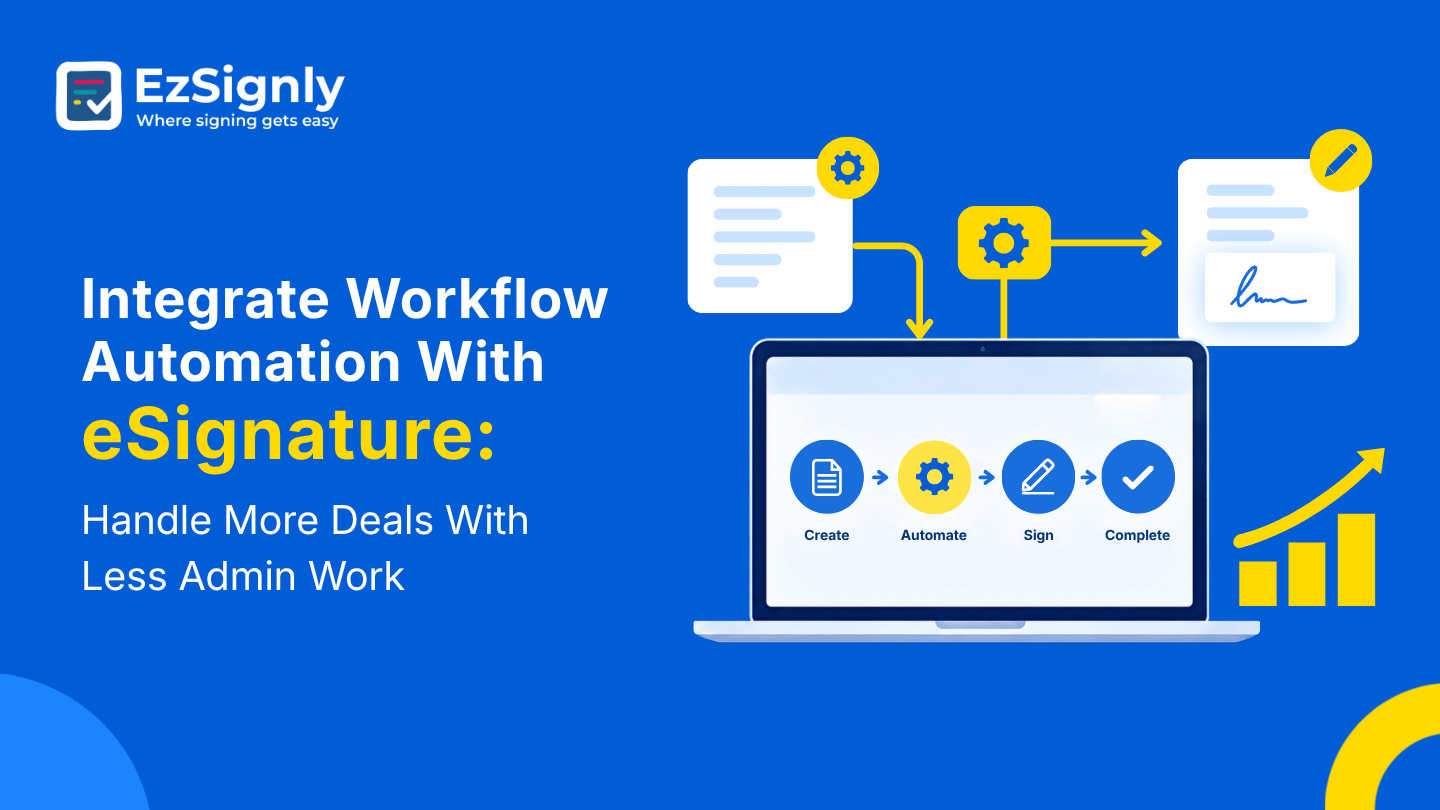
Integrate Workflow Automation With eSignature: Handle More Deals With Less Admin Work
November 2, 2026 | Posted By Admin
Sign Documents Online for Free
Summary
If some has to grow any type of business, it is a
common thing to sign more and more deals, and this means unnecessary paperwork.
People working in a growing business mostly get piled up with extra work like
printing papers, chasing signatures, and checking for approvals. This blog
explains how to build a lighter workflow around EzSignly’s AI helper, reusable
templates, signing order, reminders, and dashboard. It also mentions pricing,
parent companies, real estate, and the basics of security needed for growing a
small or medium business.
Introduction
Every growing team hits the same wall. Sales go up, which is wonderful, and then the paperwork piles up right behind them. Somebody ends up staying late to retype names into contracts, and nobody celebrates that. This is exactly where AI-powered eSignature software in USA starts to feel less like a nice extra and more like a lifeline.
The idea isn’t to replace people. It’s to hand the
repeat jobs to a system so your team can spend its energy on conversations and
decisions. Below, we’ll walk through where workflow automation helps most
before and after a signature, using EzSignly as the example.
Where the Hours Really Disappear
Ask any account manager where their day goes, and the
answer is rarely “closing deals.” Most of their time goes in copying, renaming,
forwarding, and nudging. You’ll likely end up with a long list, and that list
is your roadmap. Everything on it is a candidate for automation, and most of it
can be handled with the tools already inside EzSignly.
Templates and AI Are the Saviours
If you have to send similar papers regularly, you can just rely on templates. You can get the paid plans, which have unlimited templates, so that you can create a library for everyone.
With the AI helper, this can be made even simpler. You
can shortly explain your need, and the template will get created. This shift
alone can save a surprising amount of time and a fair bit of sighing.
What Automation Costs, in Plain Numbers
Before you build anything, you’ll want to know if it
fits the budget. If looking for eSignature Software pricing in USA, one
thing people can be sure of is that EzSignly’s list small and easy. The free
plan gives its users three envelopes each month, the standard plan has 30
envelopes at $7 per user, and the business plan gives its users unlimited
envelopes at $10.50 per month.
Reminders Handle the Follow-Up Part
Chasing people is nobody’s favourite job. They don’t want to bother a client but can’t let a deal slip from their hands. Features like automatic reminders can help you with this. They take away the load of you nudging the client by doing it themselves instead.
If this is mixed with a transparent setup, all the
things will confuse you less. The dashboard lets you see all the activities
that happened on the document, and you can also filter them by status.
See All Your Deals on One Screen
Automation only seems genuine when you see it doing
your tasks properly. EzSignly has a dashboard that shows four tabs displaying
total number, signed, pending, and expired number of documents, and also, the
Recent Activity list shows all the sequence in which the document has been
signed. A growing pending number is an early warning you can act on before a
deal cools off. It’s worth building a small habit around it, too.
Running More than One Venture
There are many business owners and founders who own several ventures. They have a parent company, a branch, as well as a separate brand. If you’re searching for eSignature software for Multi-Company in US, look for a setup that keeps everything together without mixing it up.
EzSignly’s Multi-Account Hub does that with unified records and 256-bit encryption, and you can move between accounts without logging out. For a finance lead who is handling three businesses at the same time, this adds up to saving precious hours over a quarter, and a lot less frustration.
It also helps with oversight. When all the ventures go with the same templates, the same signing sequence, and the same record, the ownership gets confidence that things are being followed in the same way everywhere.
Give People the Right Keys
Allocating a shared login to everyone might save time
today, but can cause a huge mess later. Set access rules early. With the
Business plan, role-based access is helpful for you in deciding who should
send, who should just view, and who should see sensitive files. When every
action traces back to one real person, your records become far more
convincing.
Property Deals Don’t Wait
Real estate is the prime example of automation and automated workflow. Listing agreements, offers, disclosures, and lease add-ons involve buyers, sellers, agents, and lenders spread across the city. Teams that compare eSignature Software for Real Estate in US need a pace that doesn’t slow down when the deadline is tight.
With templates ready and a set signing order, an agent
can send an offer from a showing, and the buyer can sign on the train. You’ll
see the update the moment it happens, instead of refreshing an inbox. One note:
some closing steps need a notary or follow special filing rules, so check with
your title company or attorney about which papers can go fully online.
Conclusion
Everything doesn’t need to be automated at the same time. You can choose the single task that drains your team most, perhaps retyping details or chasing signatures, and fix that first. Build a template, set the order, turn on reminders, and see what changes after a week.
Then pick the next one. Small, steady steps build trust in the system and keep your team from feeling overwhelmed. Before long, the deals will be moving along on their own, and you’ll have your evenings back. Picture closing more deals without adding a single late night. EzSignly can help you get there one automated step at a time.
Get started with EzSignly and let your next contract
take care of most of its own paperwork.
Have any other questions? EzSignly's team is here to help!
FAQs
1. What can I automate with an eSignature tool?
A: Templates, signing order, email drafts, reminders, and status tracking are all good places to start.
2. Does EzSignly support companies with more than one entity?
A: Yes. The Multi-Account Hub keeps records together with strong encryption and lets you switch accounts without logging out.
3. Can I test the automation features for free?
A: Yes. There’s a free plan with three envelopes a month, and new signups can claim three free months.
Take a look at the latest blog

Need an e-signature tool alternative? Compare These Top Features with EzSignly
Need an eSignature tool alternative? Compare top features with EzSignly and discover smarter, scalable solutions for faster, secure digital signing.
April 30, 2026
How eSignature Empowers Small Businesses for Digital Document Signing
For small industries, growth is driven by innovation, customer demand, and the ability to move quickly. Yet, as businesses scale, everyday operations ...
January 22, 2026
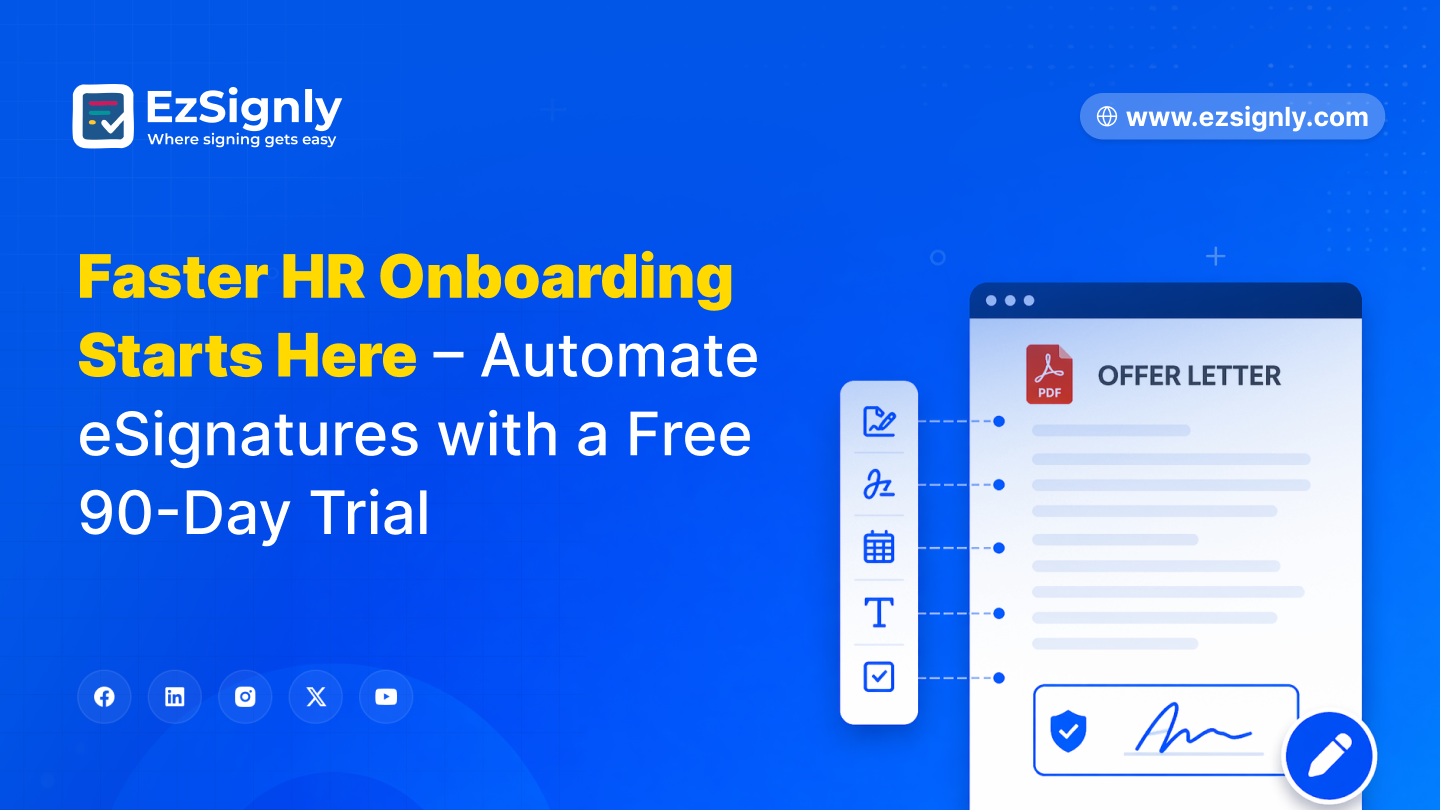
Faster HR Onboarding Starts Here – Automate eSignatures with a Free 90-Day Trial
Speed up HR onboarding with automated eSignatures. Start your free 90-day trial today.
April 24, 2026
Benefits of Upgrading Businesses With Premium eSignature Tool at Low Cost: Signup Now
High-quality eSignatures at an affordable price—sign more quickly and efficiently.
October 6, 2026
Have any other questions? EzSignly's team is here to help!
© 2026 Copyright EzSignly. All Rights Reserved