


Is Every Digital Signature an eSignature? Which Offers Better Protection Against Document Tampering?
November 18, 2026 | Posted By Admin
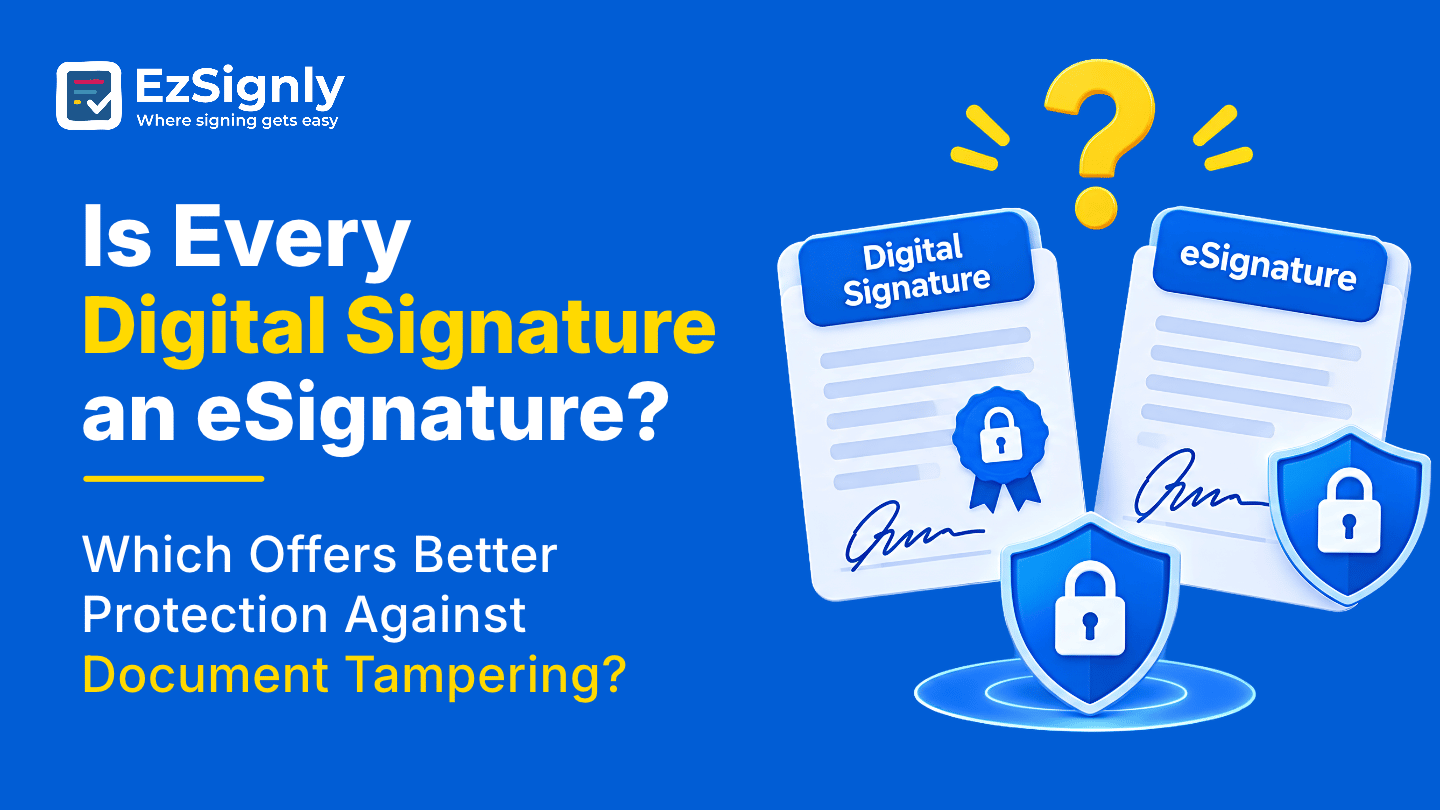
Secure Document Signing
Summary
There’s a huge scale with which a digital signature
and an eSignature are different. And if you’re concerned someone might tamper
with a document, the difference matters. In this blog, we will go over the
relationship between the two, the three common types of document changes and
the level of protection each offers. It also discusses security measures for
document protection, practices that help regardless of the case, how a business
or law firm can use it, and the pricing of the plans.
Introduction
Signatures work in a way that some of them seem similar to others but are not. The distinct features of eSignature and digital signatures fit well for this sentence. Many people often confuse eSignature with digital signature and vice versa. Before you jump into eSignature Detailed Features in Illinois, it’s good to know where each type of signature fits in and how well it can’t be changed.
This blog post describes why, measures how each of
them stops changes and shows you what EzSignly does to stop tampering using its
features and comparison page.
How One Fits Inside the Other
“eSignature” is the wide umbrella. You can electronically show that you want to sign by typing your name, drawing it on the screen, uploading a scanned copy, or by clicking an "I Agree" button. So long as the platform keeps track of who signed and when, the signature is generally fine for business documents.
One type in that group is a digital signature. It
includes eSignatures, certificates, and a digital ID by a certifying authority.
That is why it is in the same family as eSignatures but at the very end.
Three Ways a Document Gets Tampered With
After Signing: The Quiet Edit
There might be a situation when someone changes a date or number once everyone is done with a file, thinking no one will check. A digital signature can prove useful in this situation. Change one character, and it won't verify. The website says it can’t be changed because of encryption and an audit trail. This makes it much harder to hide changes that have been made in secret.
Before Signing: The Swapped File
Here, the wrong version reaches the signer, or an old draft sneaks into the thread. That’s less about cryptography and more about process. Sending through a secure link, locking down the final file, and reusing a template for standard agreements all cut the odds of a swap, and the activity record shows who received and opened what.
Afterwards: “That Isn’t My Signature”
Differences come to light after a while. It’s too late
to think over it months later when people don’t remember anything. Teams who
are comparing HR online signature software in Illinois should always
check for one that provides record-keeping as a main feature.
So, Which Protects Better?
If the question is purely about tamper resistance and proof of identity, a certificate-based digital signature is the stronger tool. EzSignly’s own guide rates its security as very high compared with moderate for a standard eSignature. That’s a fair reading, and pretending otherwise wouldn’t help anyone.
But “better” depends on what you’re protecting. For most business documents, an eSignature’s protection is plenty, and it’s far easier for signers to use. If the document never gets signed, then a tool that nobody can fill in is no protection at all.
Keep in mind, the power of an eSignature is more than just the signature. On the features page, they claim each signature is secured with encryption, identity verification, immutable audit trails, and global compliance. They also say that all actions are logged from creating the document to viewing, signing and completing it. These layers permit tracking in a way that a loose scan does not.
One honest limit: the comparison guide doesn’t say
that it issues certificate-based digital signatures. If a regulator or
counterparty demands one, ask the team how they’d handle it. And remember that
neither type replaces legal advice when real money or a dispute is involved.
Where Lawyers Draw the Line
Lawyers are most worried about tampering, as one altered clause can nullify months of work. Firms exploring eSignatures for Law Firms and Legal Teams often consider both. The firm will consider it if a filing requires a certificate-based signature. The firm will consider both if it is considering platform-level eSignatures for engagement letters, NDAs and many settlement agreements.
But get the words right before you hit send. You
should also compare the document you get back with the one you sent. Following
these procedures, no one will be able to make unauthorised changes to the file
or send it to other people.
Habits That Protect You Either Way
Whichever signature you use, don’t edit a document after sending. If you need to make changes to something, make sure to create a new copy and start again. That way, the record will show exactly what everyone saw. Fixing things quietly can feel good, but that’s exactly what hurts trust in the long term.
If people share logins, you can’t tell who changed a file. If people have their own accounts with clear roles, it’s easy to see who did what. This is because your records are much more authentic when they can be tied to a real person.
Keep the last copy and its record together. Download
completed agreements and archive rather than delete when a file leaves your
active list. Months from now, you’ll be glad the signed document and its
history are sitting side by side.
What Stronger Protection Costs
Protection often comes after rates, so check what each pricing really includes. When looking at eSignature Software Pricing in Chicago, Illinois, choose the software according to the number of documents you have to send and their confidential limit, instead of which pricing sounds most appealing or looks cheaper.
New signups can claim three free months, which is
enough to send a real agreement, open its activity record, and judge whether
the level of protection fits your work. If you need more than an eSignature
offers, you’ll find that out early, which is the cheapest time to learn it.
Conclusion
Add sensible habits, keep the record, match the tool to risk. If you’re still comparing features, ask each vendor exactly how they handle tampering, and expect a clear answer.
Let’s talk through how EzSignly guards each stage,
from the first send to the final archive. Book a demo with EzSignly and bring
your toughest questions.
Have any other questions? EzSignly's team is here to help!
FAQs
1. Is every digital signature an eSignature?
A: Yes. Many digital signatures are not electronic signatures. Digital signatures are a specific type of signature that uses encoding for extra security.
2. Which signature is better for keeping people from messing with them?
A: A person using a digital signature with a certificate is easier to check for identity and authenticity.
3. How does it protect signed documents?
A: It’s encrypted, identity-verified, with unalterable audit trails and compliant with ESIGN and GDPR. Optional two-step verification.
Take a look at the latest blog
Know About Multi-Company Tenancy Model for HR's With eSignature Platform: Book a Demo
Simplify HR operations across multiple companies with a secure multi-company tenancy eSignature platform. Book a demo today.
July 1, 2026
Know How eSignature Tools Really Cut Legal Department Costs by 80% : Book a Demo
Legal departments across the USA face high costs from paperwork, printing, and slow approval cycles. This blog breaks down exactly how digital signing...
August 14, 2026
AI-Powered Contract Management to Reduce Small Business Bottlenecks Using eSignatures: Signup Now
Reduce contract delays with AI-powered eSignatures and smart automation for small businesses. Sign up now to simplify workflows and close deals faster...
May 29, 2026
Why Businesses Are Adopting E-Signatures—Pros, Cons, and Real-World Use Cases
E-signatures help companies sign documents instantly, reduce paperwork, and improve efficiency across teams.
January 27, 2026
Have any other questions? EzSignly's team is here to help!
© 2026 Copyright EzSignly. All Rights Reserved