


Online Rental Agreement Signing Made Easy: Top 5 Free eSignature Software in the USA
April 29, 2026 | Posted By Admin
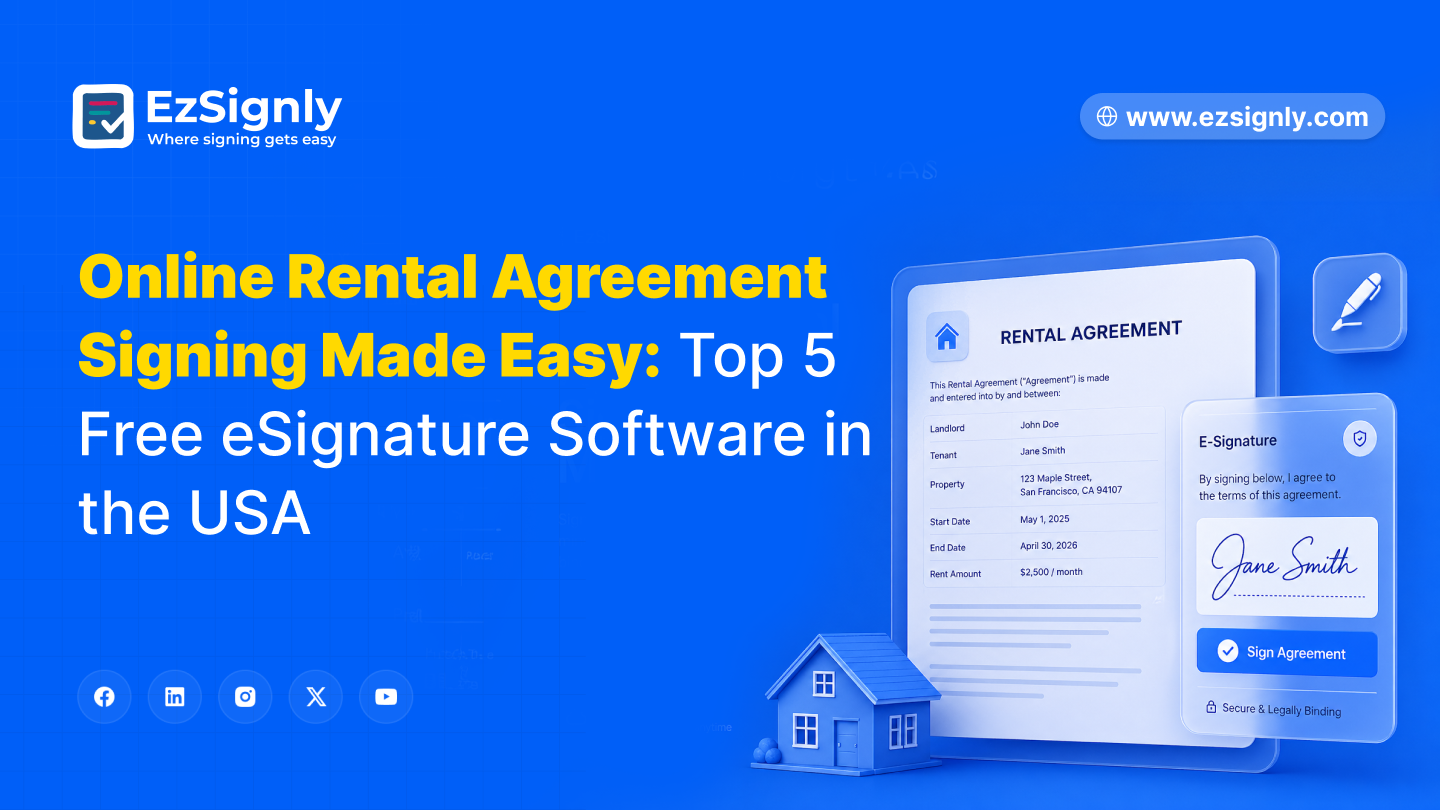
Best Esignature Software
Summary
Getting a rental agreement signed should not take a
week. For most legal teams, it still does. eSignature Software for HR in USA
and property professionals has changed this completely. This guide covers the
top 5 free platforms that are legally compliant under U.S. law, so you can
close leases faster without the back-and-forth.
Table of Contents
- Why Online Rental Agreement Signing Matters
- eSignature Legal Compliance & Validity in the USA
- Top 5 Free eSignature Software for Rental Agreements
- How to Choose the Right Tool
- Conclusion
& FAQs
Why Online Rental Agreement Signing Matters
Paper leases create problems that are entirely avoidable. Tenants out of town, missing signatures on the last page, documents that never arrived, no record of who signed what or when. These are not rare situations. They happen regularly, and they slow everything down for everyone involved.
The U.S. rental market moves fast. Tenants expect a smooth process from viewing to signed lease, and when that experience is clunky, it reflects poorly on the property manager before a tenant has even moved in. For legal teams handling multiple properties or high turnover, a slow signing workflow is not just inconvenient. It creates genuine legal exposure when disputes arise and there is nothing clean to point to.
The global e-signature market is projected to reach $7.04 billion in 2025 and grow to $24.50 billion by 2030. Real estate is one of the fastest-adopting sectors, and for good reason. Switching to free electronic signature software delivers results you will notice quickly:
- Leases are signed and returned within hours
- Every action is time-stamped with a tamper-evident audit trail
- Tenants sign from any device without printing anything
- Documents are stored securely in the cloud and always accessible
- Automated
reminders replace manual follow-ups entirely
eSignature Legal Compliance & Validity in the USA
Before choosing any tool, legal teams need a clear picture of what makes a digital signature enforceable. Two laws govern eSignature Legal Compliance & Validity in the U.S.: the federal ESIGN Act of 2000 and the state-level Uniform Electronic Transactions Act (UETA). Both agree that a digital signature on a rental agreement is just as legal as a handwritten one, as long as the platform can show that:
- The signer clearly meant to sign
- Both parties agreed to do business electronically
- The signature is linked to that specific document
- The signer's identity can be reasonably verified
- The document is tamper-evident after signing
Any platform chosen for Secure Real Estate eSigning
Online must confirm ESIGN and UETA compliance, provide encryption in
transit and at rest, and attach a certificate of completion to every signed
document. Check for HIPAA or SOC 2 certifications for regulated lease types
like government-assisted housing or commercial properties. These types of
leases usually have stricter compliance standards.
Top 5 Free eSignature Software for Rental Agreements
1. EzSignly - Best Overall for Rental Agreement Signing
It is the strongest option on this list for legal teams and property managers. It was built for small and mid-size businesses, and the entire experience reflects that. There is no bloat, no confusing pricing structure, and no feature that should have been standard but costs extra. Among free DocuSign alternatives, our platform offers the best combination of compliance, usability, and value. Teams usually save 70% to 80% compared to DocuSign, which adds up quickly as their portfolios grow.
It follows the ESIGN Act and UETA to the letter, and it has ISO 27001, SOC 2, and GDPR certifications. It supports multiple languages, which matters for property managers working with diverse tenant populations across different states. The platform handles the full rental workflow from document preparation and signing order to real-time tracking and secure long-term storage.
Free trial includes: unlimited document signing on the Pro tier, court-admissible audit trails, enterprise-grade encryption, reusable lease templates, bulk sending for portfolio-wide renewals, and mobile-friendly signing without needing an app download. For legal teams that want a proper DocuSign alternative covering compliance without unnecessary complexity, this tool is the right starting point. It is also one of the strongest eSignature Plans for Personal & Business use available today, whether you are a solo landlord or running a team of leasing agents.
2. SignWell - Best for Simple Signing
SignWell is a clean, no-fuss option for teams that want reliable signing without extra features getting in the way. Signatures are valid under ESIGN, UETA, and eIDAS. It is used by thousands of businesses and is consistently recommended as one of the best DocuSign alternatives, free of charge for light-volume workflows. The automatic reminder feature is particularly useful for property managers who do not want to personally chase tenants for a signature.
Free plan includes: 3 documents per month, 1 template, automatic reminders, audit reports with timestamps, and integrations with Gmail, Dropbox, and Slack. Paid plans start at $12/month.
3. PandaDoc: Best for Occasional Use
PandaDoc's free plan lets you make 60 documents a year, which is great for legal teams that don't do a lot of leases but still need a professional, compliant tool when they do. It has SMS passcode verification, which is a useful way to confirm someone's identity, especially for longer-term or higher-value lease agreements.
The free plan includes 60 documents per year, email-based authentication, SMS passcode verification, and a certificate of completion with every signed document.
4. DocHub - Best for Google Workspace Teams
DocHub is the most practical choice for teams already working inside Google Drive and Gmail. It is a widely trusted free electronic signature software option that also lets you edit documents before sending. That alone removes the need for a separate PDF editor in most workflows.
Free plan includes: 5 eSignatures and 3 signature requests per month, full PDF editing, multi-signer support with signing order, real-time tracking, and compliance with GDPR, HIPAA, CCPA, and PCI DSS. DocHub's Pro plan, which costs $10 per month, is a great deal for legal teams that handle a lot of leases every week. This is true for teams that want to compare E-signature pricing across different platforms.
5. Xodo Sign - Best for Audit Trails
Xodo Sign is the right pick when your legal team needs a complete, detailed record of every signing action. It is a reliable and affordable alternative to DocuSign for property managers who need an audit trail thorough enough to hold up in a dispute. The built-in data redaction tools are a practical bonus when dealing with sensitive tenant information that should not be visible across the wider team.
Free plan includes: 5 documents per month, full timestamp audit trail, in-document editing, data redaction, end-to-end encryption, and mobile signing. Every document produced through the platform meets Electronic Signature Laws & Regulations requirements under U.S. law.
Quick Comparison:
| Tool | Free Docs / Month | Audit Trail | ESIGN/UETA | Best For |
| EzSignly | 5 docs/ month | ✓ | ✓ | Best overall |
| SignWell | 3 | ✓ | ✓ | Simple workflows |
| PandaDoc | 60 docs/ year | ✓ | ✓ | Occasional use |
| DocHub | 3 requests | ✓ | — | Google Workspace |
| Xodo Sign | 5 | ✓ | ✓ | Audit transparency |
How to Choose the Right Tool
Volume is the first thing to sort out. Under five rental agreements a month, any free plan here works fine. Closer to twenty or more, this software's unlimited document handling makes more practical sense than running into a cap at the wrong moment and scrambling for a workaround.
Compliance requirements come next. ESIGN and UETA cover standard residential leases across all five platforms. For government-assisted housing or commercial leases with stricter regulatory requirements, you need HIPAA and SOC 2 certifications as well. EzSignly and DocHub both carry those.
Finally, think about fit with your existing setup.
Google Workspace teams will find DocHub the easiest to adopt with minimal
disruption. Teams that need to scale across multiple users or manage a large
property portfolio will be better served by EzSignly from the start. Always
check the E-signature Pricing Explained page on each platform directly,
since per-seat costs and document limits vary more than the headline pricing
suggests.
Conclusion
Paper leases are a solved problem. Our tool leads this
list for legal teams that want full compliance, unlimited documents, and a
workflow that actually makes sense from start to finish. SignWell, DocHub,
PandaDoc, and Xodo Sign each cover specific needs well and are worth
considering depending on your volume and setup. Pick the one that fits, confirm
it covers ESIGN and UETA, and put it to work for secure real estate
e-signing online. Start on the free plan and upgrade only when your volume
genuinely requires it.
Have any other questions? EzSignly's team is here to help!
FAQs
1. Are free eSignature tools legally binding for rental agreements in the USA?
Yes, as long as the platform follows the ESIGN Act and UETA. All five tools here do. For government-assisted or commercial leases, check to see if there are any extra state-level requirements under Electronic Signature Laws & Regulations before moving forward.
2. What is the difference between ESIGN and UETA compliance?
The ESIGN Act is federal and covers interstate transactions. UETA is state-level and governs intrastate agreements, which is what most rental contracts are. Both together provide the most complete eSignature Legal Compliance & Validity coverage across all U.S. states.
3. Can tenants sign on a mobile phone?
Yes. All five platforms support mobile signing. Tenants tap a link in their email, review the document, and sign without downloading anything. Check the eSignature Plans for Personal & Business section on each platform to match the right tier to your tenant volume.
Take a look at the latest blog

Can an Electronic Signature for Employment Documents Ensure Smarter Hiring?
By using modern eSignature software like EzSignly to sign documents digitally, HR teams can remove friction from recruitment workflows and create a tr...
January 22, 2026
Productive Contract Management Tools to diminish Compliance Risks and Delays for Small Businesses
Streamline contracts with productive contract management tools that reduce compliance risks, delays, and manual errors for small businesses.
June 4, 2026
Streamline Real Estate Transactions with Advanced Features – Try Free for 90 Days
Simplify real estate transactions with powerful features designed for faster, smoother, and more secure workflows. Start your free 90-day trial today.
May 7, 2026
EzSignly Guide 2026: Understanding eSignature Pricing Models for Businesses
EzSignly Guide 2026: A concise overview of eSignature pricing models to help businesses choose the right plan efficiently
March 16, 2026
Have any other questions? EzSignly's team is here to help!
© 2026 Copyright EzSignly. All Rights Reserved