


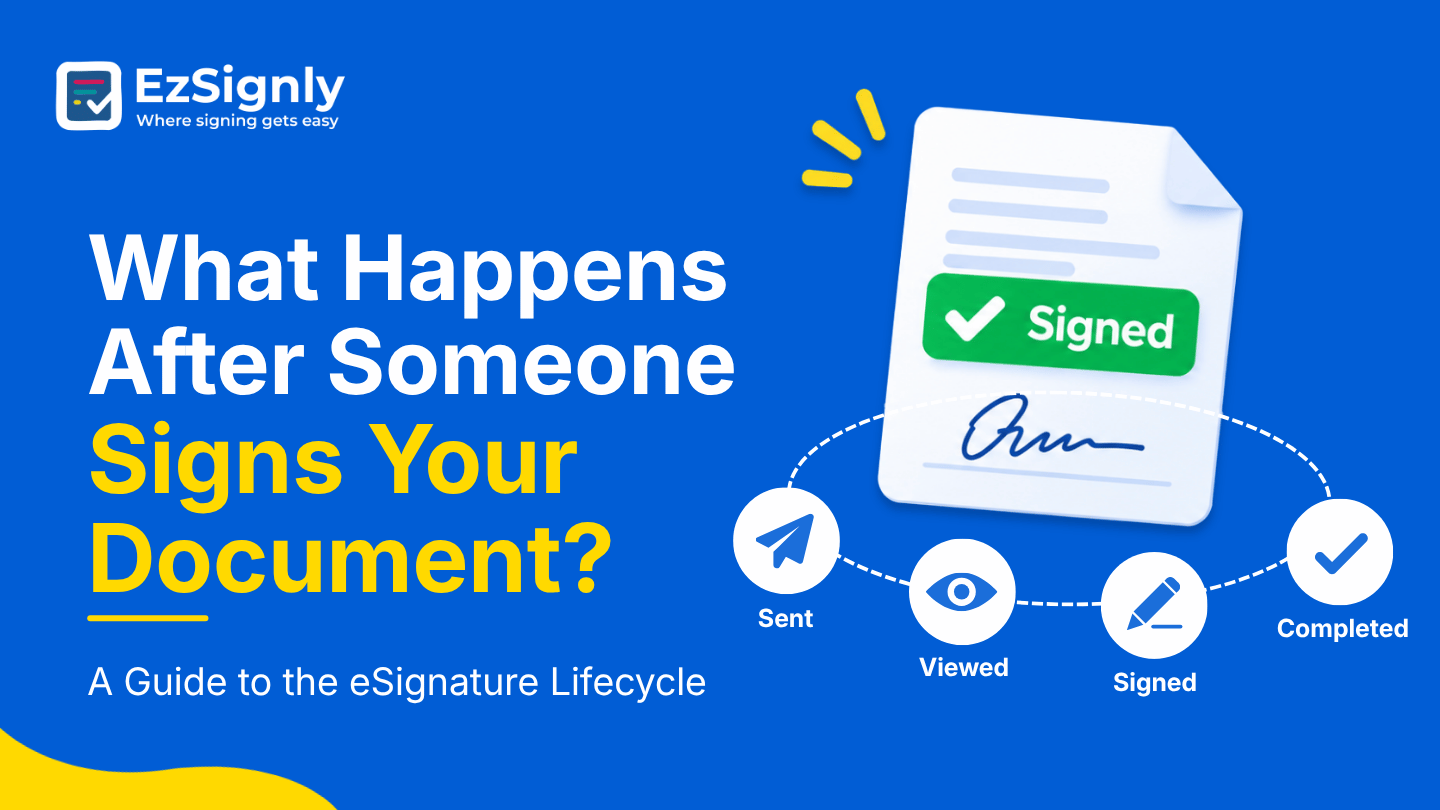
What Happens After Someone Signs Your Document? A Guide to the eSignature Lifecycle
November 12, 2026 | Posted By Admin
Best eSignature Solution
Summary
There are several signing tutorials that are not
provided after the signature is done. But teams realise that the management
work starts after the signature lands. In this blog, we are going to follow the
journey of a document in EzSignly. All the alerts, storage, audit trail, and
performance data are covered in this blog. It covers the functions of EzSignly
in HR, small businesses, and plan pricing.
Introduction
The last signer clicks finish, the screen says thank you, and everyone moves on to the next task. But for anyone choosing eSignature software for Businesses in Chicago, the more interesting story starts right there. What happens to the document afterwards decides whether you can find it, prove it, or safely let it go six months from now.
We’ll follow one agreement from final signature to
eventual retirement, using EzSignly’s own guides on tracking, storage, and
archiving. It’s the back half of the story that most signing tutorials skip,
and it’s the half people usually wish they had planned for.
Step One: You Get the Notification
It happens most of the time; you have to keep refreshing for a message to come into your inbox to find out if someone has signed or not. This part might be annoying, especially if you have other pending work to do. But with EzSignly, you get automated alerts whenever someone opens a document and when they sign it. These updates are tracked by the dashboard’s activity panel.
When a document has several signers, those alerts
arrive person by person. The agreement only counts as finished once every
required signer is done, and until then it sits in the pending pile. That small
detail explains why a contract can feel “mostly signed” for days while still
being unfinished.
Step Two: The Finished File Finds Its Home
Once the last signature is in, the completed document is stored securely, and the sender receives the signed copy. Even the free plan includes cloud-based storage, so there’s no need to hunt through email attachments later. Your agreement has a proper home from the moment it’s done.
A sensible habit is to download the final version of anything important and tell your client where their copy went. It takes a minute and prevents the classic “can you resend that contract?” message that arrives six weeks later, usually at the worst possible time.
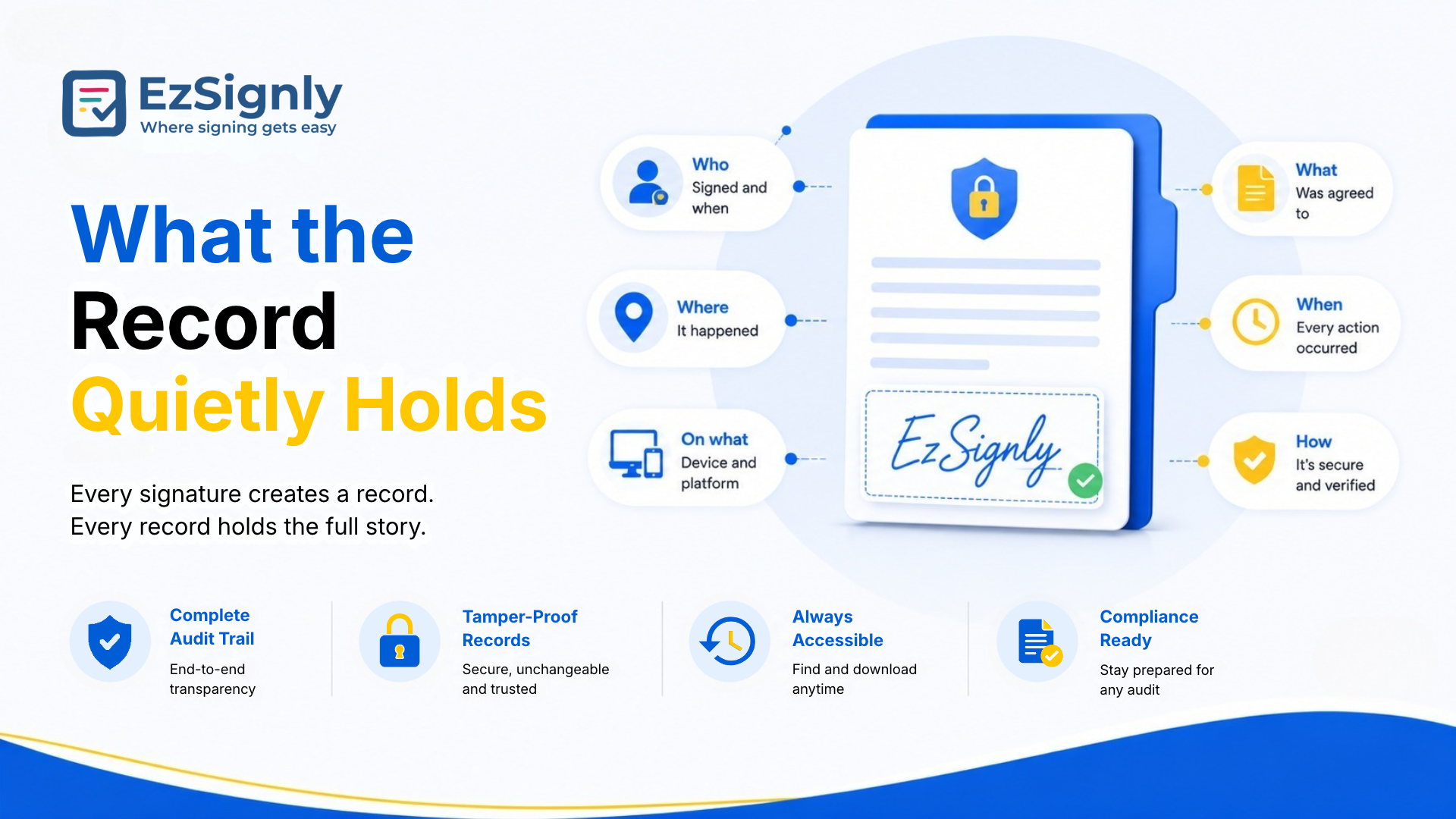
What the Record Quietly Holds
Hiring paperwork shows why this matters. Business teams who are comparing eSignature Software for HR in USA manage policies and offer letters that might become confusing if people forget the details. That’s why a stored record is necessary if an employee denies that they ever saw any update. This will be proof to verify the same.
Secure Document Signing
Step Three: Reading What the Numbers Say
The dashboard is a place for more than just storage. The document status panel helps in separating signed, pending, and expired files, while a performance panel shows all the requests and when the documents were completed. There’s also a trends section that tracks activity over time and also includes signing patterns.
Bulk sends deserve the same attention. After you have
sent a batch, you should check who has still not signed and who completed
quickly. After going through a few rounds, you’ll figure out what the elements
are that keep people moving.
Step Four: Choosing What Should Be Transparent
Once a document is done, it still clutters your workspace unless you manage it. The Documents tab on the left panel opens all documents. This includes live as well as archived signed files. Archived ones are available for audits, reference purposes, or legal requirements.
Small businesses often skip over this step until their dashboard starts flooding like a junk drawer. Any person who is searching for eSignature for Business in USA should check the archive option as part of the setup, not a second option.
Letting Go Safely
Deleting is possible too. In All Documents, a trash icon sits beside each document’s title, and confirming the action leaves a logged entry with audit visibility. The guide stresses that deletion is deliberate, so a stray click doesn’t wipe out something you needed.
Still, a good rule is to archive first and delete
later. Contracts, employment files, and financial records often have retention
periods that vary by situation, so ask your accountant or attorney before
removing anything that could matter. When a file truly isn’t needed, though,
removing it reduces risk, since sensitive details can’t leak from a place they
no longer live.
Step Five: Starting the Next Cycle
The work on one agreement begins the moment another ends. So keeping the template intact once a contract goes smoothly ensures that it can be used for the next document. The free plan keeps two templates, and paid plans keep unlimited ones, so your best documents can quietly become your standard way of working.
Larger organisations can take this further with the
Multi-Account Hub. It lets you move between entities without logging out and
keeps unified audit trails with 256-bit encryption across all of them. For a
group running several companies, seeing every lifecycle in one secure place is
a real relief.
What the Whole Lifecycle Costs
It’s worth pricing the lifecycle, not just the sending. Looking at eSignature pricing and plans, EzSignly’s Free plan’s rate is $0, with three envelopes a month, two templates, and cloud storage. Standard’s rate is $7 per user, containing 30 envelopes, unlimited templates, bulk send, and automatic reminders for up to three members.
Business’s rate is $10.50 per user monthly, giving unlimited envelopes, role-based access, and room for up to five team members. And finally, Business Pro is a contact-sales option offering flexible limits and 24/7 support, and the pricing page shows a 30% discount on yearly billing. You can match the plan to how many documents you’ll actually manage, not the biggest number you can imagine.
New signups can claim three free months, which is long
enough to follow a single real agreement from sending through archiving. That
kind of test shows you things a feature list never will, like how easy it is to
find a contract again after two months.
Conclusion
A signed document isn’t the finish line. It stands as a record you will seek when you face any type of issue, you can learn from, and eventually will return to. The tool will support you through all stages where you get stuck. The whole arc of EzSignly's reminders, storage, audit trails, and data is covered under this.
So don't wait anymore and bring your document to
EzSignly to walk you through each stage. Book a demo now.
Have any other questions? EzSignly's team is here to help!
FAQs
1. Where does a completed document go after signing?
A: A signed document gets stored securely. The sender receives the file, and an audit trail records every action along with timestamps.
2. What differentiates archiving and deleting in EzSignly?
A: With archiving, you can keep signed documents available and accessible for audit and future reference, as well as clear your active list. With deleting, you can remove the file and remove access permanently.
3. Can I see how my signing is performing?
A: Yes. You can see the performance data of your signing on the dashboard, which includes a Document Status panel, completion rates, all requests, and a trends section showing activity over time.
Take a look at the latest blog
Adobe vs EzSignly: The Ultimate Bulk eSignature Workflow Comparison for Businesses: Book a Demo
Compare Adobe and EzSignly for bulk eSignature workflows. See which solution streamlines document signing, automation, and team productivity. Book a d...
June 16, 2026

How AI-Driven Legal e-Signature Solutions Cut Manual Work by 90% — Start Your Free Trial
Reduce manual legal work by up to 90% with AI-driven eSignature solutions. Start your free trial today.
April 24, 2026

Explore eSignature Examples for Every Business Function with EzSignly – Free for 90 Days
Discover ready-to-use eSignature examples for HR, sales, legal, finance, and more with EzSignly. Free for 90 days
April 22, 2026
How Businesses Can Reduce Document Processing Time with eSignature Software in USA
eSignature software helps U.S. businesses process documents faster by enabling digital signing and automated approvals.
August 13, 2026
Have any other questions? EzSignly's team is here to help!
© 2026 Copyright EzSignly. All Rights Reserved