


End-to-End Workflow Automation with eSignature Integration: Get 3 Months Free Trail
August 3, 2026 | Posted By Admin
Best eSignature Software
Summary
For every business, in HR departments through to real
estate closings, manual document workflows are silently consuming hours of work
across the team. So, we are going to walk you through automating workflow by
coupling workflow automation with eSignature so that you are done with the
manual process, ready to accelerate turnaround, audit-ready, and, of course,
ready for an unattended signing process with our ultimate guide to eSignature
automation. We also shall go through the necessary security, compliance, and
important features you need.
Introduction
There's one pain point all businesses share, no matter
the industry: more documents than can be tracked, more manual processes than
have ever made sense, and fewer working hours than a day provides. Emails that
sit on your desk in your inbox waiting for that magical signature. Typically, a
new hire document goes through several manual stages before someone finally
signs it off. That document must get from person to person for signature,
approval, and review. This creates more delays, but then the document must move
from one person to another for approval and signature before finally being
filed away with a higher risk of getting lost. And it is exactly for this
reason that never before have there been so many American enterprises
using AI-powered esignature software in USA that takes the
leap from 'a document created' to 'a document signed, saved, and acted upon.'
Be that as it may, we are covering that shift here.
Seamless End-to-End Workflow Automation for Growth
End-to-end automation of work is about automating each part of a document's lifecycle—its birth, its journey, its validation, its sealing with a stamp (e-signature), its storage, and any action you need to take after that - all with minimum to no manual handoffs. Imagine your current manual process of sending a job offer letter.
After that is produced, it is e-signed by the hiring manager, and then passed from there to the candidate to review and sign. More back and forth ensues. After the candidate and the hiring manager have signed, we have to store the document manually, where it is more or less just tucked away somewhere in files, which is no fun for anyone to navigate later on. With an automated process, that job offer is generated from a template, digitally routed to the hiring manager for approval, and emailed to the candidate for their e-signature, and once it's signed, it's automatically saved.
Speed isn't all that we're getting - that is
important, of course. What's truly being gained is consistency. You can
automate an entire operation, and it's guaranteed to work just as you have
programmed it to work. Every time. That means that fewer forms are going
unchecked, fewer documents are getting mislaid, and there's a lot less mess on
the trails when someone asks, "Where did everything break?"
Drive Faster Workflows with Digital Automation
And here is how most companies go wrong: you automate everything right up to the signature - and then the entire process grinds to a halt while somebody needs to process the paper document in the traditional way. This single manual step can undo half of the time gained elsewhere in the process. That’s why eSignature integration is essential, not a bonus.
If electronic signatures are part of your current
processes, your documents go from creation to signed with absolutely no
disruption to the workflow - no additional tools or applications required. Any
of your recipients will be able to review and electronically sign your
documents from any device with a few simple clicks. The system automatically
updates records, initiates further workflow, and stores your signed document in
its original location. Automation saves you time and manual effort in managing all
of your documents.
Smart Features That Power Automated Signing Workflows
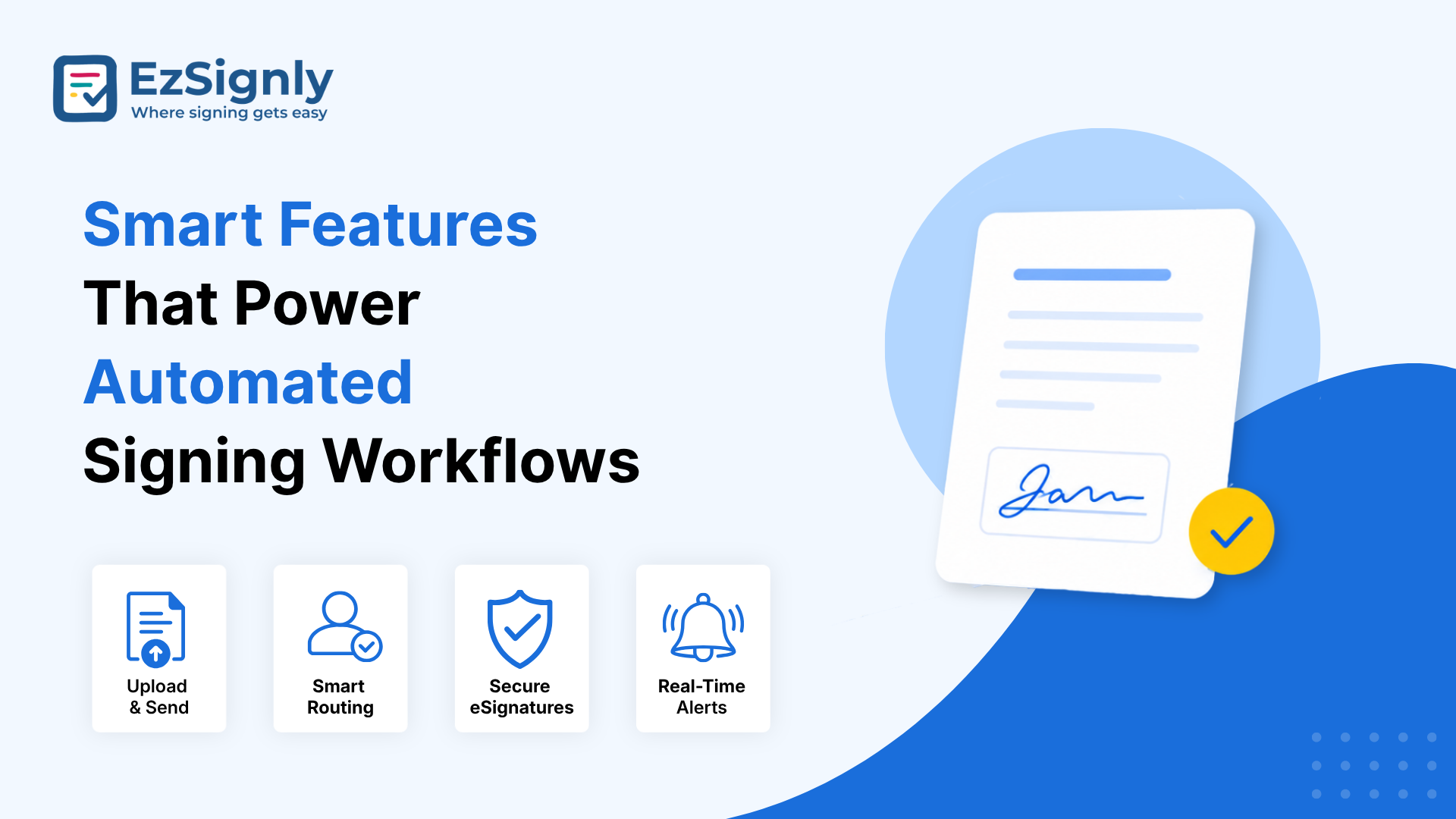
The vast majority of eSignature solutions do not actually consider workflow automation. Before you invest, you need to figure out what you really care about. Having a great API on the e-signature platform means you can set it up so that once a contract is signed, it can automatically send a record of the updated contract to your platform, cc the appropriate team member on an email, and post a copy in a shared Google Drive, among other things. The process is so easy it's effortless on your end.
Besides this foundational integration layer, some other things are just as important:
- Template libraries that let teams reuse pre-approved document formats instead of creating contracts from scratch each time.
- Conditional routing, so a document automatically goes to the right approver based on department, dollar amount, or region.
- Real-time tracking, showing exactly who has viewed, opened, or signed a document at any given moment.
- Mobile-friendly signing, because clients and employees increasingly expect to review and sign from a phone, not a desktop.
The next time you're evaluating a provider, visit
EzSignly for reference. It's got a section where you can dive deeper into eSignature
features in Chicago, explaining how API connections and third-party
integrations become part of an actual automated process and how local
requirements influence feature prioritization.
Secure Document Signing
Industry-Wise eSignature Benefits for Modern Businesses
Each of our clients approaches automation for document-intensive tasks with different business needs, so here's what some of them are actually doing with document automation.
In real estate, we know that a single home sale can involve at least 12 documents. These documents include addenda, disclaimers, purchase agreements, closing documents, and more, often with various deadline pressures and multiple people signing on different devices, sometimes from very far away. It's common for real estate teams working with manual signatures to miss a sale because a prospect couldn't get one delivered and signed. That's why we continue to see businesses search for solutions like the best real estate eSignature software in Chicago, since losing any more time due to sluggish transactions is detrimental in the area's brisk pace.
For legal teams, the issue of a rapid signature is only the first half of the story. You want the signing to happen quickly, securely, and with proof that you can substantiate later in the day. An audit trail with timestamps, IP addresses, and even verification of identity should accompany each signature. After all, a contract that cannot be proven who signed and when is hardly worthwhile should you ever end up in a legal dispute. For anyone entering into anything from NDAs to settlement agreements, EzSignly provides the necessary, trustworthy method to ensure e-signing procedures align with various states' electronic record regulations.
Healthcare, insurance, and financial services share
many of the same challenges - and then have a compliance layer on top of that.
What similarity do these industries share? Automating not just documents, but
the entire document lifecycle - these are the enterprises leading their
industries.
Five Proven Steps to a Seamless Automated Workflow
Getting from "we still print things" to "our documents sign themselves" doesn't happen overnight, but it's more achievable than most teams assume.
1. Map the current process. Document each and every single process in your document today - including the annoying, 'in-the-manual', ordinary stuff you won't even bother talking about.
2. Identify the roadblocks. Usually it's approvals sitting in someone's inbox or signatures waiting on a physical printer.
3. Standardize templates. Before automating, please clean up your document templates to ensure there is one approved version rather than multiple slightly different ones.
4. Connect your tools. Connect your e-signature, storage, and document platform together so information flows automatically from one to the other without having to rekey the data over and over again.
5. Test with a low-stakes document first. Run an internal form or a low-risk contract through the new workflow before rolling it out to client-facing paperwork.
As always with organizations that do this work, they
observe that automating it cuts at least two or three actions.
Security, Compliance, and Trust: Non-Negotiables for US Businesses
None of this matters if the signatures themselves aren't legally defensible. In the US, the ESIGN Act generally governs electronically signed agreements at the federal level, while the UETA governs them at the state level. Both these laws dictate that a properly signed electronic agreement carries just as much weight under the law as a traditional ink signature. And when we say properly signed, we mean really, really properly signed.
When selecting an eSign Legal Doc in Illinois,
verify that it provides the necessary compliance and security measures you'll
need. Your platform should record the signature's consent, have a
tamper-evident audit trail, have methods of identifying each signer, and
encrypt your documents both during transfer and while in storage. Some of you
may have other requirements or a regulated industry to consider, like HIPAA for
healthcare or SOC 2 requirements for other data privacy needs. While an easier
option now, foregoing platform features upfront might bring on legal, security,
and operational headaches later.
Scale Your Operations With the Right Platform
Before selecting an eSignature and workflow automation solution, you need to consider your business 2-3 years from now. What works for a 5-person team may become unaffordable when your business processes hundreds of agreements each month across departments. Invest in a provider who scales their pricing reasonably, can provide decent customer service when something inevitably doesn't work, and won't hold your data hostage in a proprietary format.
And this is precisely the role that EzSignly has
targeted for growing US businesses: an eSignature and workflow automation
solution designed for everything from individual freelancer contracts up to
business-level documentation levels. Our online signature software tool
eliminates the need for your employees to assemble five different tools just to
get one contract signed. And that is relevant for every department, from HR,
real estate, and legal to finance and anywhere else that demands better
automation for every contract signed.
Have any other questions? EzSignly's team is here to help!
Conclusion
Workflow automation and eSignature integration aren't separate upgrades anymore — they're two halves of the same solution. Instead, companies that approach these tools as a single, cohesive system gain several advantages, including being able to move faster, losing fewer files and providing a much more seamless user experience for both customers and employees across the whole journey. If your forms are getting copied out, scribbled on, and you're hoping it passes muster, here's your chance to make it a thing of the past with a platform like EzSignly, which was designed for precisely this migration.
Get 3 months of a free trial for a smarter
document management.
FAQs
Q: What's the difference between a regular PDF signature and a true electronic signature workflow?
A: A PDF is merely an image of your signature pasted on the document. A real eSignature workflow includes not only consent and timestamps but also the signer's identity and the document's routing history. Plus, the entire process, whether it be approvals, filings, or alerts, happens automatically without a human being having to manually complete the subsequent tasks.
Q: Do small businesses actually need workflow automation, or is it just for large enterprises?
A: Automation usually ends up benefiting small businesses more than big ones. Small businesses usually don't have entire teams to chase down signatures and approvals, after all! When you can automate a few of those routine documents - offer letters, service agreements, invoices, etc. - You'll free up valuable hours that you would have otherwise wasted chasing people down manually.
Q: What happens if a client or employee doesn't have reliable internet access to sign electronically?
A: Any eSignature solution - even EzSignly will support the ability for anyone to sign from anywhere as long as they're on an internet-connected browser, with the ability to sign once service is recovered, without connectivity on a device that's offline for most of the time, or always! Please pay particular attention to this detail if you are signing for clients in very remote areas with unreliable internet.
Take a look at the latest blog
Is eSignature Legal and Secure? What Businesses Must Know
eSignatures carry the same legal validity as handwritten signatures under laws like the ESIGN Act and UETA, as long as there is clear intent, consent,...
April 7, 2026
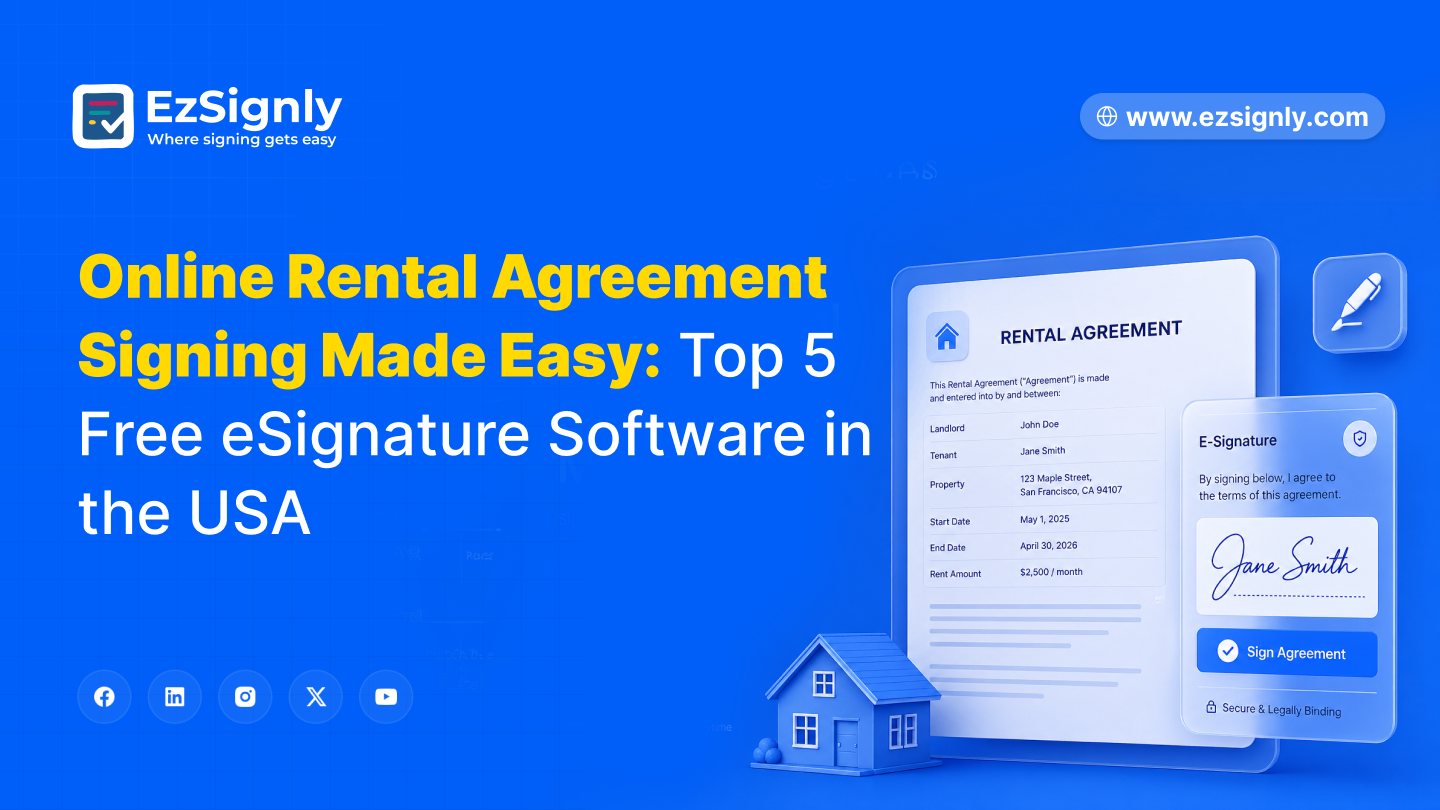
Online Rental Agreement Signing Made Easy: Top 5 Free eSignature Software in the USA
Online rental agreement signing is easy with free eSignature software—fast, secure, and completely paperless.
April 29, 2026
AI-Powered eSignatures in 2026: The Smart Choice for Modern Businesses
AI-powered eSignatures in 2026 make document signing faster, smarter, and more secure for modern businesses.
April 10, 2026
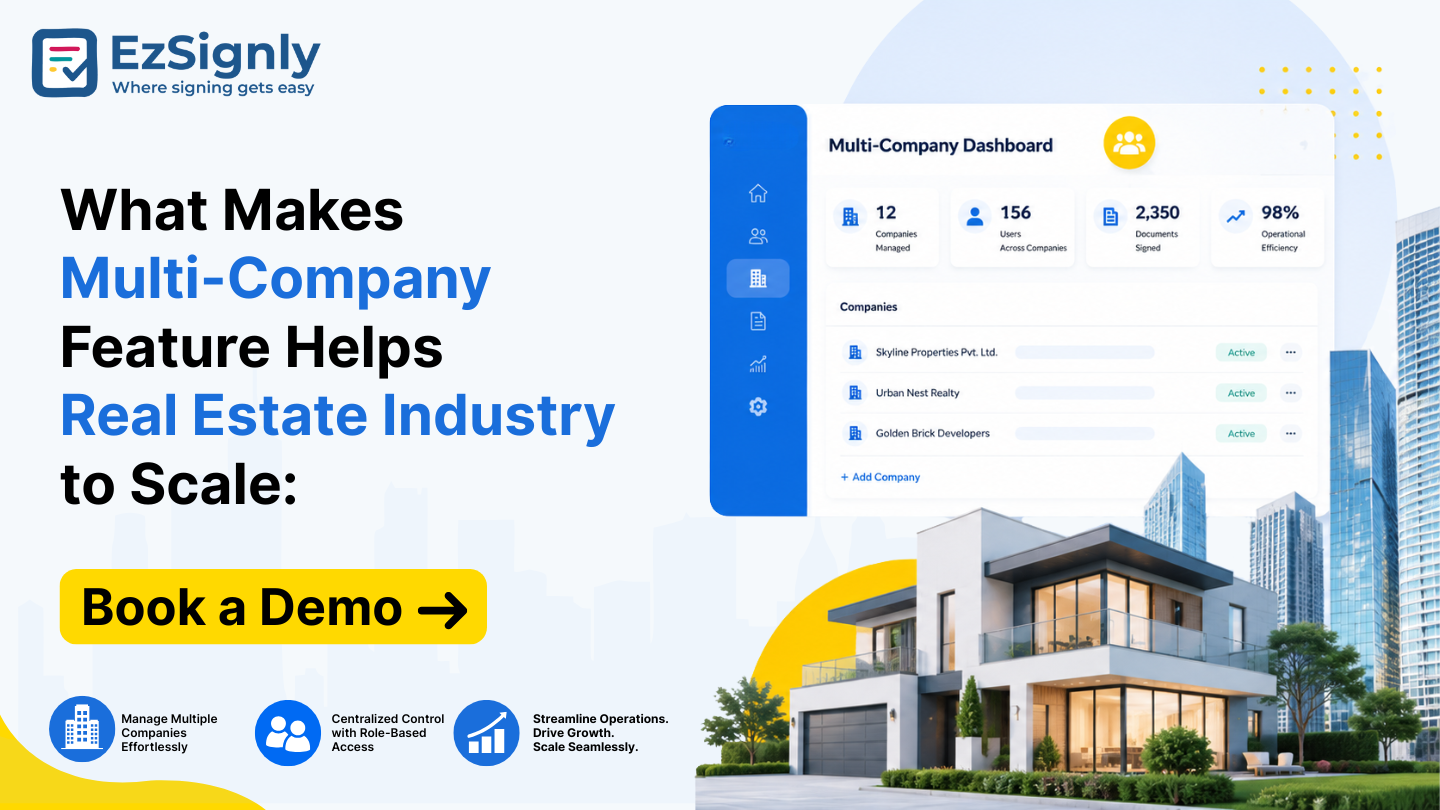
What Makes Multi-Company Feature Helps Real Estate Industry to Scale: Book a Demo
Scale your real estate business with multi-company management. Streamline operations, centralize data, and manage multiple entities effortlessly. Book...
June 23, 2026
Have any other questions? EzSignly's team is here to help!
© 2026 Copyright EzSignly. All Rights Reserved