


Multi-User eSignature Software: Automate Document Signing from Start to Finish.
September 18, 2026 | Posted By Admin
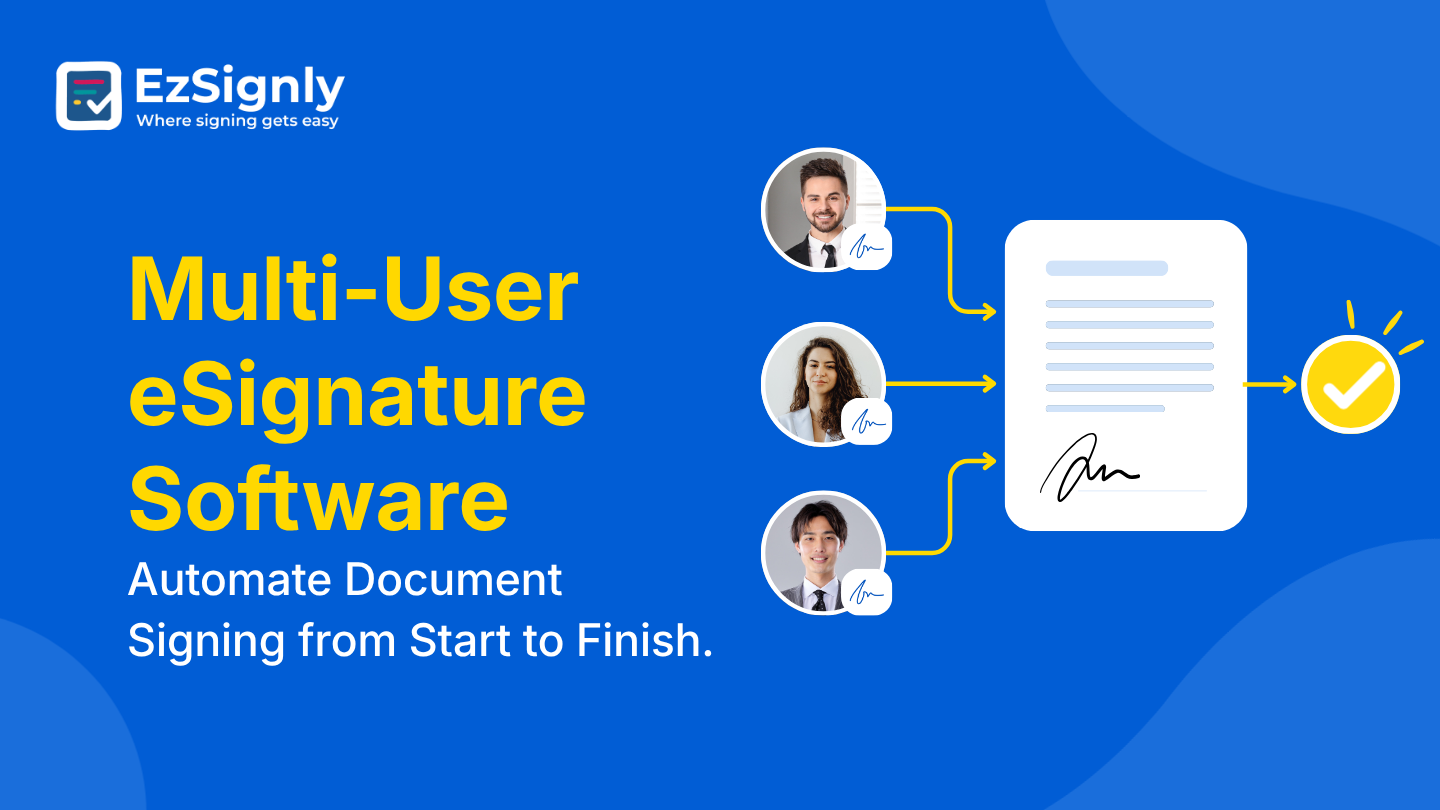
Electronic Signing Software
Summary
EzSignly helps growing companies, franchises, and
multi-location teams send, sign, and track documents without paper, printers,
or endless follow-up emails. This guide looks at where manual approval breaks
down, what a modern signing platform should offer teams with several users, and
how this platform fits into that picture. You'll also find a practical
checklist and rollout steps to help you compare options before committing.
Introduction
Paper contracts and PDF attachments still slow down
plenty of teams. A hiring packet or vendor agreement can sit untouched for
days, waiting on a manager, a client, or a partner office in another state. For
an organization running several brands, franchises, or subsidiaries, that delay
multiplies - every entity needs its own templates, approvers, and paper trail.
That's exactly where eSignature software for multi-company in US operations
earns its keep: one account, consistent branding controls, and a shared audit
history across every legal entity. This article takes a walk through the actual
friction paper-based approval process, what to watch out for when choosing your
signing tools, and where EzSignly plays a role for teams managing more than one
business or more than one signer per transaction.
How Paper-Based Approval Processes Waste Valuable Time
Generating a printed copy, scanning it back into an electronic copy, mailing it, and then doing that whole cycle again for a single correction can easily cost you days when your loan should be closing in minutes. The U.S. ESIGN Act legislation in 2000 made eSignatures equivalent to ink-based signatures over two decades ago, but too many lenders still rely on a dusty PDF-email loop that cannot get you where you need to go.
That delay is a big deal. A vendor contract on hold
could delay your product release, and an offer letter unsigned might cause a
hiring manager to lose a candidate to a faster-moving competitor. The longer
the unsigned document sits around, the more risk there is for the company that
issued it.
What a Signing Platform Should Offer Teams With Multi-Users
As soon as more than one person has to approve, countersign, or send contracts, a few requirements become un-negotiable: role-based permissions so that someone junior can't sign the director's contracts, the ability to use templates so the next person doesn't have to recreate the same NDA again, automated reminders so an unsigned contract isn't left languishing in an inbox.
A comprehensive, timestamped audit trail for each
document is also critical, noting who opened it, when they signed it, and from
which machine. Before you commit to a vendor, check out eSignature
software pricing in US listings; the per-user cost can add up quickly
once your team exceeds a few licenses.
Managing Documents Across Multiple Companies or Entities
Franchise groups, holding companies, and agencies managing several client accounts face a different problem entirely: the same signing tool has to support separate branding, separate template libraries, and separate approval chains for each entity, all without mixing up who's authorized to sign for whom.
Centralized reporting matters here too. A regional
director overseeing five locations shouldn't need five logins to see which
onboarding forms or lease renewals are still pending. A single dashboard that
filters by entity keeps that oversight simple instead of chaotic.
How EzSignly Supports Multi-Entity Workflows
Our online document signing platform, founded in 2010, builds toward exactly this kind of setup. It serves legal, HR, finance, healthcare, real estate, insurance, education, and government teams, and the vendor reports more than 100,000 users on the platform. Pricing runs on a per-user, monthly basis - a lifetime-free tier covers basic signing with a 5 MB file limit, while paid tiers (roughly $10–$20 per user, per month) add reusable templates, cloud-storage integrations, and web widgets.
For teams handling several entities, the parts worth
noting are the admin controls, the certificate of completion attached to every
finished document, and letting developers embed signing directly into an
existing system rather than redirecting people to a separate site. It also
connects to Google Drive, Dropbox, Salesforce, and thousands of apps through
different platforms and complies with the ESIGN Act, UETA, and General Data
Protection Regulation. None of this makes it the automatic right fit for every company
- a two-person shop with one client doesn't need multi-entity dashboards - but
for HR departments coordinating onboarding across several offices, an option
built as eSignature software for HR in US settings is worth
shortlisting alongside anything else you're evaluating.
Choosing Between Free and Paid Plans: A Quick Guide
You might even consider taking 2 minutes and answering these questions before you pick a tier and start looking at the sticker prices. Start with users: does the free plan cap you at a single sender, or does it actually scale as your team grows? Next, look at templates - can you save and reuse a contract, or are you rebuilding the same NDA from scratch every time? File size limits are more important than you think - a 5 MB limit is plenty for a one-page application but not for a 40-page master agreement.
If you're planning to build signing into your own app or client portal, check whether the embed options are even available on the tier you're considering, since that's often locked behind a higher plan. Compliance is worth confirming outright rather than assuming - make sure the provider aligns with the ESIGN Act and UETA, and with the General Data Protection Regulation too if you work with the clients. Finally, look past the marketing page and check the integrated depth: whether it connects directly to your storage and the HR systems, not just generic import-export.
Add up per-user cost, storage needs, and combination
fees together, not just the sticker price on the landing page - that's usually
where budgets quietly blow past plan.
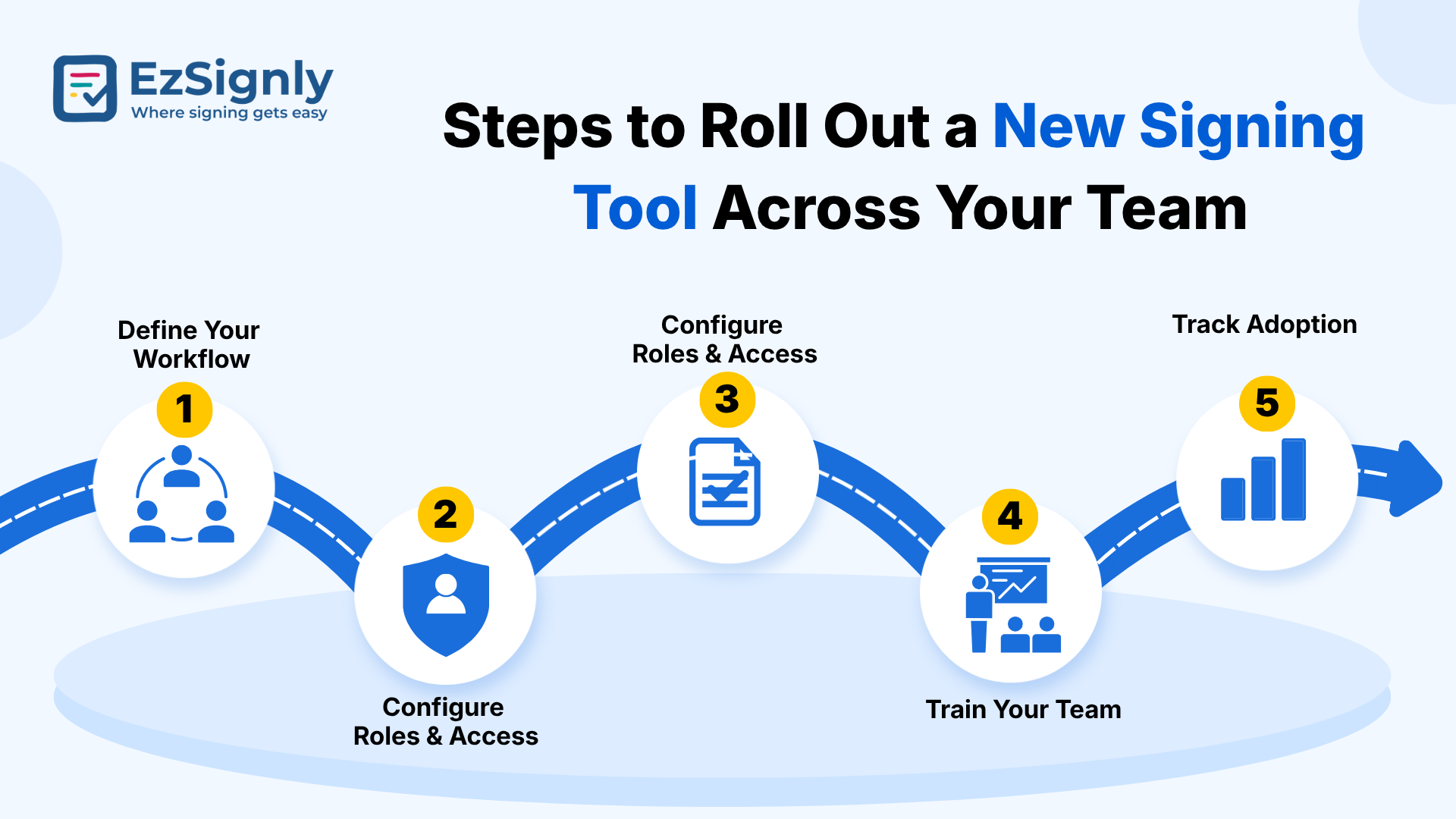
Steps to Roll Out a New Signing Tool Across Your Team
Audit your current process. List every document type that currently requires a wet signature or a scanned PDF.
Pick one pilot group. HR or sales usually sees the fastest, most visible wins.
Migrate your top templates first. Offer letters, NDAs, and vendor agreements cover most day-to-day volume. Train users on the essentials only. Sending, tracking status, and downloading a signed copy - nothing more is needed on day one. Review the audit trail after two weeks. Confirm turnaround times actually dropped before rolling out further. Expand entity by entity. Add branding, templates, and permissions for each company or location once the pilot proves out.
If leadership needs a stronger case for the switch,
point to turnaround time: proper eSignature software for business in
USA routinely cuts approval cycles from several days down to a matter
of minutes, which is the single easiest number to put in front of a budget
owner.
Best eSignature Solution
Industries and Business Teams That See the Biggest Benefits
Legal and real estate teams benefit from fast,
verifiable closings on leases and settlement paperwork. HR departments use it
for offer letters, policy acknowledgments, and onboarding packets. Insurance
and healthcare providers rely on the audit trail for compliance documentation,
while finance and government offices lean on multi-signer workflows for
approvals that involve several stakeholders before anything is finalized.
Have any other questions? EzSignly's team is here to help!
Conclusion
Paper-based approval processes that require manual signatures are a costly and dangerous way to manage agreements when more than one individual, department, or organization owns them. A shared signing platform-with role-based access, templates that can be reused, and a full audit trail-closes that process gap and provides a single, clean paper trail for each document that does not require separate logins or cumbersome spreadsheets. While EzSignly or any other solution might make it to your shortlist, be sure to take it for a test drive with the checklist above before investing your entire team.
Sign up today and sign smarter.
FAQs
Q: Can a company switch signing platforms later without losing past records?
A: Most platforms let you export completed documents and their certificates of completion at any time, so switching platforms down the line doesn't mean losing signed history — just plan to download an archive before canceling any account
Q: How is a setup for several entities different from a single-company account?
A: A single-company account uses one set of templates, branding, and permissions. A setup built for several entities lets each subsidiary or location keep its own templates and approval chain while still rolling up into one shared dashboard for reporting.
Q: What happens to a document after everyone has signed it?
A: Most platforms, including EzSignly, generate a certificate of completion with a timestamped record of every action taken, then store the finished file securely so it can be retrieved later for audits, disputes, or renewals - no filing cabinet required.
Take a look at the latest blog
Why Businesses Choose EzSignly for AI-Powered eSignatures in 2026
Businesses choose EzSignly for its AI-powered automation, secure eSignatures, and fast, hassle-free document workflows.
April 10, 2026
A Complete Guide to Choosing the Right eSignature Software in 2026
A quick guide to choosing the right eSignature software in 2026 based on features, security, pricing, and compliance.
February 17, 2026
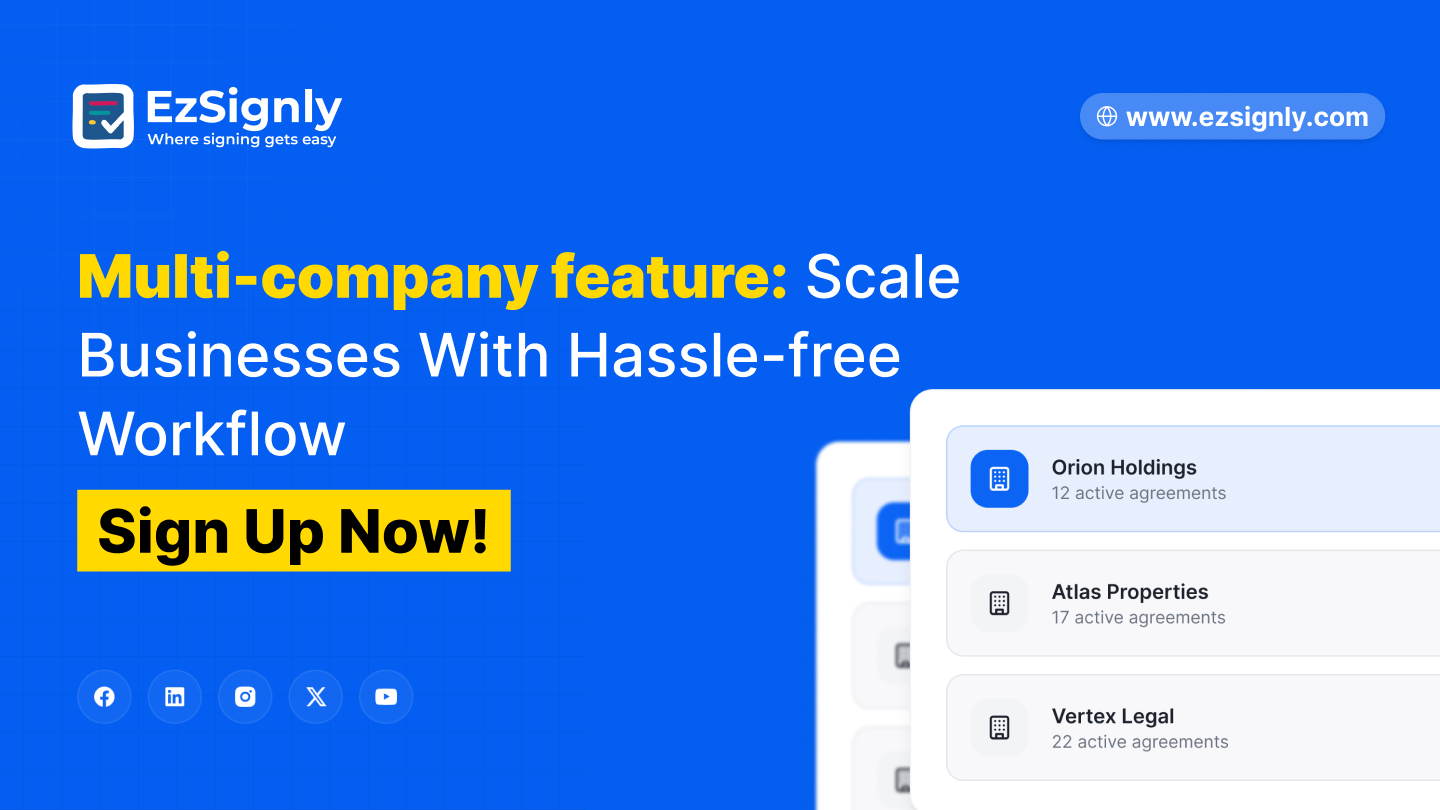
Multi-company feature: Scale Businesses With Hassle-free Workflow: Signup Now
Manage multiple companies with a hassle-free workflow. Centralize operations, improve efficiency, and scale your business with ease.
June 15, 2026
How Much Does Online PDF Signing Really Cost? Detailed Comparison of Free Vs Paid Tool
Examine the main features, prices, and restrictions of both commercial and free PDF signature software. Choose the best solution for your requirements...
September 16, 2026
Have any other questions? EzSignly's team is here to help!
© 2026 Copyright EzSignly. All Rights Reserved