


Typed, Drawn or Uploaded? Which Electronic Signature Style Works Best: Book a Demo
November 26, 2026 | Posted By Admin
Best Electronic Document Signing
Summary
There are three primary styles of electronic signatures. You can either type, draw, or upload them, as per your preference. In this blog, we will understand in detail the function of each signature, how they fit into a company, and how EzSignly handles all of them. We will also see features like HR paperwork and business automation through the portal.
Introduction
When you have to sign on a screen, you might see a small pop-up asking you to type, scribble, or upload a photo of your signature. There are different perks to choosing each signature, and you have to match those with your signature needs. If you’re comparing eSignature software online in USA, you must have wondered which choice is the best for your use.
There are advantages to all three methods. Of course, a quality product makes the decision easier. The following will break it all down as simply as possible using EzSignly as the example.
Three Methods to Sign, One Big Question
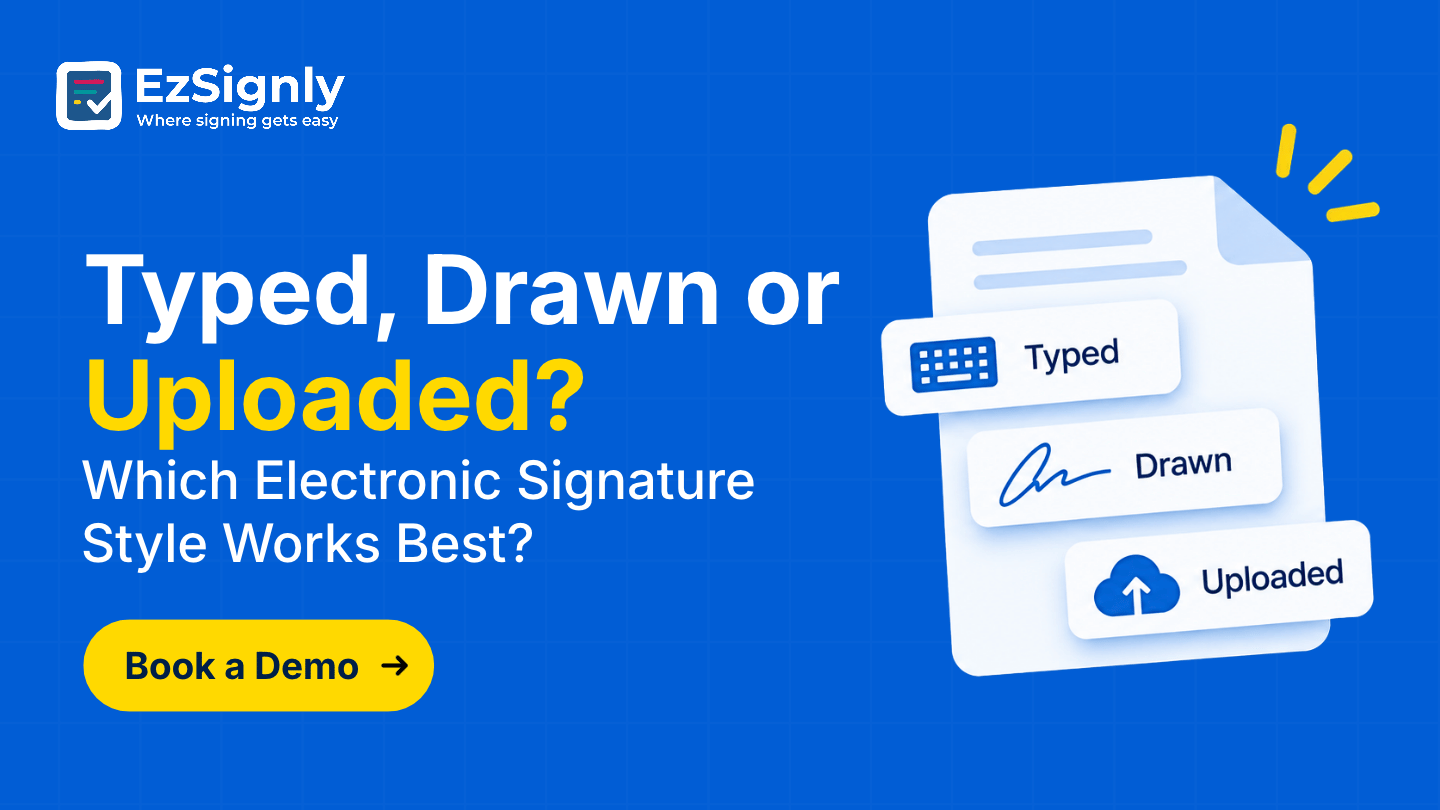
EzSignly provides users the ability to draw, type or upload a signature. Their guide states users can choose any method they wish. Style is unimportant. EzSignly focuses on the purpose and function before all else.
Typed Signatures: Quick and Tidy
When Typing Wins
EzSignly offers users a way to type their name using a handwriting-simulated font. Choosing this method yields the quickest results. This is ideal for those signing contracts using their phone, as the font choice is determined by the user.
Where It Feels Thin
A typed signature can appear generic, and some feel it lacks significance for important contracts. A signature is a signature if it was designed to adopt a sound, symbol or process for signing, but a judge may frown upon a choice of a font that half the office uses.
Drawn Signatures: The Personal Touch
Drawing a signature in EzSignly provides users the ability to preview, erase and redo their signature, similar to signing on a touch screen. People often sign contracts using this method to give the signing process a little ceremony.
The mouse is the catch. Drawing with a trackpad is rough. Phones and tablets are better. Go and do it as many times as you need to in order to express your true intent.
Uploaded Signatures: Your Real Ink, Digitised
EzSignly saves signatures as images, too. Likewise, their signatures have a see-through background in order to lay flat. It looks nice if you crop really close and have decent lighting.
What the Law Actually Cares About
In the US, the law states that you were supposed to sign it, you agree to do business electronically, your signature is tied to that particular record, and the finalised record is kept. There’s no requirement it be typed, drawn, or uploaded.
What is more important is proving it. In the case an agreement is later questioned, a record of who signed when will really weigh on the case. There may be documents that require ink to be signed, such as wills.
What You’ll Pay for Better Signing Tools
EzSignly’s eSignature Software Cost in USA allows several sends per month for one user.
Signing documentation electronically with EzSignly is totally free. Paid plans include features like identity check, activity log, and AI template building, starting with the Standard plan, and signing order and attachment requests with role controls, starting with the Business plan. Billing annually gets you 30% off.
How Signing Works Inside EzSignly
Setting Up the Document
You can send documents for signature via EzSignly by uploading a PDF. You can use EzSignly’s AI to do a few things for you. It can detect the document type and suggest an email subject and message for you to edit and add.
You can add as many signers as you want, and you can set the order in which they need to sign the document.
What the Signer Sees
Signers can choose to sign documents using their mouse, by drawing a signature, or by uploading an image of their signature. EzSignly sends an encrypted email to the signer, and once signed, the file is returned to you and stored. Changes are logged via an activity record. EzSignly also says it flags changes made to a signed document to offer an additional safety net.
HR teams interact with documentation at various stages of an employee’s journey. As they explore eSignature Software for HR Lifecycle in USA, they look for a solution to digitally sign documents at each stage, rather than using multiple systems to do the same.
On its HR page, EzSignly mentions how offer letters, employment contracts, NDAs, onboarding checklists and timesheets, and background check consent documents can be digitally signed. With its features like bulk send, templates, reminders and status, recruiters do not have to bother about chasing people for their signatures.
We still need to consider the style of signing. For example, a contract recruiter may be comfortable signing offer letters, but may prefer to type them. Of course, there are ways to make your own adjustments to the signing process to make you feel more comfortable.
Using one style to sign all documents may work best. Feel free to type signatures for routine approvals, drawn signatures for offer letters and contracts, and scanned signatures for formal letters.
A routine may also develop to use drawn signatures for offer letters and contracts, and typed signatures for internal documents.
Why Growing Companies Care
Growing companies appreciate eSignature for Businesses in USA for workflow. Flow is essential for businesses of all sizes. For companies considering eSignature for Businesses in USA, you must look past the signature. You need reminders, role controls, templates, and live tracking. EzSignly provides all these and more.
Conclusion
There are no rules for signing, so there is really no right way to sign. Law is more concerned with your intent to sign and evidence to support your signing. While assessing software online, go with what feels natural. EzSignly captures everything and keeps records. You can also try out each of the three methods on a sample document.
Have any other questions? EzSignly's team is here to help!
FAQs
1. Is a typed signature legally valid?
A: Yes. The intent to sign the document is what matters. There may be other exceptions, like with a will.
2. Can signers choose their style in EzSignly?
A: Yes. The guides say EzSignly allows signers to type, draw, or upload signatures.
3. Is there a free way to make a signature in EzSignly?
A: Yes. Users can draw or type a signature, and download it as an image. Check the site for the latest.
Take a look at the latest blog
How Illinois Businesses Can Scale Faster Without Signature Holdups: Paperless Growth
Go paperless to speed up approvals, eliminate signature delays, and scale your Illinois business faster.
September 11, 2026
How Businesses Can Reduce Document Processing Time with eSignature Software in USA
eSignature software helps U.S. businesses process documents faster by enabling digital signing and automated approvals.
August 13, 2026
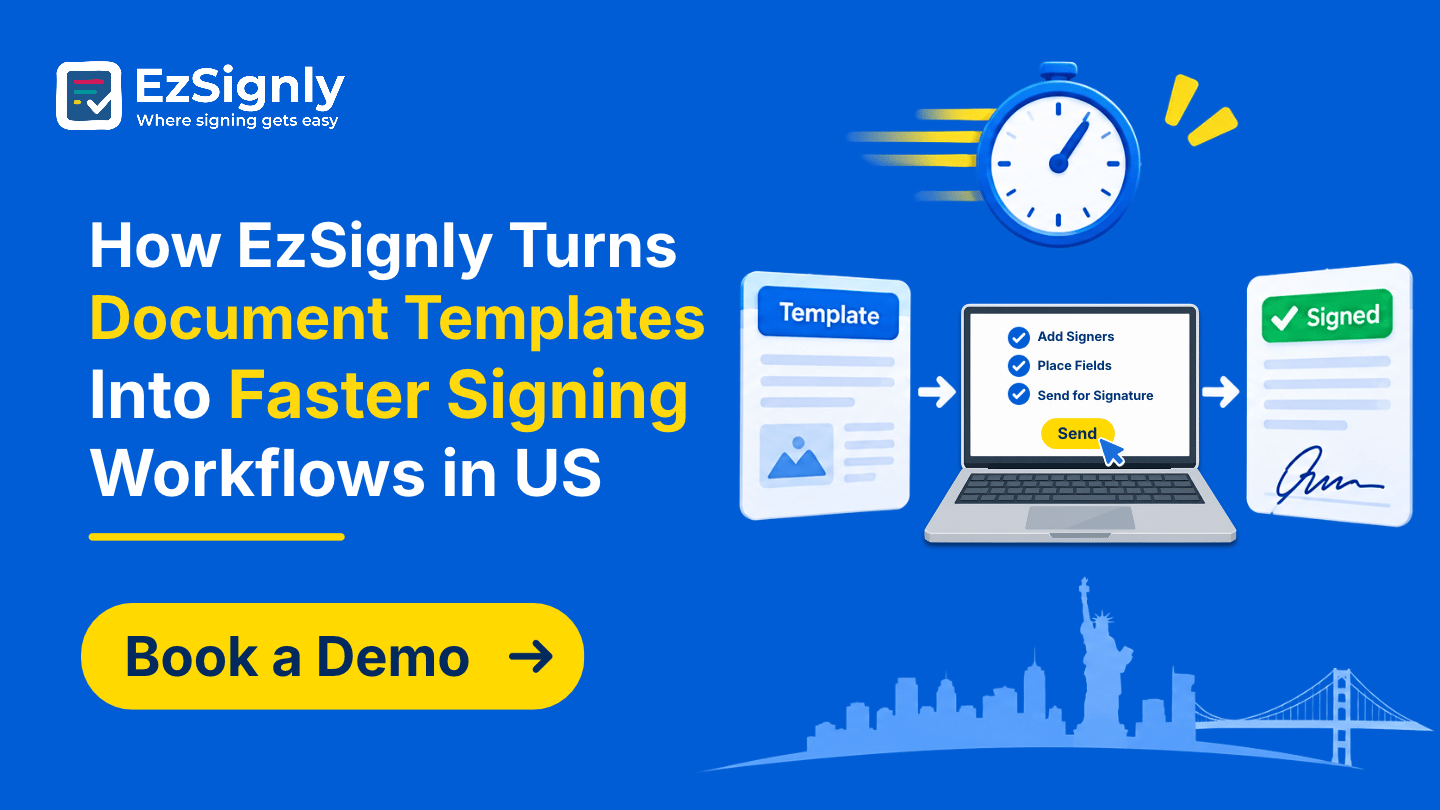
How EzSignly Turns Document Templates Into Faster Signing Workflows in US: Book a Demo
See how EzSignly speeds up document signing with reusable templates. Book a demo today!
November 19, 2026
Why Every Growing Business Needs eSignature Software Platform in 2026
In 2026, growing businesses need eSignature software to speed up deals, cut paperwork, and stay secure in a digital-first world.
February 18, 2026
Have any other questions? EzSignly's team is here to help!
© 2026 Copyright EzSignly. All Rights Reserved