


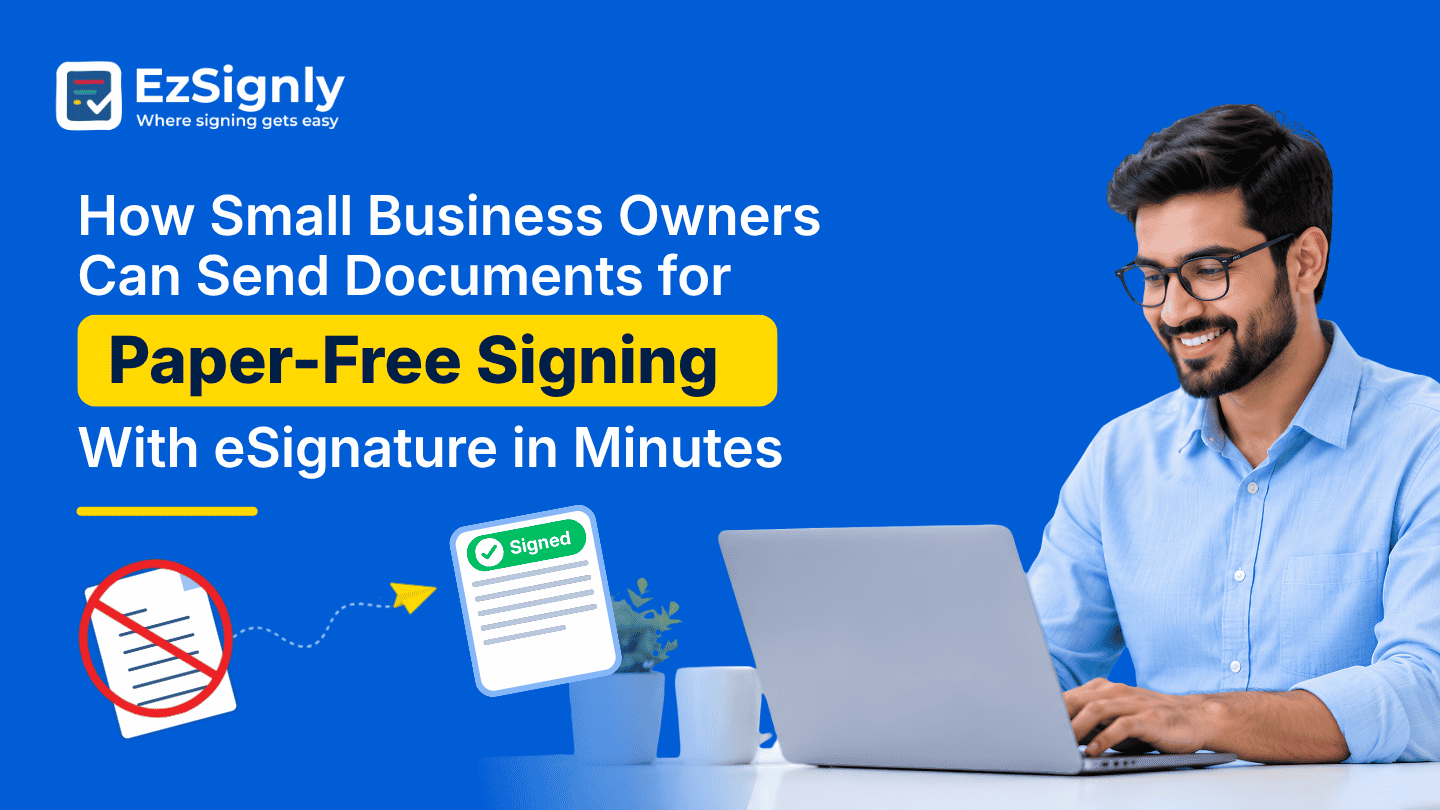
How Small Business Owners Can Send Documents for Paper-Free Signing With eSignature in Minutes
November 9, 2026 | Posted By Admin
eSignature for Business
Summary
People who have a small business seldom get time to do
redundant activities like printing, scanning, and reminding clients about
paperwork. For such tasks, electronic signatures are enough, as they offer an
easier way to manage everyday tasks and documents. EzSignly helps businesses
create a smooth and linear workflow for themselves. It assists in uploading
documents, adding recipients, creating signing fields, and tracking progress
from a central dashboard. There are also features such as reusable templates,
automated reminders and bulk sending on EzSignly that ease the procedure for
teams handling stacks of paperwork.
Introduction
The owner of a small business has a lot of work, and they are mostly difficult. There is one moment when you are dealing with a client, and the next minute an invoice arrives, or you have to prepare an agreement for a new buyer, or manage recruiting work.
Managing a small business is not simple work. One moment you are dealing with the customer, the next moment an invoice arrives, or you have to prepare a contract for a new vendor, or handle recruiting work. You often get squeezed between a lot of paperwork as well as responsibilities, mostly when you need to print, sign, scan, and email back documents.
This is where eSignature tools for small businesses can come to your benefit and make it significantly easier. You don’t have to arrange an in-person meeting just to get a signature. You just have to send the document electronically, and the recipient can complete it from home or anywhere. The process is way fast, convenient, and everybody has a clear way to have a track of the file.
With EzSignly, all this process becomes direct and
smooth. It helps users by letting them upload documents, add recipients,
prepare signing boxes, and send files for electronic signing. After the request
is sent, the dashboard assists them in following up without having to mine
through all the old emails. For a business owner who has to juggle multiple
roles and responsibilities, this convenience comes in handy for them, as well
as saving time.
How A File Becomes A Signature Request
To do all the procedures that lead to a signature request, you should start with the contract that has to be signed. There might be a service contract, a quotation that might need someone’s approval, an agreement, or a consent form for clients. Then upload the document to EzSignly, put the details of recipients, and enter the needed signature, date or other input fields required in their place. Please see to it that each recipient knows the sections they have to complete before sending the request.
Real estate paperwork without the hassle
Real estate is one of those sectors that has a lot of documents revolving around it and requests going here and there from agents to clients. eSignature Software for Real Estate in US can help bring these requests into a more manageable process. EzSignly offers reusable templates, document tracking, automated reminders, and bulk sending for common real estate workflows, helping professionals spend less time following up and more time assisting clients.
Once you get everything prepared, you have to send the signing request. You can also use the Documents section of the dashboard so that you can keep track of files and track their status. This is useful when a contract is pending, and you have to decide if you have to send a reminder or not.
Light Process, Easy Signatures
The above process doesn’t require a big pile of
printed papers or a separate email in the inbox for every small update. Just
watch out for a proper review of the document before it finally goes out. This
is because terms matter in digital signing, and they do make delivery easier.
Don’t Recreate The Same File Regularly
If you send the same agreement on a daily basis, making it from scratch every time is redundant work. A service business may not need to send different designed contracts to different clients, and may keep it uniform. Also, a retailer might need recurring supplier agreements or staff forms.
The templates section of EzSignly lets users save regularly used documents for future requests. Once a template is ready, the team can reuse it rather than rebuild the layout and add the same fields every time. With this, the chances of forgetting a signature field or mistakenly using an outdated version are also reduced.
A smoother start for new joinees
Hiring in a company is more than just sending an offer letter. There are multiple documents involved, such as employment agreements, onboarding forms, and policies that need attention before a new employee joins.
With eSignature Software for HR in Chicago, recruiters can use and explore many ways to arrange these recurring tasks in a digital manner. EzSingly has an HR solution that supports reusable templates, team collaboration, bulk sending, and real-time tracking. This makes it simpler for them to see which documents have been done and which are still pending.
Bulk send is also useful for teams when many recipients have to receive similar paperwork from them. Instead of sending requests to each individual, teams can easily send documents to all the designated recipients and track their progress via the website. These tools are especially useful when regular paperwork starts taking time away from serving customers.
Keep legal paperwork organised
In-house and small law firms also have to deal with engagement forms, service agreements, NDAs, and other types of legal papers that require proper handling. eSignatures for Law Firms and Legal Teams can help in simplifying the signing stage by decreasing printing or scanning when you have to maintain a record of document activity.
EzSignly has features including audit trails and
tracking that help legal teams manage signing requests and get completed
agreements when needed. The correct signing method should also be cross-checked
against the legal and regulatory requirements of documents.
Conclusion
Stacks of paperwork will always remain a part of a small business or a big business, but following signatures doesn’t have to be a part of it, either.
EzSignly helps small business owners send documents digitally, reuse familiar templates, and monitor signing progress, and they don’t have to add other rounds of printing and scanning to their day.
Explore EzSignly today and try its eSignature
workflow. A few minutes of understanding the setup is better than handling lots
of paperwork and could save your team from repeated effort every week.
Have any other questions? EzSignly's team is here to help!
FAQs
1. Can I send a document for electronic signing in minutes?
A: Yes. Once your document is ready, you can upload it, add the recipient and signing fields, and send the request. Reusable templates can make recurring requests quicker to prepare.
2. Do I need a template for every document?
A: No. You can send individual documents when needed. Templates are most useful when you regularly send similar agreements or forms.
3. Can I check whether someone has signed?
A: EzSignly provides document tracking through its dashboard, allowing users to check signing progress and identify requests that still need attention.
Take a look at the latest blog
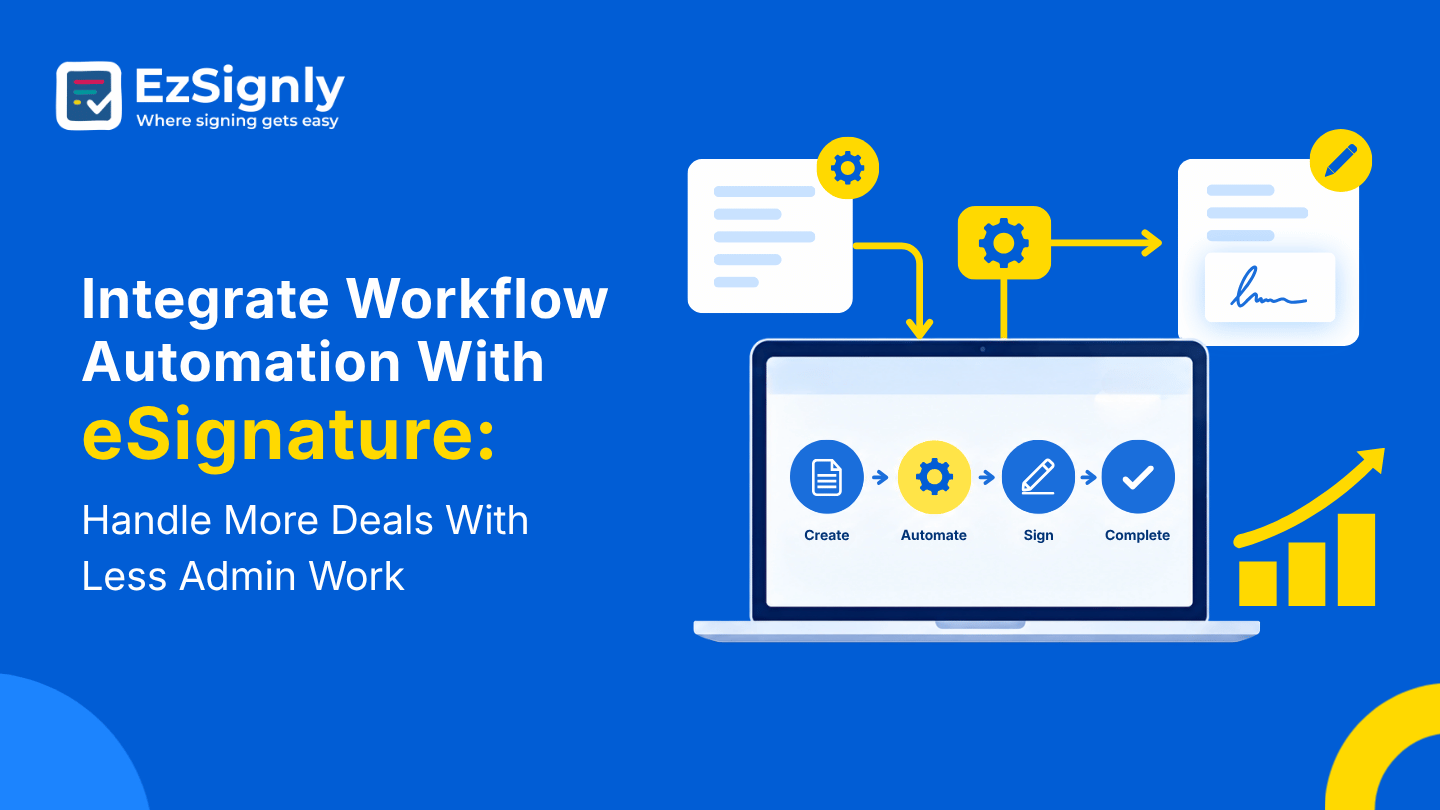
Integrate Workflow Automation With eSignature: Handle More Deals With Less Admin Work
Use eSignature to automate processes so you can close more deals more quickly and do less administrative work.
November 2, 2026
Know How eSignature Tools Really Cut Legal Department Costs by 80% : Book a Demo
Legal departments across the USA face high costs from paperwork, printing, and slow approval cycles. This blog breaks down exactly how digital signing...
August 14, 2026
Boost Productivity: Why Small Businesses Are Adopting Electronic Signatures
The smart way small businesses speed up signing and approvals.
January 27, 2026
The eSignature Pricing Trap in US: Know More About Enterprise-Level Features in 2026
Plans for enterprise eSignature can conceal additional expenses for automation, security, connectors, and compliance. Compare total expenses in 2026 b...
August 27, 2026
Have any other questions? EzSignly's team is here to help!
© 2026 Copyright EzSignly. All Rights Reserved